Connecting HubSpot to monday.com looks like a solved problem, and on the surface it is. There is a free integration built by monday.com itself, sitting in HubSpot's App Marketplace with around 8,000 installs. You pick a recipe, map some fields, and closed deals start appearing on the delivery board without anyone retyping them.
Then a project manager updates the delivery date on the board, and nothing happens in HubSpot. Someone notices the contract value on an item is three months old. An ops lead asks which open deals have no delivery item attached, and there is no way to answer it. And at some point in the second week, the automations stop running entirely and a banner appears explaining that the account is out of actions.
Those are not three unrelated bugs. They are three separate design decisions, each reasonable on its own, and this guide is about all three: which direction data actually moves, which fields keep moving after day one, and what the whole thing costs to run once real deal volume hits it. It sits alongside the broader guide to HubSpot integrations, focused on the join between the system that sells the work and the system that delivers it.
In this article
1.
2.
3.
4.
5.
6.
7.
8.
9.
10.
11.
Does HubSpot Integrate With Monday.com?
Yes, and the integration is a first party one. monday.com builds it, monday.com maintains it, and it is free to install from the HubSpot App Marketplace under the Project Management category. On paper that is the best version of a marketplace listing, because there is no third party vendor in the middle to go out of business.
The reception is the most useful number on the page.
Read those two numbers together, because either one alone misleads. Eight thousand installs says the need is real, widespread and urgent enough to act on. A 2.1 average says most of the people who acted did not get the thing they came for.
That gap is not evidence of a broken app. It is evidence of a mismatch between what the integration is and what the words "HubSpot integration" lead a revenue team to assume. Every limitation below is documented by monday.com in public. Almost none of it is visible at the moment you install.
What the Monday.com HubSpot Integration Actually Syncs
Three objects, and monday.com publishes exactly which ones in the App Functionality table on the marketplace listing: companies, deals and contacts, each landing as items on a monday.com board. There is no ticket support, and no custom object support.
More importantly, that same table publishes the direction of travel, and this is where most of the disappointment originates.
The Direction Problem
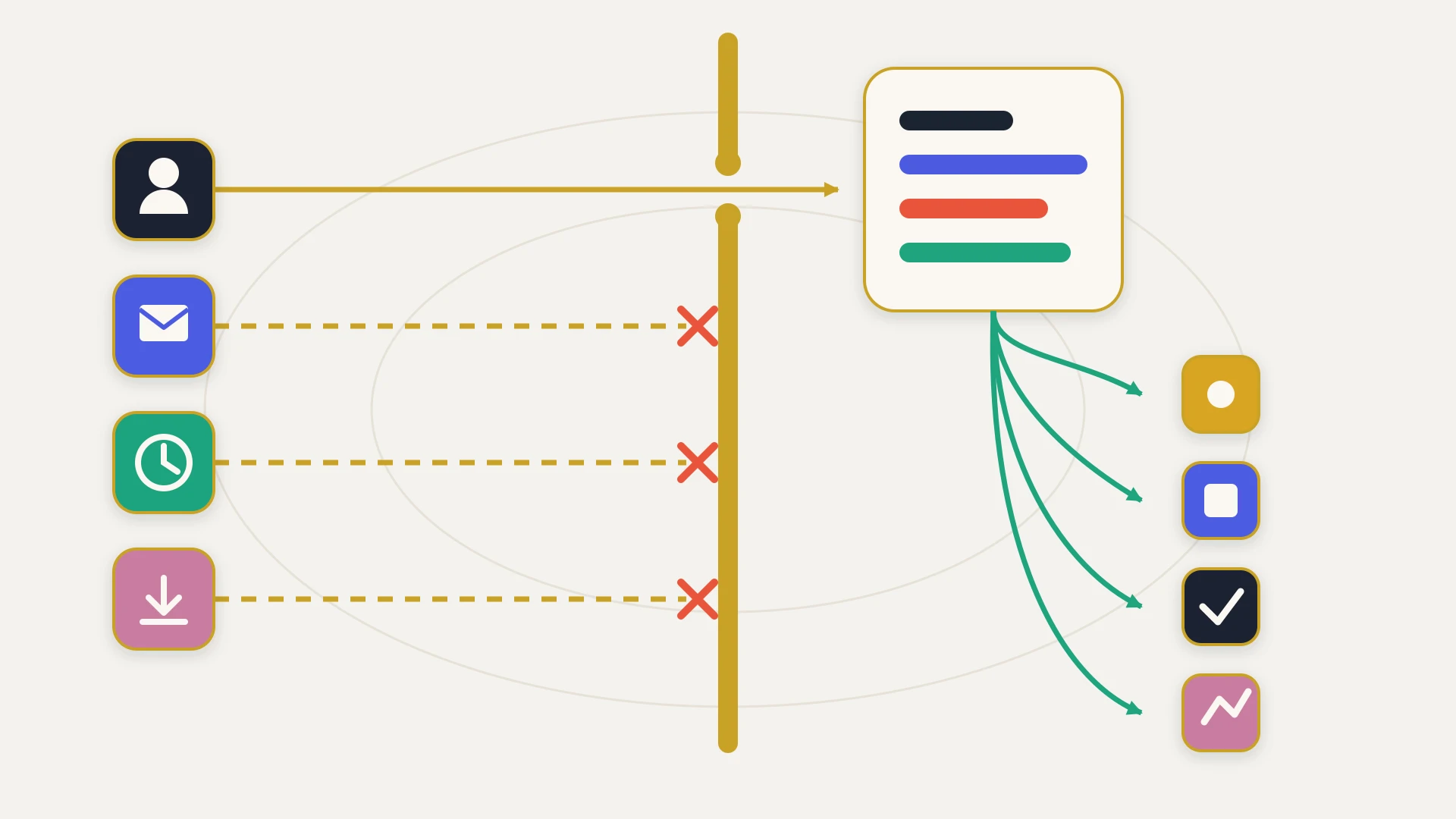
The marketplace listing renders sync direction as an icon rather than as words, which is why so few people register it. All three rows carry the same indicator, and it points one way: from HubSpot into monday.com items.
HubSpot companies to monday.com items
One way. A company record in HubSpot creates and updates an item. Editing that item does not touch the company.
HubSpot deals to monday.com items
One way. This is the direction most teams want for the sales to delivery handoff, so it is the one that works.
HubSpot contacts to monday.com items
One way. Contact data populates the board and stays a read only reflection of HubSpot.
There is no row travelling the other way and no row marked bidirectional. Whatever happens on the board stays on the board. A delivery date moved by the project manager, a status set by the team doing the work, a note about why the scope changed: none of it reaches the CRM, so the account executive looking at the deal record sees the version of reality that existed when the item was created.
This is worth being precise about because monday.com does document a two way sync capability elsewhere in its product, and the existence of that feature leads people to assume the HubSpot integration uses it. It does not. monday.com's own pricing guidance treats sustained two way syncing as a reason to be on the Enterprise plan, describing that tier as suited to sustaining multiple two way sync setups.
A one way integration is not half of a two way integration. It is a different product, and it solves the handoff while leaving the feedback loop exactly as broken as it was.
The reviews reflect it. One reviewer in August 2026 rated the app two stars under the title "Need it to trigger when deal changes stage", explaining that their team had gone back to setting up projects manually at the right point in the funnel. Another in March 2026 wrote that the platform is great but the integration is too basic, citing no initial synchronisation of items.
That second complaint points at something the direction table does not show. The integration acts on records going forward from the moment you switch it on. Deals that closed last quarter and projects that already exist are not linked by it, so a rollout covers new business only unless somebody moves the history across by hand.
The Custom Field Trap
This is the most expensive detail in the integration, and it is expensive precisely because it never announces itself.
monday.com's HubSpot documentation, last updated in April 2026, contains two statements about field mapping. Both are on the same page. Both are true. Together they describe behaviour almost nobody expects.
Currently, all HubSpot fields can be mapped onto a new item on monday.com, including both custom and non-custom fields.
The sync will occur only for non-custom fields (ie, the default fields for the relevant contact, company or deal in HubSpot).
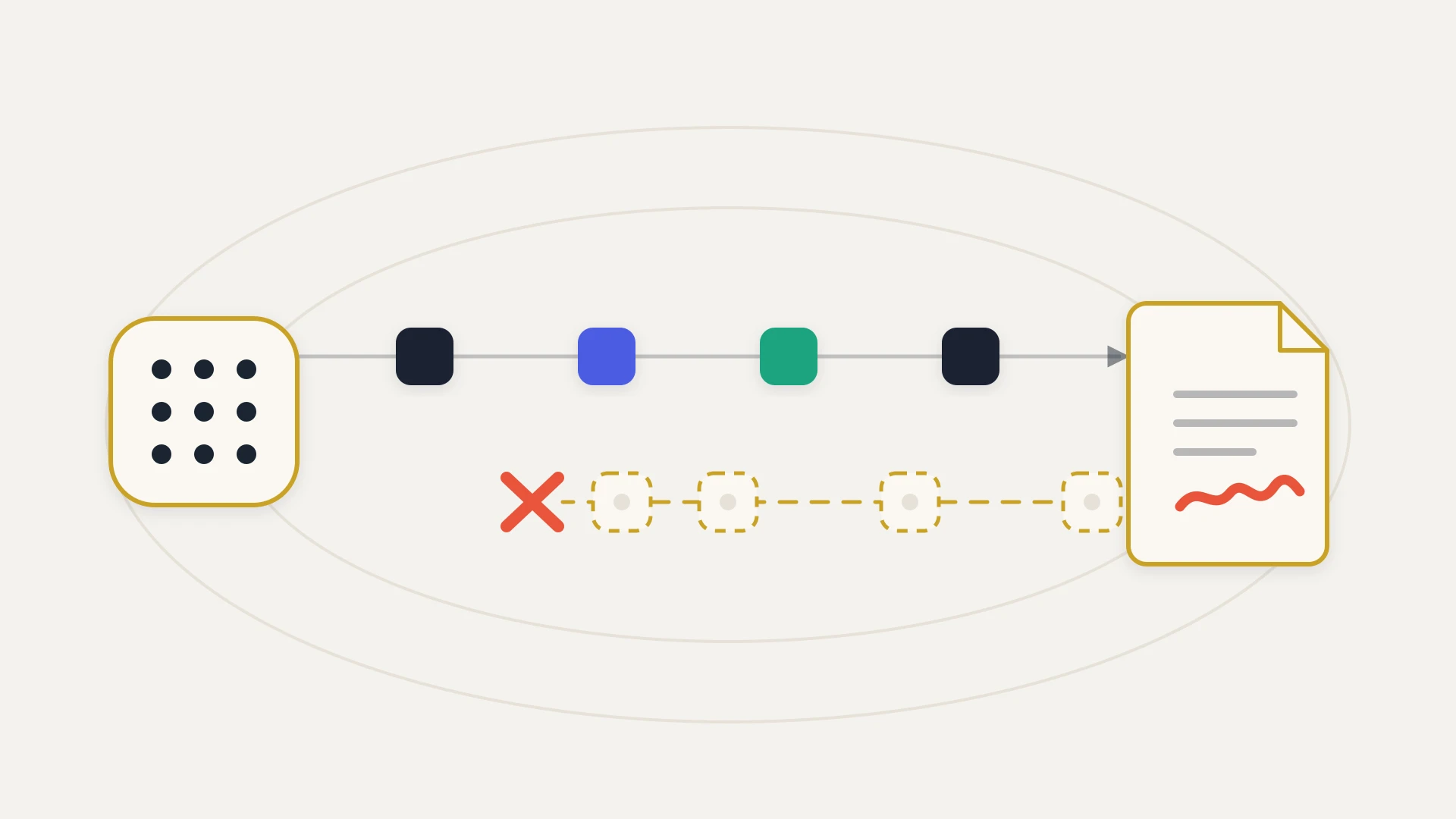
The first sentence describes creation. The second describes everything after creation. So a custom property is copied onto the item once, at the moment it is born, and is then frozen forever while the HubSpot record carries on changing.
The failure mode this produces is the worst kind, because the column is populated. It holds a real value that was correct on the day it arrived. Nothing errors, nothing turns red, and no alert fires. The board simply carries an increasingly historical picture of the business while everyone reads it as current.
monday.com names the fields that do keep syncing, and the list is short.
Thirteen fields, all standard. If your delivery team needs to know the implementation tier, the contracted seat count, the renewal risk flag or anything else your ops team built as a custom property, that information arrives once and then stops being true.
The Deal Owner detail deserves its own mention because it turns a working field into a useless one. monday.com states the owner maps as the HubSpot owner ID, not the name. The board column ends up holding a numeric identifier, which cannot be assigned, cannot be filtered by person in any meaningful way, and means nothing to the person reading it.
What It Costs to Run
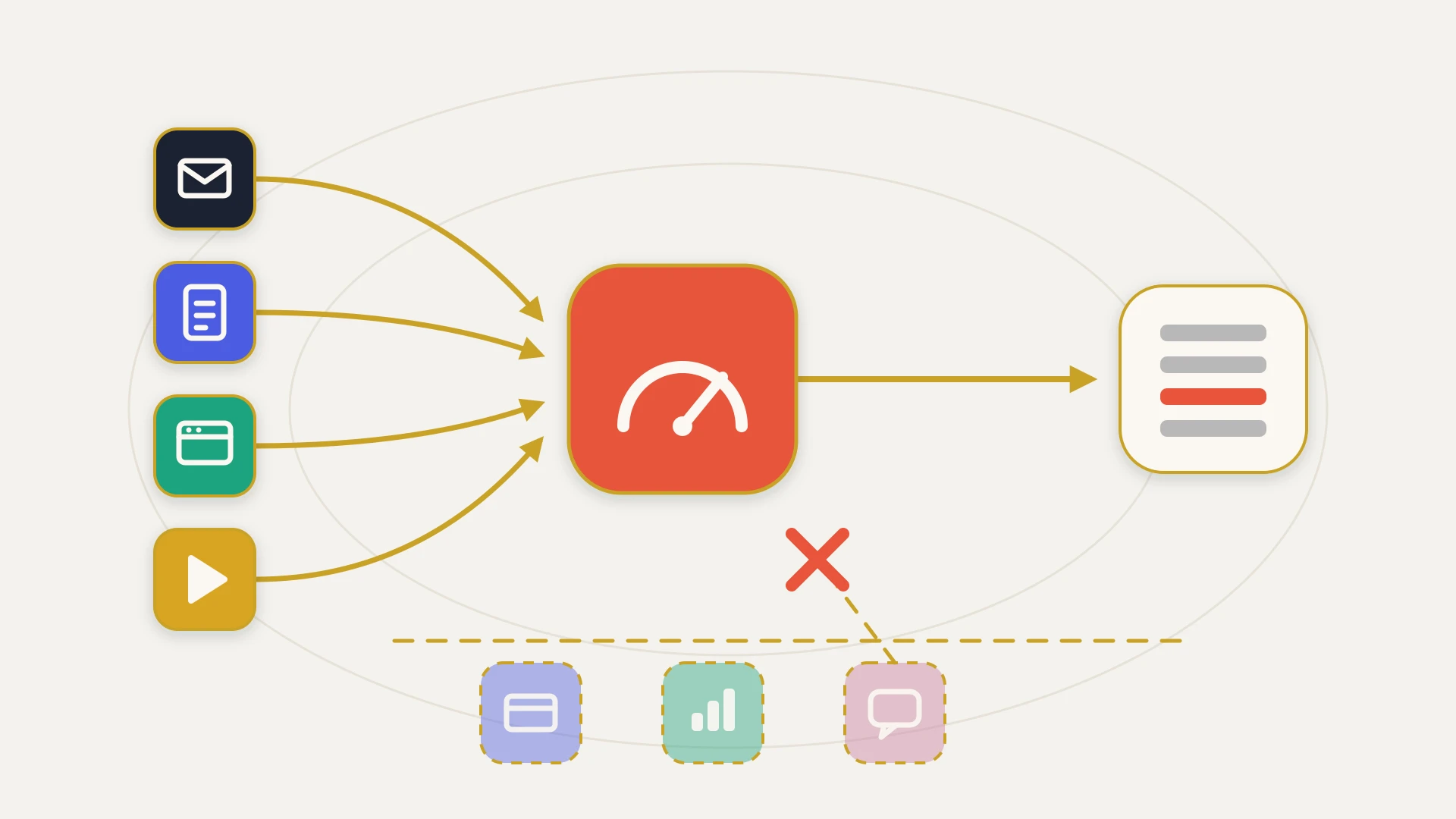
Here is the part that does not appear anywhere in the marketplace listing. The app is free. Running it is not, because every time it fires it spends from a monthly allowance, and the allowance is small at the bottom and enormous one step up.
First, the floor. monday.com's pricing documentation is explicit that automations and integrations are only available on the Standard plan and up, so a Free or Basic account cannot run this integration at all.
Now the multiplier, which is the detail that turns 250 into something much smaller. monday.com's actions documentation explains that when a template maps information into a new item, one action is consumed for creating the item and one more for each Status, Tag, People or Dropdown column mapped, along with the Update Section.
So the cost of syncing a deal is not one action. It is one plus the number of those column types you mapped.
monday.com does not hide this. Its pricing page states directly that any integration involving a two way sync with an external tool used daily may not be a good fit for the Standard plan, and recommends Pro for teams using monday.com as a CRM with integrations. The guidance is honest. It just lives two clicks away from the install button.
What happens at the ceiling is the part worth planning for.
Warnings at 50 and 80 percent
Billing contacts receive email notifications and a board banner. monday.com documents that the banner cannot be dismissed and disappears only on reset or upgrade.
A 72 hour grace period at 100 percent
Automation runs continue for 72 hours after the quota is reached, then pause until the cycle renews or the plan is upgraded.
The account is locked from editing
monday.com states that once the month's actions are used, the account is blocked from editing or adding new automations and integrations. You cannot reconfigure your way out of an overrun.
Debt rolls into next month
monday.com notes it is possible to consume the current month's limit and the following month's as well, meaning an account can begin a month with zero actions available and no automations for the entire month.
You mostly cannot buy more
Only Enterprise customers may purchase additional actions, and monday.com states plainly that you cannot pay to have actions reactivated once they run out. On Standard and Pro the only lever is upgrading the plan.
There is one further trap in the accounting. monday.com documents that actions consumed in relation to any monday app count towards the Automation limit rather than the Integration limit, and that custom templates containing integration blocks do the same. So a team that builds anything bespoke around the HubSpot connection finds it draws down the other budget, and marketplace apps can consume actions in the background without an obvious source.
How to Connect HubSpot to Monday.com
The setup itself is genuinely quick. The connection is started from the monday.com side rather than from HubSpot.
- 1
Open the board that should receive the data
Integrations are configured per board, not per account. Click Integrate in the upper right of the board.
- 2
Find the HubSpot integration and choose a recipe
monday.com presents the available templates. Pick the one matching the object you want to bring across.
- 3
Authorise both accounts
You will be prompted to connect monday.com to HubSpot. monday.com's documentation states you need to be a Super Admin on the HubSpot account to complete this.
- 4
Map the fields
Choose which HubSpot fields populate which board columns. Remember that custom properties map here but will not continue syncing afterwards, and that only the 13 standard fields stay current.
- 5
Leave the integration column alone
An integration column is added to the board automatically. It maintains the link between the two systems and monday.com documents that it cannot be edited.
Two constraints worth knowing before you design around this, both documented by monday.com and both easy to hit.
The first is a board level limit: monday.com does not recommend having more than one HubSpot integration template on a single board, citing potential interference between templates. Additional templates go on other boards, which pushes you towards a board per object rather than one consolidated view.
The second is an account level one, and it is the more dangerous of the two. Connecting the same HubSpot portal to multiple monday.com users and accounts is not supported. The connection belongs to the person who created it, and monday.com's documented remedy is to delete every HubSpot integration previously created by other users to that portal before a different user can create one. In practice that means the integration is owned by whoever set it up, and unpicking it after that person changes role or leaves is a destructive operation rather than a reassignment.
When the Native Integration Is Enough
It genuinely is enough for a real set of cases, and it is worth being clear about which, because paying for a build you do not need is its own mistake.
The native app is the right answer when
You have outgrown it when
Building a Custom HubSpot Monday.com Integration
If the native path stops short, the alternative is talking to monday.com's API directly instead of going through recipes. That changes the constraint picture completely, and mostly for the better, because API calls draw on an entirely separate and much larger budget than integration actions.
It introduces a different ceiling though, and it is a low one by integration standards.
The design consequence follows directly. A backfill of historical deals into monday.com items cannot be run as fast as HubSpot can serve the records, because 1,000 calls a day on Standard is a hard daily wall rather than a rate to throttle against. The architecture has to be queued, resumable and aware of the midnight UTC reset from the first line of code, and on a large history the backfill is measured in days rather than hours unless the plan is upgraded for the duration.
monday.com's API is also GraphQL with a complexity budget rather than a simple request counter, which cuts both ways. A carelessly written query can cost far more than it looks like it should, and a carefully written one can fetch in a single call what a REST API would need twenty for. Anyone quoting for this work should be able to say how they intend to keep a backfill inside the daily ceiling without stopping the live sync. It is a quick way to tell who has done it before.
What a Custom HubSpot Monday.com Integration Costs
The honest comparison is not build against free, because the native app stays available either way. It is build against the running cost of the alternative: the monday.com plan upgrade bought purely for action headroom, the iPaaS subscription that scales with operation volume, the manual re-entry of everything the one way sync cannot carry back, and the ops time spent answering questions that a real link between the two systems would answer instantly.
A custom integration is a one time build plus ongoing maintenance, priced by scope. Pushing closed won deals onto a templated board in one direction is a far smaller build than bidirectional state with a historical backfill and per field ownership rules. The cost teams underestimate is never the build. It is maintenance, because HubSpot properties change every time ops runs a cleanup and board structures change every time a delivery team reorganises, and an unowned pipe between them drifts until nobody trusts either side.
A custom build inverts the cost curve of a metered integration. You pay more up front and then nothing per action, so the more work flows between sales and delivery, the more the economics favour owning the connection.
That inversion is why we productized it. Monday.com Sync by StackTie talks to the monday.com API directly rather than going through integration recipes, so syncing does not consume your account's monthly integration actions. It creates the item when a deal reaches a stage you choose rather than when the deal is created, keeps later changes in step including custom properties, and maps the deal owner to a real monday.com person instead of a numeric ID. For anything outside that shape, we build the connection to scope for a fixed fee and maintain it on a flat monthly retainer.
Board says one thing, CRM says another?
When delivery work has to reach HubSpot, when custom properties drive your process and a value that was right once is not enough, when deals and boards that already exist need linking, or when the action meter has started pausing your syncs mid month, that is a build. StackTie builds custom HubSpot Monday.com integrations for a fixed fee and maintains them on a flat monthly retainer, alongside the native app you already have. Live in 14 days or you don't pay. Book a free audit and we'll map exactly where your native option stops.
The Bottom Line
HubSpot and monday.com have a real native integration, built by monday.com, free to install, covering companies, deals and contacts. For pushing sold work onto a delivery board so the team can see what is coming, it does the job, which is why 8,000 teams installed it.
The 2.1 rating is not evidence that it is broken. It is evidence of three gaps between what it is and what people assume. It travels in one direction, so nothing delivery does ever reaches the CRM. It keeps only 13 standard fields current, so every custom property is correct on arrival and wrong thereafter, without ever signalling the difference. And it is metered at 250 actions a month on the plan most small teams are on, multiplied by the columns you map, with a 100x gap to the next tier and no way to buy more unless you are Enterprise.
None of that is hidden. All of it is published by monday.com, across three different documents, none of which you read before clicking install. The line between using the native app and building something is not a missing feature in monday.com's integration. It is the line between showing delivery what sales sold and keeping two systems telling the same story for a year, and only one of those survives a real quarter.