Every comparison of these two systems is written for a finance buyer, and it is written as a feature grid. Inventory, revenue recognition, multi-currency, consolidation, tick, tick, cross, tick.
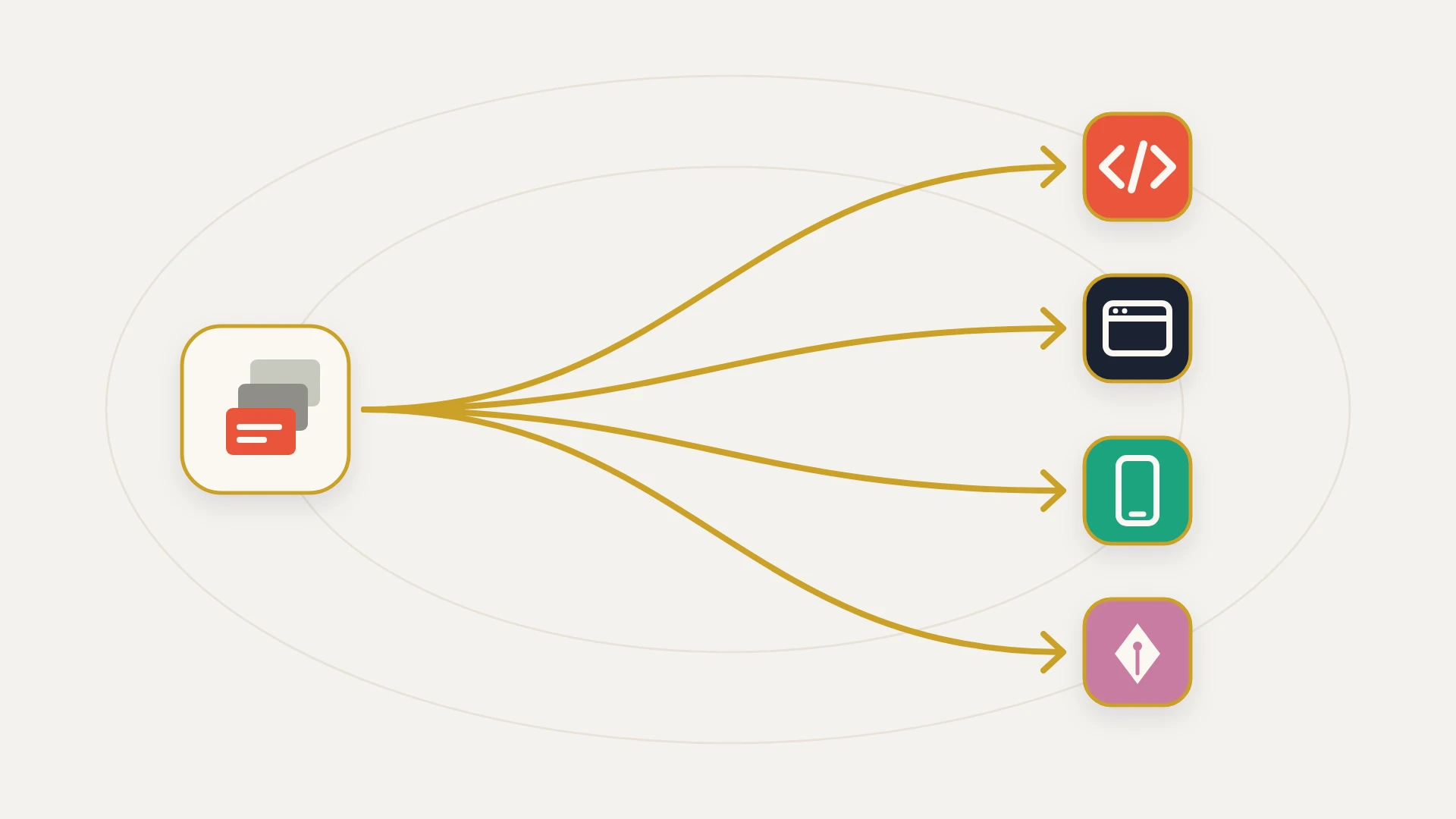
That grid is fine as far as it goes. It also skips the part that determines how much the change actually costs you, which is that your accounting system is not a destination. It is the thing that half your other systems are pointed at. Change it and you are not swapping one subscription for another, you are replacing a fixed point that a CRM, a billing process, a reporting stack and some number of integrations were all built around.
This guide compares NetSuite and QuickBooks on the ceilings that actually force the decision, using the numbers each vendor publishes rather than the ones in the sales deck, and then on the axis nobody covers: what changes for everything connected to the books. The short version of that second part is that the two systems invert, twice, and not in the direction most people assume.
In this article
1.
2.
3.
4.
5.
6.
7.
8.
9.
10.
NetSuite vs QuickBooks: The Short Answer
QuickBooks Online is accounting software. NetSuite is an ERP that contains accounting. The difference that matters is not feature count, it is whether the schema is fixed or extensible.
QuickBooks Online ships a defined set of entities and you work inside them. There is no custom record, there is no scripting layer, and the customization you get is a small number of custom fields bolted onto records that already exist. That constraint is why it installs in an afternoon and why two QuickBooks companies look broadly alike.
NetSuite ships a platform. Custom record types, custom transaction types, custom fields, saved searches and SuiteScript mean the system can be shaped around a process rather than the process being shaped around the system. That is why implementations take months, why almost no two instances look alike, and why the phrase "our NetSuite" means something specific in a way that "our QuickBooks" does not.
Everything downstream follows from that. Implementation time, cost, administrator burden, and the amount of work sitting behind every integration you own.
The Ceilings That Actually Force the Move
Most articles answer "when do you outgrow QuickBooks" with a revenue number. Revenue is a poor predictor. A twelve million dollar agency with one entity and simple billing can run happily on QuickBooks Online, and a three million dollar company with four legal entities and deferred revenue cannot.
What forces the move is a published limit. Intuit documents usage limits by plan, and these are the ones teams actually hit.
| Limit | Simple Start | Essentials | Plus | Advanced |
|---|---|---|---|---|
| Billable users | 1 | 3 | 5 | 25 |
| Non-billable accounting firm users | 2 | 2 | 2 | 3 |
| Chart of accounts | 250 | 250 | 250 | Unlimited |
| Tracked classes and locations | Not available | Not available | 40 combined | Unlimited |
Read that table with an eye for which row runs out first, because it is rarely the one people plan for. The chart of accounts cap of 250 sounds enormous until a company that has been trading for a decade counts what is actually in there, and only active or invited items count toward each limit, which is the one piece of good news in the table.
The row that ends the argument most often is classes and locations. They are the only two dimensions QuickBooks Online gives you for slicing profitability, they are unavailable at all below Plus, and Plus caps them at 40 combined. A company that wants profitability by department and by region and by product line has three dimensions and two slots.
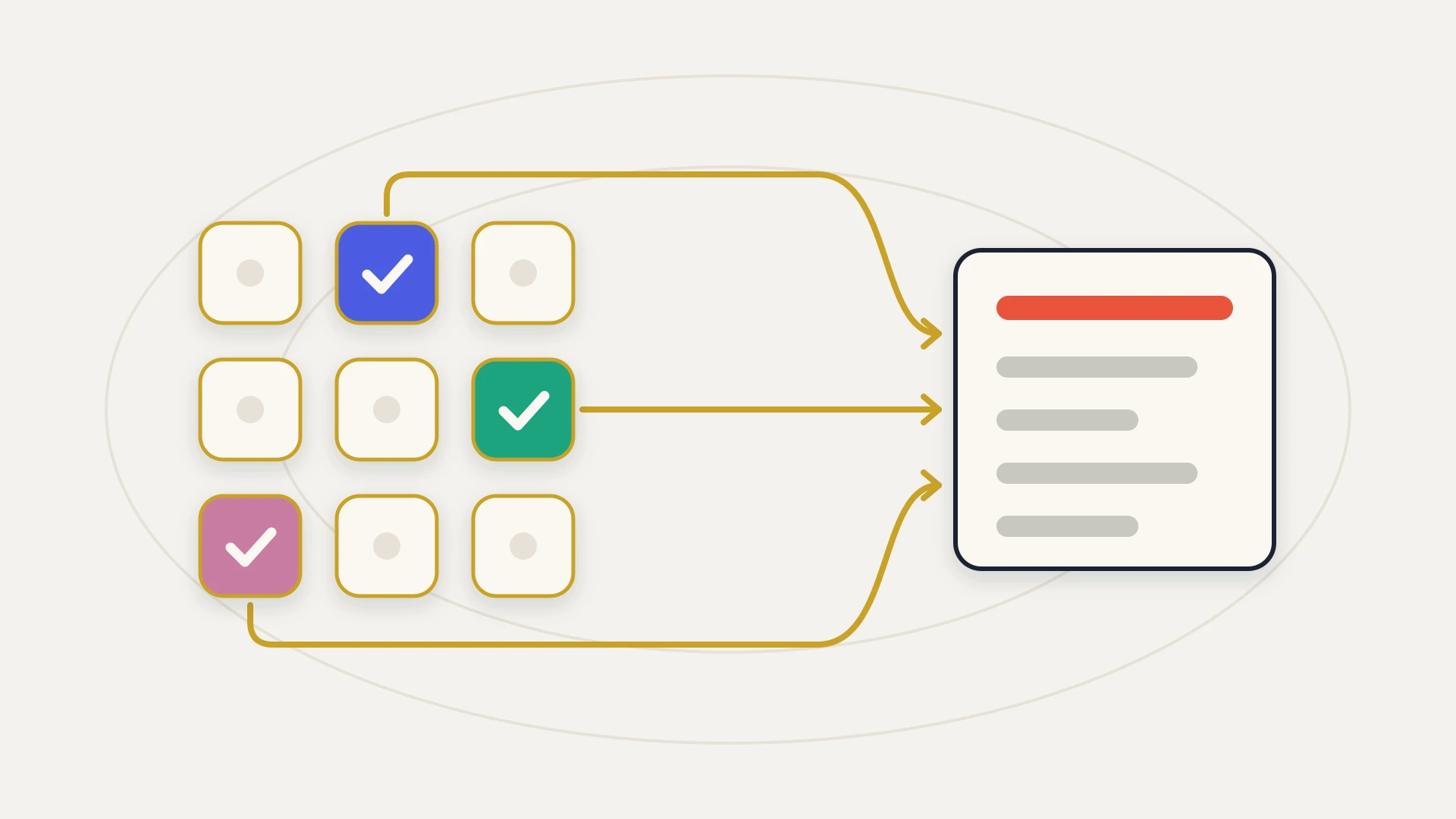
Three structural triggers, then, and none of them are about size:
Multiple entities that have to consolidate
Not multiple entities. Multiple entities whose numbers have to add up together, on a schedule, with intercompany eliminations. QuickBooks holds each entity perfectly well and offers nothing for the addition.
Revenue that is recognized rather than invoiced
Subscription terms, milestones and deferred revenue mean the invoice date and the revenue date are different facts about the same money. Once that gap is real, a spreadsheet maintained alongside the books is the actual system of record, which is a good sign the books have run out.
A process that needs a record type that does not exist
Contracts, projects, service delivery stages, subscriptions, assets. If the thing your business runs on is not one of the entities QuickBooks ships with, you are keeping it somewhere else and reconciling by hand.
And the counterweight, which deserves as much space. Stay on QuickBooks when the pain is reporting discipline, an unagreed chart of accounts, or a process nobody has written down. An ERP will hold a messy process with total fidelity and considerably more expense. The honest test is whether you are describing something QuickBooks structurally cannot hold, or something your team has not yet organized.
What NetSuite Buys, and What It Costs
The capability side is genuinely strong and not in dispute: subsidiaries with their own currencies and tax treatment, consolidation, revenue recognition, inventory across locations, and a customization layer that will hold almost any process you can describe.
The cost side deserves more honesty than it usually gets, and the first honest observation is structural. Intuit publishes QuickBooks Online pricing on a public page you can read in a browser tab. Oracle does not publish NetSuite pricing at all.
That asymmetry is not an accident and it is not a criticism. It tells you the two products are sold differently, and it tells you that the NetSuite number is assembled from modules, user counts, a service tier and SuiteCloud Plus licenses, negotiated per customer. Which matters more than a price comparison, because some of those line items are not billing decisions at all. As the next section shows, your service tier and your SuiteCloud Plus count set how many concurrent API requests your integrations are allowed to make.
On QuickBooks, what you can integrate is fixed and what you pay is public. On NetSuite, what you pay is negotiated, and part of what you negotiated is how much your integrations are allowed to do.
Beyond the subscription there are three costs that show up on every implementation and almost never on the comparison grid: the implementation itself, which is measured in months and usually involves a partner; a NetSuite administrator, because the customization that makes the system worth having also makes it a system somebody has to own; and the rebuild of everything that was pointed at the old books.
The Comparison Nobody Runs: What Your Integrations Are Allowed to Do
Here is where the received wisdom breaks. The intuition is that the enterprise system has the enterprise API, so moving up makes integration easier. Both halves of that are wrong, in opposite directions.
Throughput first, and QuickBooks wins. Intuit throttles the Accounting API at 500 requests per minute per realm ID, batch requests included, and returns a 429 to an application making more than 10 concurrent requests against the same realm. The detail that matters is the scoping, which Intuit states explicitly: the limit is based on an application and realm combination rather than on the app alone. Your HubSpot sync gets its own allowance and does not compete with every other connected app.
Oracle publishes NetSuite's concurrency as an account base limit that varies by what you bought.
| NetSuite service tier | Account base concurrency |
|---|---|
| Standard | 5 |
| Premium | 15 |
| Enterprise | 20 |
| Ultimate | 20 |
Each SuiteCloud Plus license adds 10 concurrent requests on top of the base. Development and partner accounts are fixed at 5 and do not scale with additional licenses. And unlike Intuit's allowance, this pool is account-wide, shared across REST web services, RESTlets and SOAP, which means every integration in the account draws from the same budget.
There is a real design lever on the NetSuite side worth knowing about. Oracle's Integration Governance interface lets you allocate portions of the account concurrency limit to named integrations, reserving a minimum unallocated limit of 1 for everything else. That is how you stop a nightly warehouse job from starving the sync that creates sales orders. It is also a thing somebody has to actively do, and if your service tier or SuiteCloud Plus licenses lapse, the account concurrency limit resets to its default.
Now reach, and the answer flips. NetSuite's REST web services support full CRUD operations on custom record instances and custom list records, as well as basic, journal and header-only custom transactions, with custom records addressed by their unique script ID and custom fields queryable like any other. Sales and purchase custom transaction records are the documented exception. In practice, a custom integration can reach essentially the whole shape of your NetSuite instance, including the parts that make it yours.
QuickBooks Online cannot offer the equivalent, because there is nothing to offer. There are no custom records. And the custom fields that do exist have a ceiling that behaves strangely.
So the two systems invert on both axes at once, and in opposite directions. QuickBooks gives you a generous, private API allowance and almost nothing to point it at. NetSuite gives you a small, shared allowance and almost unlimited reach. Which one is better for your integration depends entirely on whether your problem is volume or shape.
What Changes in HubSpot When You Switch
If HubSpot is your CRM, the accounting change lands on you as a connector change, and the two connectors are not the same kind of thing.
Connecting HubSpot to QuickBooks Online
- Install from the App Marketplace
- Authenticate with a QuickBooks admin login
- Choose what syncs and map it
- Turn on invoicing from deals and quotes
- Payment status flows back to the deal
- Live in an afternoon
Connecting HubSpot to NetSuite
- A NetSuite admin enables REST Web Services and OAuth 2.0
- Plus server-side RESTlets and SuiteAnalytics Workbook
- Install the HubSpot Sync Bundle into NetSuite
- Assign the HubSpot Sync role to users
- Data Hub required to customize field mappings
- Live when the ERP admin has time
The left column is a marketing ops task. The right column is a project with a dependency on the person who administers your ERP, and in most companies that person is the busiest one in the building. Neither list is a criticism of the connector. They are honest reflections of what sits behind each system.
Both connectors share one boundary that surprises people, and it is worth stating plainly because it undercuts the obvious assumption. HubSpot's data sync supports custom objects with a short list of apps, currently Airtable, Kintone, Microsoft Dynamics 365, Smartsheet, Snowflake and Zoho CRM. Neither NetSuite nor QuickBooks is on it. So if your subscriptions, contracts or projects live in HubSpot custom objects, the native path cannot carry them to either system.
The HubSpot QuickBooks integration guide covers the first column in detail, and the HubSpot NetSuite integration guide covers the second, including where each connector stops. If you are weighing the ERP question more broadly than these two, the HubSpot ERP integration guide maps the rest of the field, and coverage drops off sharply outside NetSuite.
The native connector is easier on QuickBooks and the custom build is more capable on NetSuite. Whichever you run, the interesting work happens above the connector, not inside it.
Which One Fits: An Honest Split
This is most companies, for longer than the ERP market would like. If you raise invoices against closed deals, collect payment, and report on a chart of accounts under 250 lines, you are inside the design, and the native HubSpot connector will run the loop for you. Spend the money you did not spend on an ERP fixing the deal data upstream instead, because a clean deal is what makes a clean invoice.
These are structural gaps rather than preferences, and configuration does not close any of them. Go in with the implementation, the administrator and the integration rebuild all costed, and treat your service tier and SuiteCloud Plus count as an engineering decision as well as a commercial one, because they set your concurrency budget.
A surprising share of the pain that gets diagnosed as an accounting system problem is a data problem arriving from the CRM. Wrong amounts, missing line items, invoices raised against the wrong entity, quotes that were negotiated in a document nobody synced back. None of that improves by changing the system it lands in, and all of it is cheaper to fix at the source.
The Migration Nobody Budgets: Everything Pointed at the Old Books
The accounting migration is a known quantity. Opening balances, open transactions, master data, a parallel period, a cutover, all of it well trodden and usually run by a partner who has done it dozens of times.
The part that overruns is everything hanging off the accounting system that nobody listed at the start.
What has to be rebuilt, not repointed
Every integration, from scratch. An integration written against QuickBooks Online cannot be pointed at NetSuite by changing a base URL. Authentication is different, the record model is different, the identifiers are different, and a QuickBooks customer is not a NetSuite customer with a new name. Budget it as a parallel project rather than a task at the end of the ERP plan.
Every stored external ID. Somewhere in HubSpot there are company or deal properties holding QuickBooks IDs. After cutover they refer to records in a system you no longer use. Producing the old ID to new ID mapping is a migration deliverable, and keeping it is how you audit anything that happened before the switch.
The entity routing rule you never needed. If the move to NetSuite is being driven by multiple entities, something now has to decide which subsidiary a deal belongs to before an order or invoice is created. On QuickBooks that decision was implicit in which subscription the integration was pointed at. Making an implicit rule explicit is where most of the design time goes.
Any report that read accounting data through an integration. Dashboards fed by synced invoice or payment properties break when the sync feeding them is replaced. They break quietly, showing stale numbers rather than errors, which is the worst way for a revenue dashboard to fail.
The custom fields that were carrying meaning. A QuickBooks integration limited to three API-visible custom fields usually means somebody has been overloading them, packing two facts into one string. That encoding is undocumented and it is in production, and it needs unpicking before it is mapped into a system with room for the real fields.
The reconciliation nobody wrote down. Every finance team has a monthly check they run by eye between the CRM and the books. It is not in any spec. Find it before cutover, because it is usually the only thing that has been catching the sync's mistakes.
Our HubSpot data migration guide covers the mechanics of moving records without breaking associations, and the data mapping guide covers the field-level decisions that any of this depends on. Both are worth reading before the ERP timeline is agreed rather than after.
What Stays the Same in Both Worlds
Worth ending the comparison on the things that do not change, because they are the things that actually decide whether the connection works.
Whichever system holds the books, an invoice is only as correct as the deal it came from. If a discount was negotiated inside a quote document and never made it back to the deal, the invoice is wrong in QuickBooks and equally wrong in NetSuite. If nobody has decided whether the CRM or the accounting system owns the billing address, both systems will happily hold two different ones. The quote to cash guide walks the whole path from a quote to collected payment and where it usually snaps.
There is a specific HubSpot side constraint that bites in both directions and is easy to miss. HubSpot's line items belong to a single parent object, so the product on a deal and the same product on its quote are two separate records with nothing native reconciling them. HubSpot also silently merges duplicate line item entries submitted in one batch, returning fewer objects than you sent while reporting success, and the price property cannot be negative, so credits and rebates have no native expression. None of that changes when the accounting system does. The API integration guide covers this class of failure, where the call succeeds and the data is still wrong.
Changing the books and wondering what happens to everything pointed at them?
A senior developer on subscription: $2,995 a month, as many requests as you like, each shipped within 2 to 3 business days, and your money back if the first 14 days don’t prove it.
The Bottom Line
QuickBooks Online and NetSuite are not competing for the same job, and the decision between them is settled by structural limits rather than by preference or revenue. If you have one entity, invoice-based revenue and a reporting need that fits inside a 250 line chart of accounts and 40 combined classes and locations, you are inside QuickBooks Online's design, and moving would buy you complexity you have no use for. If you need consolidated multi-entity reporting, scheduled revenue recognition, inventory across locations, or a record type that does not exist in accounting software, no amount of configuration reaches those, and NetSuite is the answer to a question QuickBooks cannot be asked.
What the feature grids miss is the integration axis, and it inverts twice. QuickBooks gives you a generous, private API allowance of 500 requests per minute and 10 concurrent per app, and gives you almost nothing to point it at, with three API-visible custom fields and no custom records. NetSuite gives you a shared, purchased allowance that starts at 5 concurrent for the entire account, and gives you full CRUD access to a schema you can extend indefinitely. Volume problems are easier on QuickBooks. Shape problems are only solvable on NetSuite.
Whichever way the decision goes, the same advice holds. Cost the integration rebuild as its own project, decide who owns each field before anything is written, and remember that neither system fixes a deal that was already wrong when it left the CRM.