Search for QuickBooks Online vs Desktop and you get the same grid everywhere: cloud against installed, subscription against licence, mobile app against no mobile app. It is mostly accurate and it mostly answers a question from ten years ago, because most US buyers no longer get to choose freely between the two.
Intuit stopped selling new Desktop subscriptions in the US in September 2024, with one exception, Enterprise. So the live version of this question is really two questions. If you already run Desktop, do you stay or move? And if you are buying now, is Online enough, or do you need Desktop Enterprise?
Both come down to the same thing, which the grids leave out. Your accounting system does not work alone. It sits next to a CRM, a payments tool, a billing system, maybe an ecommerce store, and every one of them needs to read from it or write to it. Online and Desktop handle that in opposite directions. Other software can call QuickBooks Online. QuickBooks Desktop has to call out to other software. Nearly every practical difference between them follows from that.
We build software for companies on a flat monthly subscription, and connecting accounting systems to the rest of a stack is a large part of that work, so read this knowing where we sit. We are not an Intuit partner or reseller and we make nothing from either licence. Every figure below comes from Intuit's own pricing pages, help articles and developer documentation as of September 2026.
In this article
1.
2.
3.
4.
5.
6.
7.
8.
9.
10.
11.
12.
13.
The Short Answer
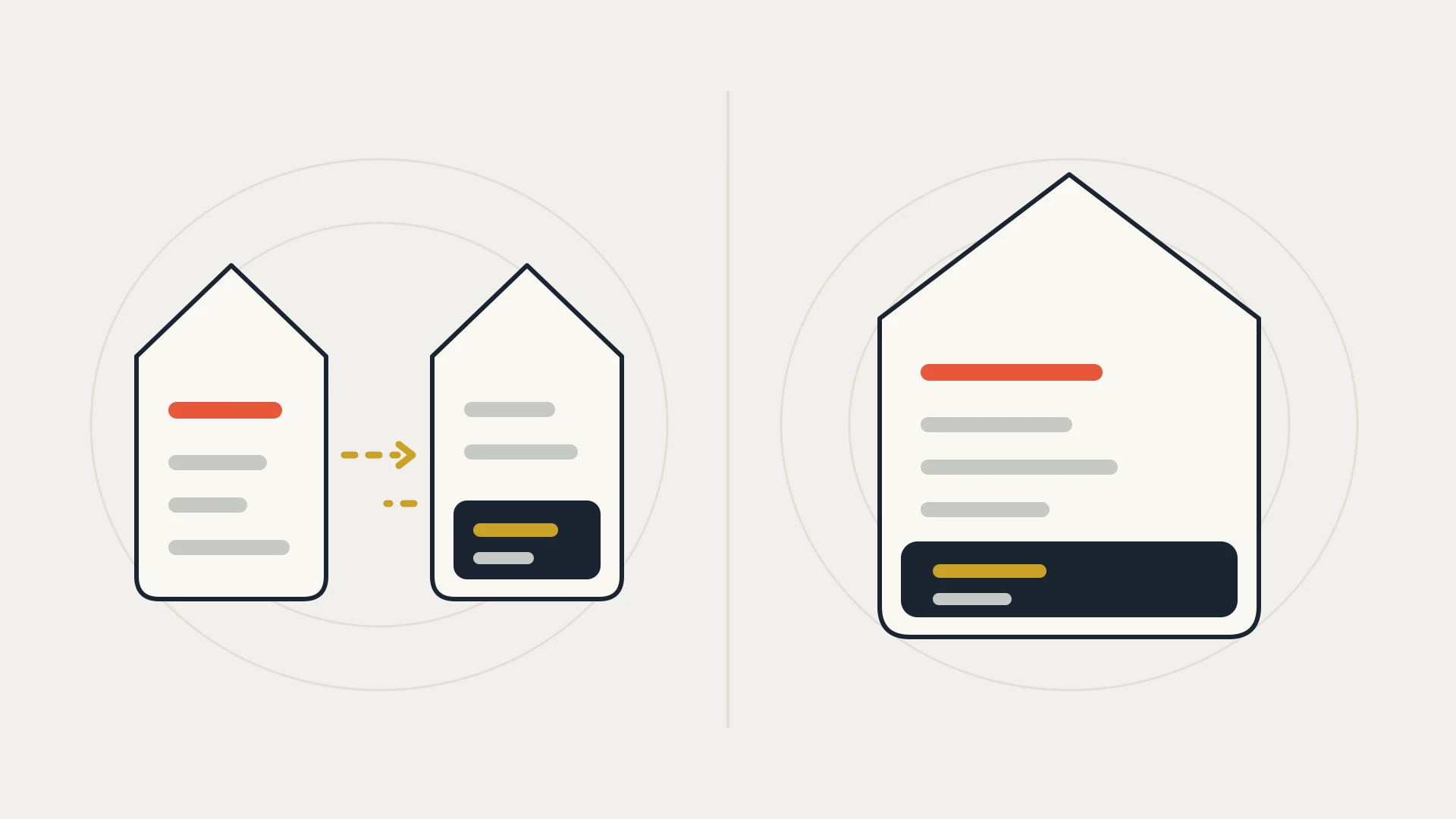
If you are starting fresh, have fewer than 25 people who need to be in the books, and your inventory is simple, pick QuickBooks Online. It is the only one of the two Intuit still sells in its full range, it publishes its prices, and it is by far the easier one to connect to anything else.
If you already run Desktop Enterprise with large lists, several warehouses, lot or serial tracking, or an industry edition your team depends on, Desktop is still a real product with a real future, and moving off it is a project, not a switch.
If you run Desktop Pro Plus or Premier Plus, you can keep renewing, but you are on a line Intuit no longer sells to anyone new. That is not an emergency. It is a reason to plan the move on your own timetable rather than a version retirement's.
What You Can Still Buy
Start here, because it removes most of the old comparison.
Intuit's help article is plain about it: QuickBooks Desktop isn't available to new subscribers in the United States, and the deadline to purchase a new subscription was September 30, 2024. That covered Pro Plus, Premier Plus, Mac Plus and Desktop Enhanced Payroll. The same article says Desktop Enterprise products are not affected, and customers can continue to buy Enterprise subscriptions. Intuit sells Enterprise as Silver, Gold, Platinum and Diamond.
If you already have Desktop Plus, Intuit says existing subscribers can keep renewing, and upgrading to the latest version is included in the subscription. Intuit has not published an end date for those renewals.
Two more things changed in how Desktop is released and retired.
The yearly versions have stopped. Intuit's release article says QuickBooks Desktop Plus 2024 and QuickBooks Desktop Enterprise 24.0 were its last annual platform releases. Desktop now gets continuous updates instead of a new version each year.
Older versions still retire on a date. Intuit's discontinuation policy says QuickBooks Desktop 2023 is discontinued after May 31, 2026. That ends live support and Intuit add-on services, including payroll, payments and online bank feeds, and Intuit says discontinued versions won't receive critical security updates. For payroll the effect is immediate: Intuit's payroll FAQ says paychecks won't calculate any taxes and you can't send payroll to Intuit for processing.
What Each One Costs
QuickBooks Online publishes its prices. Intuit's pricing page lists a free plan for one user, then Simple Start at $38 a month, Essentials at $85, Plus at $140 and Advanced at $340. New customers are usually offered 50% off for the first three months. Intuit announced in June 2026 that Essentials, Plus and Advanced prices change for renewals on or after August 1, 2026, while the free plan and Simple Start keep their prices. So if you are comparing against a quote from earlier this year, check it again.
| QuickBooks Online plan | List price per month | Users included | Chart of accounts | Classes and locations |
|---|---|---|---|---|
| Free | $0 | 1 | Not listed | Not listed |
| Simple Start | $38 | 1 | Up to 250 | None |
| Essentials | $85 | 3 | Up to 250 | None |
| Plus | $140 | 5 | Up to 250 | 40 combined |
| Advanced | $340 | 25 | Unlimited | Unlimited |
QuickBooks Desktop Enterprise is quoted rather than listed in full. Intuit's Enterprise pages describe the four tiers and what each includes, and the Diamond page says Diamond is only available on a monthly payment plan and points buyers to a phone number. Gold and Platinum come as 1 to 10 users or up to 30, and Diamond as 1 to 10 or up to 40. Get the exact figure for your user count in writing.
The Limits That Force the Decision
Most companies that outgrow one of these hit a specific number first. These are the ones Intuit publishes.
Users. Online tops out at 25 on Advanced. Desktop Enterprise goes to 30 on Gold and Platinum and 40 on Diamond.
Accounts and tracking. Simple Start, Essentials and Plus cap the chart of accounts at 250. Plus allows 40 classes and locations combined. Advanced removes both caps. Custom fields per transaction are 1 on Simple Start, 4 on Essentials and Plus, and 12 on Advanced.
List size. Intuit says Desktop Enterprise 17.0 and later allow up to one million names (customers, vendors and employees) and up to one million items. The same article is honest that some performance degradation is likely as lists approach those limits.
Inventory. Both can value inventory the same two ways. Intuit's help article lists FIFO and moving average cost for QuickBooks Online, and warns that the costing method can't be changed later, so choose it carefully. Where Desktop Enterprise pulls ahead is Advanced Inventory: Intuit lists multiple inventory locations, bar code scanning, bin tracking, and lot or serial numbers. If your warehouse runs on bins and lot numbers, that list is usually the whole decision.
Most companies do not choose between Online and Desktop. They run into one number, a user count, a list size, a bin location, and that number chooses for them.
Which Side Opens the Door
This is the difference the grids leave out, and it is the one you live with every day once your books are connected to anything.
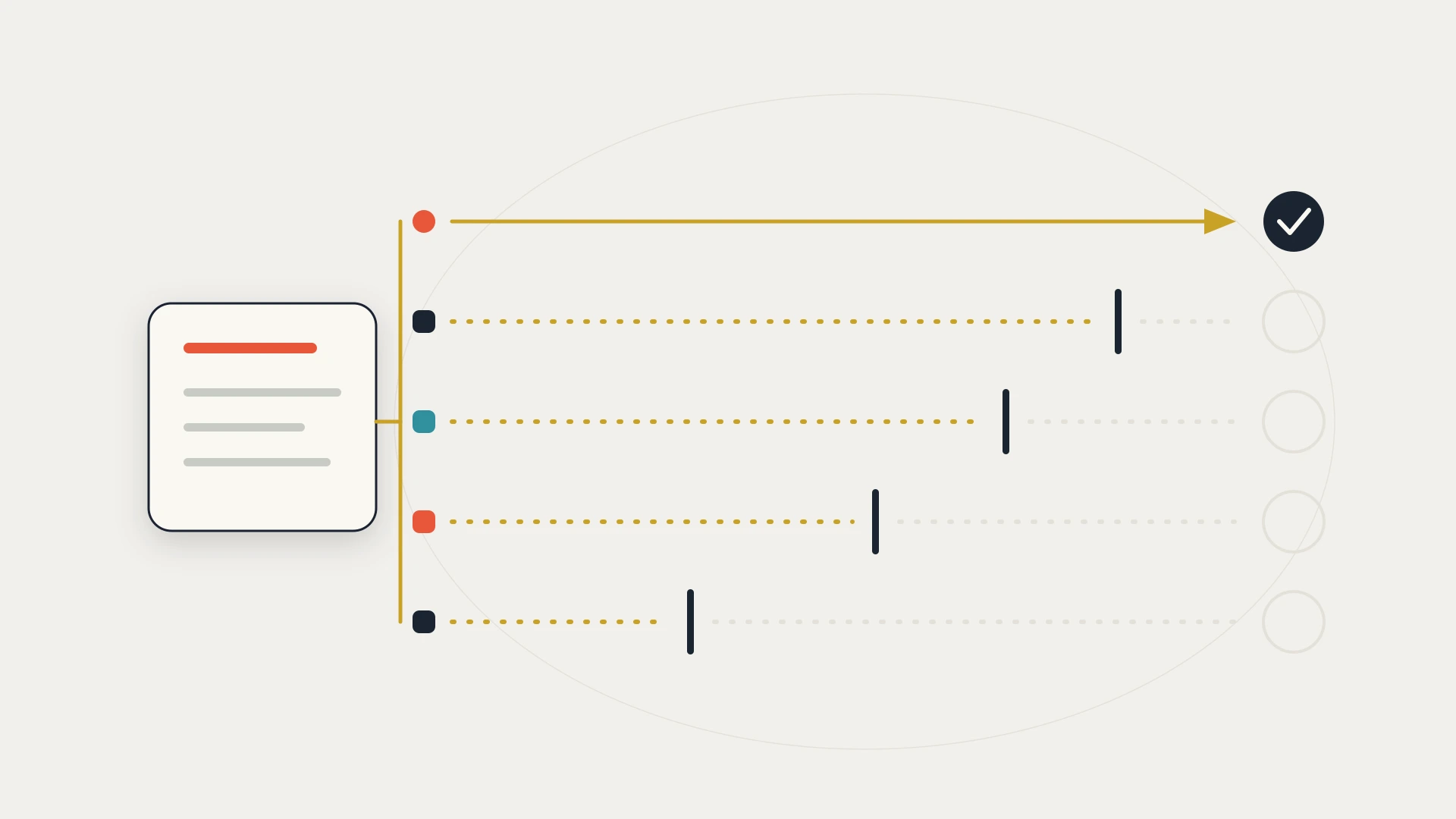
QuickBooks Online can be reached from anywhere. Intuit documents it as a REST API that uses JSON and OAuth 2.0. Any application you authorize can call it over the internet, at any hour, without anything installed at your end. It can also tell other software when something changes. Intuit's webhooks notify an application whenever data changes in the company, as a JSON POST, and a Change Data Capture query can list every change from the last 30 days, up to 1,000 objects per response. The throttle and the free developer sandboxes are covered in our Sage vs QuickBooks comparison, so we won't repeat them here.
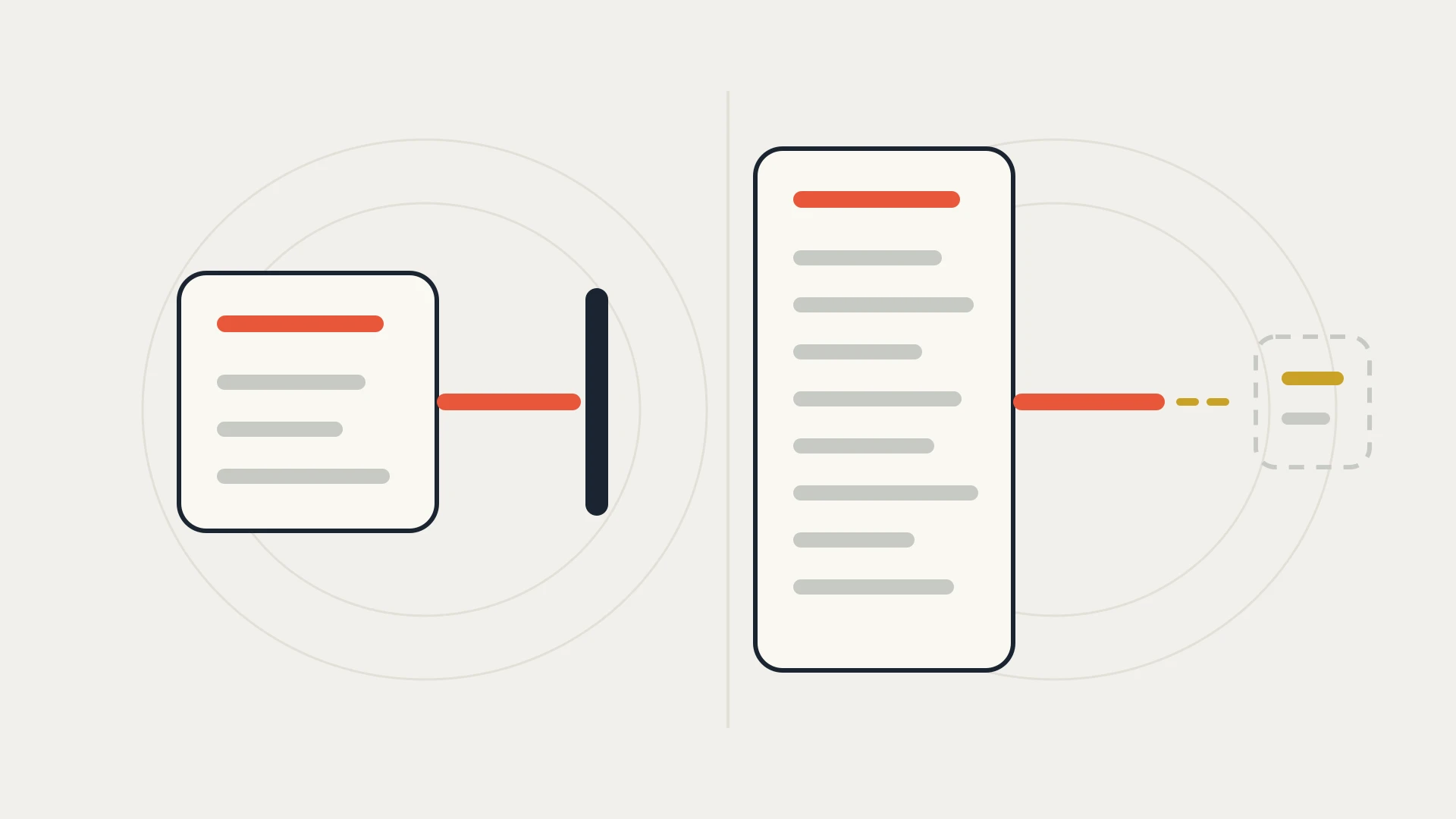
QuickBooks Desktop has to reach out. Outside software talks to Desktop through the QuickBooks Desktop SDK, in an XML dialect Intuit calls qbXML. The part that does the talking is a component installed with QuickBooks, and Intuit's Web Connector guide explains the catch directly: it is a COM object, and COM requires the object and the application using it to be on the same machine, or at most on the same local network. A web-based application cannot reach it directly.
So Intuit built a go-between, the QuickBooks Web Connector. It is a free Windows application that runs on the QuickBooks machine. Intuit describes it as an upside-down model: the Web Connector starts the conversation, contacting your web service over HTTPS and asking whether there is any work for QuickBooks. Nothing outside can start that conversation. Intuit's guide says it plainly: the QuickBooks user decides how often the Web Connector polls the web service, using its scheduler.
To be fair to Desktop, this design is deliberate and it has one real advantage. Because the Web Connector calls out, Intuit's guide points out, there is no need to open any ports on the office firewall. And QuickBooks itself does not need to be open on screen. Intuit's SDK documentation describes an unattended setting that lets an authorized application start QuickBooks in the background, with no interface, whenever it needs to.
But the machine does. Intuit's guide says the schedule defines a minimum time between connections and should not be taken as a guaranteed update time, and that scheduled updates happen only when the Web Connector is running. In practice that means a laptop that sleeps, a server that reboots for updates, or a Web Connector that someone closed will quietly stop your CRM from hearing about invoices and payments, and nothing on the CRM side can tell it to try again.
The last difference is support. Intuit's SDK page lists US Desktop versions from 2002 through 2024 as supported, with a 64-bit SDK from 2022 onward, and the current SDK is version 17.0. It is maintained, but the changes are small. The one listed for 17.0 is a tax form mapping. The Online API is where Intuit builds new things.
Online's Door Now Has a Meter
There is one recent change on the Online side that almost no comparison mentions yet, and it matters to anyone who reads a lot of data out of QuickBooks.
In July 2025 Intuit launched the Intuit App Partner Program in the US, and it changed how API calls are counted. Intuit's partner FAQ splits them in two. Core calls cover most data-in operations, such as creating or updating invoices, bills, customers and vendors, and are unmetered and uncharged. CorePlus calls cover most data-out operations, such as reading accounts, querying company information and fetching reports, and are metered. Metering started on November 3, 2025.
Every app is enrolled automatically on the free Builder tier, which Intuit's FAQ says is limited to 500,000 CorePlus calls a month, and any CorePlus calls above that are blocked entirely. Intuit's program guide lists paid tiers above it: Silver at $300 a month with 1 million CorePlus calls, Gold at $1,700 with 10 million, and Platinum at $4,500 with 75 million.
For a company running a few connections to its own books, 500,000 reads a month is a lot, and most will never notice this. Where it shows up is in design. An integration that asks QuickBooks "anything new?" every minute spends reads for nothing. One that listens for webhooks and asks only when something changed spends almost none. So the same Online API that makes real-time integration possible now rewards building it the right way.
Desktop has no equivalent charge. Its cost to an integration is the machine, the Web Connector and the schedule.
What HubSpot and Other Tools Connect To
This is where the choice turns into a practical problem for a lot of companies.
HubSpot's own QuickBooks app is titled QuickBooks Online on the HubSpot App Marketplace, and every HubSpot knowledge base article about it covers Online. It syncs contacts with customers, products with products and services, invoices, and credit memos, and shows payment information on associated deals. HubSpot also notes that you can't connect a QuickBooks sandbox account, and that invoices synced from QuickBooks won't be associated with a deal automatically. Our HubSpot QuickBooks integration guide covers where that app stops.
For Desktop there is no HubSpot-built option. There are third-party connectors, such as Commercient's QuickBooks Desktop SYNC on the HubSpot App Marketplace, or a custom integration built on the Desktop SDK and Web Connector. The same is broadly true of the rest of the modern software market: most apps that say they integrate with QuickBooks mean Online, and Desktop support is the exception you check for, not the default.
Books on Desktop, and nothing connects to them?
A senior developer on subscription: $849 a month, as many requests as you like, the first one shipped within 72 hours, and your money back if the first 7 days don’t prove it.
QuickBooks Online vs QuickBooks Enterprise
For a company that has outgrown Plus, this is the real comparison, because Enterprise is the only Desktop product a new US customer can buy.
Choose QuickBooks Online Advanced if 25 users is enough, you want unlimited accounts, classes and locations, 12 custom fields per transaction, and the easiest integration path, and your inventory is FIFO or average cost without bins or lots.
Choose QuickBooks Desktop Enterprise if you need more than 25 people in the books, lists approaching a million names or items, or Advanced Inventory with multiple locations, bin tracking, and lot or serial numbers. Budget for hosting if your team is not in one office, get the price for your user count in writing, and plan any integration around the Web Connector from the start.
The mistake is treating Enterprise as "Online, but bigger." It is a different kind of system with a different relationship to the rest of your software, and that difference grows with every tool you connect.
If You Are Moving From Desktop to Online
Intuit provides two ways to move: a migration tool built into Desktop, and a web-based Online Migration Tool. Intuit's guidance says the company file should be from 2011 or later, and it should have fewer than 4,000,000 total targets to import directly. Files over 750,000 targets may take longer than average, and files near 2,000,000 are more at risk of inventory errors. You can bring everything or only lists and balances.
Some things do not come across. Intuit says bank connections don't transfer for security reasons and need to be reconnected, and that QuickBooks Online no longer files sales tax returns for you. Inventory history starts from the migration date.
The part nobody lists is the integrations. Every tool connected to the Desktop file through the Web Connector or a Desktop-only connector stops the day you switch, and has to be reconnected to the Online API, which is a different interface with different records and IDs. Make a list of everything that reads from or writes to your books before you migrate, and decide what replaces each one. Our data migration guide covers how to plan that kind of move, and the data mapping guide covers deciding which system owns each field.
QuickBooks Online vs Desktop, Line by Line
| QuickBooks Online | QuickBooks Desktop | |
|---|---|---|
| Can a new US customer buy it? | Yes, every plan | Enterprise only, since September 30, 2024 |
| Published price | $0, $38, $85, $140 and $340 a month | Enterprise tiers described, prices quoted |
| Where the data lives | Intuit's cloud | A Windows machine or a hosted server |
| Maximum users | 25 on Advanced | 30 on Enterprise Gold and Platinum, 40 on Diamond |
| List size | 250 accounts below Advanced, unlimited on Advanced | Up to 1 million names and 1 million items on Enterprise |
| Inventory | FIFO or moving average cost | FIFO or moving average cost, plus Advanced Inventory with bins, lots, serials and locations |
| New versions | Continuous | Continuous since 2024, older versions retired on a date |
| How other software connects | REST API and OAuth 2.0, reachable any time | Desktop SDK and qbXML, through the Web Connector on the QuickBooks machine |
| Change notifications | Webhooks, plus 30 days of Change Data Capture | None pushed. The Web Connector checks in on a schedule |
| API charges | Writes free, reads metered above 500,000 a month | None, but the machine has to be on |
| HubSpot's own app | Yes | No, third-party or custom only |
Which One to Pick
Up to 25 users, standard inventory, and a stack of other tools that need to read and write your books. You get published prices, nothing to host, and the only version HubSpot and most other software connect to natively. Build any integration around webhooks rather than polling, and the new read metering will never reach you.
More than 25 users, lists in the hundreds of thousands, or Advanced Inventory features your operation depends on. It is still sold and still updated. Budget for hosting, get the price for your user count in writing, and assume every connection to other software will go through the Web Connector.
You can keep renewing, but it is a line Intuit no longer sells to new customers, and the tools around it increasingly assume Online. Move when it suits you, not when a version retires, and list every integration before you start.
Three questions settle this faster than any feature grid.
Which limit will you hit first? Users, list size or inventory. If none of them, Online is enough.
What else needs to talk to your books? List every tool. If the list is long, or any of them needs to know about a payment within minutes, that points to Online.
Where does the file live today? If the answer is a machine in an office, check who restarts it, and what happens to your integrations when they don't.
The Bottom Line
The usual verdict, that Desktop is more powerful and Online is more convenient, was a fair summary once. In 2026 it leaves out most of what matters. For most new US buyers, Desktop means Enterprise, the yearly versions have stopped, and the practical difference is not power but reach.
QuickBooks Online can be reached by any tool you authorize, at any time, and it can tell those tools when something changes. QuickBooks Desktop keeps the books behind a door that only opens from the inside, on a schedule, while one machine is running. Both work. Only one of them works the way the rest of your software expects.
So before you decide, write down every system that touches your books today and every one you plan to add. If that list is short and your inventory is complex, Desktop Enterprise is a sound choice. If the list is long, the door matters more than any row in the grid.