Most HubSpot vs Zendesk comparisons are a feature grid with a verdict at the bottom, and most of them were written when the answer to one question was different. The question is who in your company can see a support ticket, and what it costs to let them.
The folklore says the answer is "only the support team, unless you buy everyone a seat." That is no longer true on either platform. HubSpot gives away View-Only seats, free and unlimited on its paid tiers. Zendesk includes light agents on Suite Professional and above, up to 100 of them, and a light agent can read every ticket you allow them to.
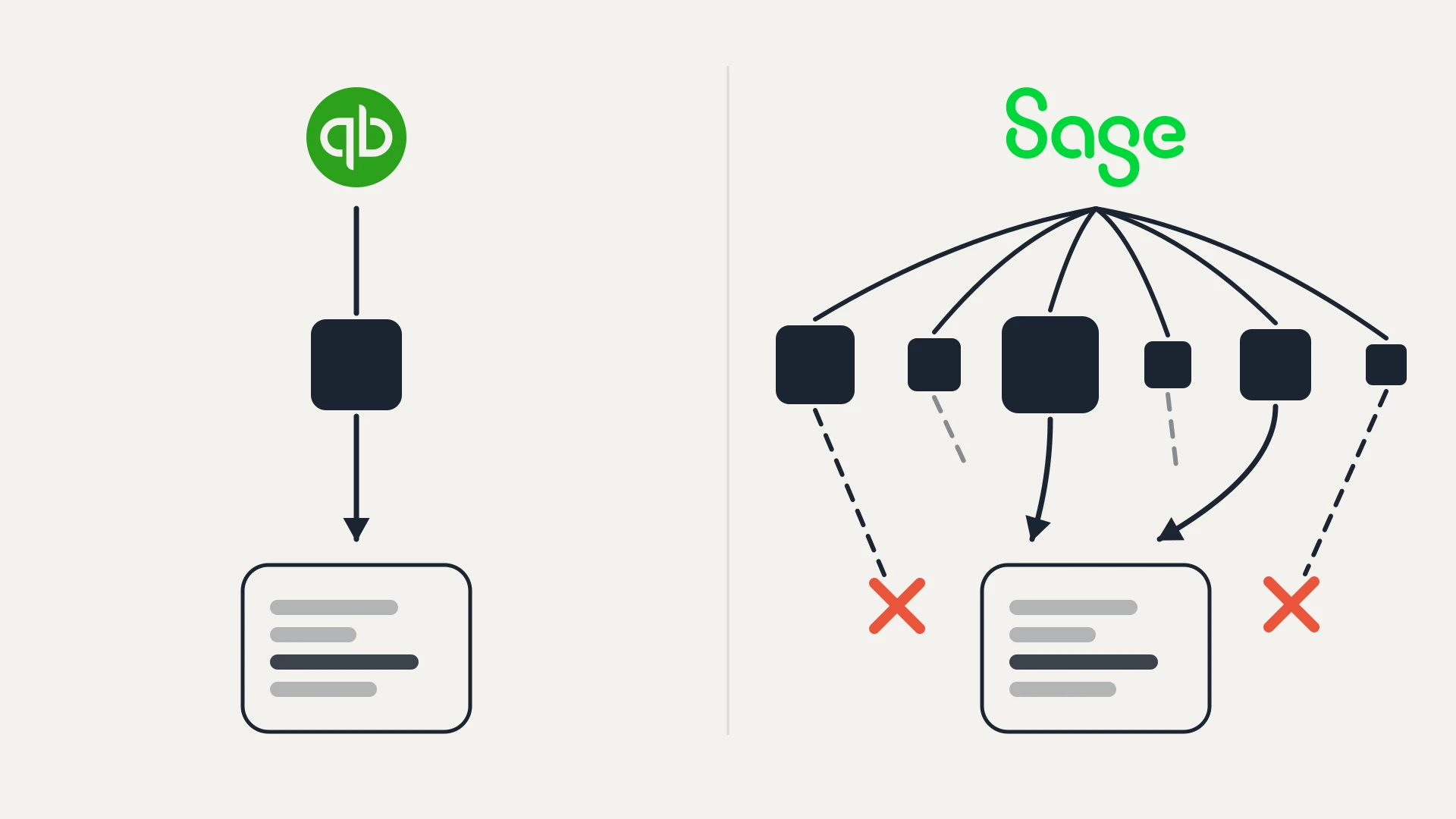
So the free visibility exists on both sides. What it does not do is happen in the same place, and that turns out to be the whole comparison. On HubSpot, a salesperson opening a company before a renewal call sees its tickets on the record in front of them. On Zendesk, the same salesperson opens a second tab, logs into a second system, and searches for the customer by name.
We build and maintain HubSpot integrations for a living, so the disclosure goes first. We are not affiliated with either vendor, we do not resell either, and for plenty of teams Zendesk is the better help desk. We are also building a Zendesk to HubSpot sync of our own, which we come back to near the end, so weigh what we say about the sync gap with that in mind. Every price, limit and quote below comes from the vendors' own pages as of September 2026.
In this article
1.
2.
3.
4.
5.
6.
7.
8.
9.
10.
11.
12.
The Short Answer
If your support team is small to mid-sized, your salespeople and account managers need the support picture as part of selling and renewing, and you already run HubSpot as your CRM, Service Hub is the simpler system. The ticket is a CRM record. It sits on the contact, the company and the deal, workflows can act on it, and reports can join it to revenue without an integration in the middle.
If support is a large operation in its own right, with complex routing, many channels, a big help center and agents who never touch the CRM, Zendesk is the more mature help desk, and the light agent allowance on Professional means the rest of the company can read tickets without a paid seat.
The expensive mistake is choosing Zendesk for the help desk and then assuming the CRM will know what is happening in it. It will not, not in a form you can build on, unless someone makes that happen. That gap is most of this page.
Both Give Sales Free Visibility. In Different Places
Here are both allowances in the vendors' own words, because this is the fact most comparisons get wrong.
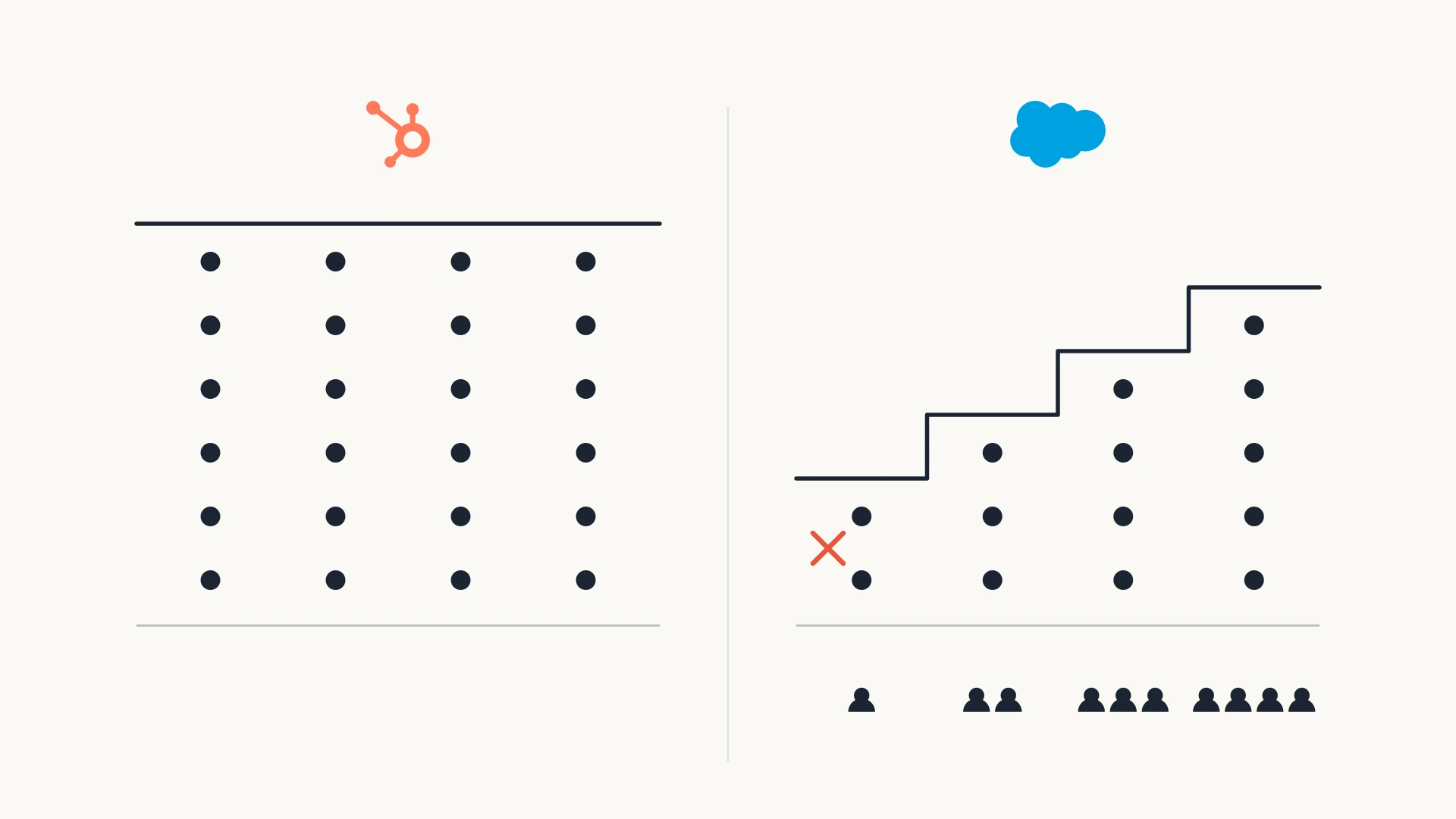
HubSpot describes the View-Only seat as one that "allows users to view your subscription services. These seats are free and unlimited for Starter, Professional, and Enterprise subscriptions." Users on it "can view records, dashboards, customer data, and reports, and can filter reports." They cannot edit records, save reports or change settings.
Zendesk lists light agents as available on every Suite plan, and states that "Suite Growth plans include up to 50 light agents," "Suite Professional plans include up to 100 light agents," and "Suite Enterprise plans include up to 1000 light agents." On Suite Team, "light agent seats" are "an add-on."
So on the plans most growing teams actually buy, neither vendor makes you pay for a salesperson to look. The part that differs is the journey.
On HubSpot, the salesperson is already on the company record because that is where the deal is. The ticket is associated with it. There is no second place to go.
On Zendesk, the salesperson has to know there is something worth checking, leave the CRM, sign into Zendesk as a light agent, find the organization, and read the tickets there. Then they come back to HubSpot to do the thing they were doing. Every one of those steps is small. Together they mean it mostly does not happen, which is why the most common complaint on the HubSpot marketplace listings for Zendesk is not about price. It is that the conversation is not on the record.
Both vendors will let a salesperson read the ticket for free. Only one of them puts it where the salesperson already is.
What a Light Agent Can and Cannot Do
A light agent is a real, useful role, and if your sales team is disciplined about checking Zendesk before calls it may be all you need. Zendesk's own permission list is specific.
What a Zendesk light agent can do
- View tickets assigned to their groups, or all tickets
- Make private comments
- Create, reply to, close and reopen email-based side conversations
- View user profiles, see views and apply macros
- View dashboards shared with them, on Professional and Enterprise
What a Zendesk light agent cannot do
- Be assigned to tickets
- Change a ticket's status or properties, unless they are the requester
- Use the @mention feature
- Create or edit views
- Serve chat, messaging or calls
Zendesk also states that "ticket comments by light agents are private, including the first comment of any tickets they create." That is the right default for a salesperson, who should not be replying to a customer from inside the support queue.
What the list does not include is any presence in the CRM. A light agent seat is a way into Zendesk. It does nothing to bring Zendesk into HubSpot, so none of it can trigger a workflow, set a property, or appear in a pipeline report.
What the Help Desk Itself Costs
Seats for the people who work tickets are still the bulk of the bill, and the tiers do not line up one to one.
| HubSpot Service Hub | Zendesk | |
|---|---|---|
| Entry tier | Starter, listed at $20 per seat/mo (advertised at $7 to $10 when checked) | Support Team, $19 per agent/mo, or Suite Team, $55 |
| Full help desk tier | Professional, $100 per seat/mo paid monthly on an annual commitment, $90 paid annually | Suite Professional, $115 per agent/mo |
| Top published tier | Enterprise, from $150 per seat/mo | Suite Enterprise + Copilot, quoted |
| Required onboarding | $1,500 one-time on Professional, $3,500 on Enterprise | None published |
| Free tier | Free for up to 2 users | None |
| Sales visibility | View-Only seats, free and unlimited on paid tiers | Light agents, 100 included on Suite Professional |
Zendesk's prices are per agent per month paid yearly, and Suite Growth no longer appears on its public pricing page.
The row that matters most is the second one. HubSpot's Help Desk workspace, the central place where agents manage tickets across channels, is listed as a Professional feature. Starter gives you ticketing, not the help desk. So a fair comparison puts Service Hub Professional next to Zendesk Suite Professional, and at that level the per-agent prices are close: $90 to $100 against $115.
What separates them is the one-time fee and the second system. HubSpot adds a required $1,500 onboarding fee to Professional. Zendesk adds nothing on its pricing page, but it is a separate platform with its own admin, its own user list and its own data, and keeping it aligned with the CRM is a cost that shows up somewhere other than an invoice.
HubSpot's seat model has one more detail worth knowing. Its help desk documentation says users with Sales or Service access but no assigned Service seat "will only be able to access the default views: My Mentions, Following, and All Open," while custom views, SLAs and reply recommendations need an assigned Service seat. So a salesperson with a Sales seat can open a ticket in the help desk and even respond, but the agent tooling is reserved for Service seats. That is the HubSpot equivalent of the light agent line, drawn in a different place.
The AI Line, Briefly
Both platforms now bill for AI by the resolved conversation, on top of seats.
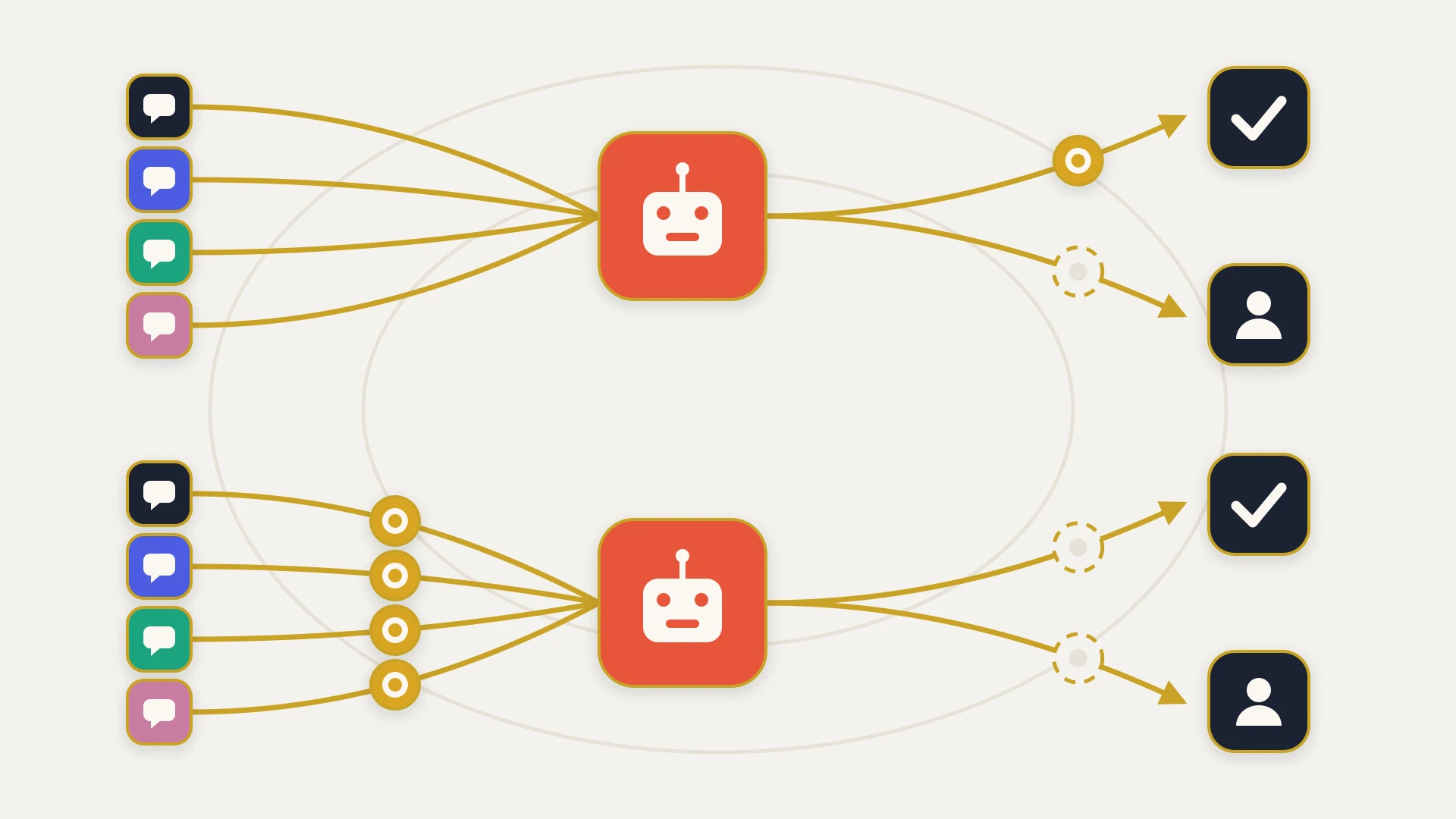
HubSpot's Customer Agent uses "50 credits per conversation resolved" on Professional and above. Credits cost "$10.00 per 1,000 credits when you pay monthly," and Professional includes 3,000 of them. At the pay-monthly credit price that is 50 cents per resolution. HubSpot counts a conversation as resolved when the agent answered from a content source or performed an action and there is "no qualifying handoff to a human agent within 72 hours of the last visitor response."
Zendesk bills automated resolutions against an allowance included per agent, with its own counting rules and time windows. We have already laid those out next to Intercom's model in our Intercom vs Zendesk comparison and next to Freshdesk's in Zendesk vs Freshdesk, so we will not restate them here.
The point that carries over from both of those posts applies here too. Tickets opened by software, from a form, an order event or a system alert, have nobody waiting to reply, and both platforms treat a quiet conversation as a candidate resolution. If an integration is going to open tickets, decide which of them an AI agent should ever answer before you turn the agent on.
If You Keep Zendesk, What Actually Reaches HubSpot
Plenty of teams keep Zendesk and run HubSpot as the CRM, and there are two free ways to connect them on the HubSpot App Marketplace. They are different products from different vendors, and both are narrower than the phrase "Zendesk integration" suggests.
The app built by Zendesk "adds support ticket activity from Zendesk to HubSpot's CRM timeline" and "if Zendesk ticket requesters aren't able to match up with existing contacts, they'll automatically be added as new contacts in HubSpot." Its listing shows the shared data as Zendesk tickets to HubSpot contacts. It is a visibility integration. A rep can see that support activity exists on a person.
The data sync built by HubSpot maps Zendesk users to contacts, organizations to companies and tickets to tickets. Its listing opens with "Two-way sync," and then, in the detail, says "Ticket sync is one-way." It also says "Archived tickets will not sync," that conversation history comes across "via Smart Transfer," and that "custom field mappings are available with Data Hub Starter or up."
Put the two listings side by side and the gap is specific. One gives you activity on a contact's timeline. The other gives you ticket records that follow Zendesk one way, without the archive, and a snapshot of the conversation that ages from the moment it lands. Neither keeps the full conversation current on the company and the deal, which is the thing a salesperson preparing for a renewal actually wants to read.
At the time of writing the Zendesk-built listing is rated 2.2 from 38 reviews, and HubSpot's is rated 2.7 from 25. Read the reviews and the pattern is consistent: setup was quick, and what arrived was not what the team expected.
This is also the gap we are building into. Zendesk Sync by StackTie writes the whole conversation into HubSpot, public and internal replies kept distinct, shows tickets on the company and its deals, and carries every status change rather than only created and solved. It is still in review with Zendesk and not installable yet, so treat it as a direction rather than an option today.
Moving From Zendesk to HubSpot
If the comparison is pointing you toward consolidating, HubSpot's Smart Transfer is the built-in route. It maps Zendesk users to contacts, organizations to companies, tickets to tickets, agents to users and groups to teams, and it can carry attachments, ticket comments and ticket conversations across as part of the transfer.
Three limits from HubSpot's documentation shape the project. "Only Super Admins can access Smart Transfer." "The transfer is one-way from other apps to HubSpot." And "you must have a Data Hub subscription to transfer custom field mappings," so a Zendesk account with a lot of custom ticket fields should plan either for Data Hub or for mapping those fields another way.
Knowledge base articles move separately. HubSpot can import articles from a Zendesk help center, and an assigned Service Hub seat is required to do it.
The part no migration tool does for you is deciding what the old ticket fields mean in the new system. A Zendesk form field and a HubSpot ticket property are not automatically the same thing, and the reports your team relies on are built on those decisions. Our data mapping guide covers how to make them before the transfer rather than after.
What Each One Gives Whoever Builds the Integration
If support runs in HubSpot, there is nothing to build for a salesperson to see a ticket. It is already on the record. Integrations only enter the picture when a third system, billing, product usage or an ERP, needs to talk to the tickets.
If support runs in Zendesk, getting tickets into HubSpot properly is a build, and the two platforms publish very different limits for it.
HubSpot publishes 190 requests per 10 seconds per app for private apps on Professional and Enterprise, with daily limits of 625,000 and 1,000,000 per account, and 100 per 10 seconds on Free and Starter. A public marketplace app is limited to "110 requests every 10 seconds" for each HubSpot account that installs it.
Zendesk sets limits by plan, starting at 200 requests per minute on Suite Team, and caps the incremental export endpoint, which is what a scheduled sync reads changes from, at 10 requests per minute, or 30 with the High Volume add-on. We went through those numbers and what they do to a sync design in the Intercom vs Zendesk post.
The tightest number in a HubSpot and Zendesk integration is almost never on the HubSpot side. It is Zendesk's export cap, and the sync has to be designed around it from day one.
Keeping Zendesk, and want the tickets in HubSpot properly?
That is the free audit. We look at how support and sales are connected today, what your team needs to see on the company and the deal, and whether a marketplace app already covers it. If it does, we will tell you which one and you will have lost half an hour. Book a free audit and find out what it would take to put the whole support picture on the record.
HubSpot vs Zendesk, Line by Line
| HubSpot Service Hub | Zendesk | |
|---|---|---|
| Where the ticket lives | In the CRM, as a record associated with contacts, companies and deals | In a separate help desk |
| Free visibility for sales | View-Only seats, free and unlimited on paid tiers | Light agents, 100 included on Suite Professional, add-on on Suite Team |
| Where sales reads it | On the record they already have open | In Zendesk, after signing in |
| Full help desk tier | Professional, $90 to $100 per seat/mo | Suite Professional, $115 per agent/mo |
| Onboarding fee | $1,500 required on Professional | None published |
| AI billing | 50 credits per resolved conversation, 50 cents at the monthly credit price | Automated resolutions against a per-agent allowance |
| Support data in CRM workflows | Native | Only through an integration |
| Marketplace sync to the other | Not needed | One-way for tickets, no archive, conversations copied once |
| API limit for a sync | 190 per 10 seconds per private app on Pro | 200 per minute on Suite Team, exports at 10 per minute |
Which One to Pick
You already run HubSpot as the CRM, account managers need the support picture on the company and the deal, and you want support data in workflows and revenue reports. The ticket is a CRM record from the start, View-Only seats cost nothing, and there is no sync to maintain. Budget for Professional and its onboarding fee, because Starter does not include the help desk.
A large or complex support team with agents who never open the CRM, many channels, heavy routing and a big help center. Zendesk is the deeper help desk, and 100 light agents on Suite Professional let the rest of the company read tickets without paid seats. Accept that the CRM will not know what is happening in support unless you connect it properly.
Common and entirely reasonable, especially where support was on Zendesk long before HubSpot arrived. Decide first what sales must see and where, then check whether the free marketplace listings cover it. If the answer involves full conversations on the company and deal, or history older than the archive, plan a real sync rather than hoping the free one grows into it.
Three questions settle it faster than any feature grid.
Who needs to see a ticket, and where are they when they need it? If the answer is "support agents, in the help desk," either platform works. If it is "account managers, on the deal, the morning of a renewal call," that favors the ticket living in the CRM.
Does support data need to drive anything in HubSpot? A renewal risk flag, a workflow that pauses outreach while a customer has an open escalation, a report joining ticket volume to churn. Each of those needs the ticket to exist in HubSpot as data, which Service Hub gives you natively and Zendesk gives you only through an integration.
How much of your support operation would you be giving up? If moving to Service Hub means losing routing, channels or automation your support team depends on, the cost of a proper sync is probably lower than the cost of a worse help desk.
The Bottom Line
The old version of this comparison was a question about seats: pay for everyone to see tickets, or keep the support picture inside the support team. Both vendors have quietly answered that. HubSpot gives away View-Only seats, Zendesk includes light agents, and on the plans most teams buy a salesperson can read a ticket for nothing.
What remains is a question about location. HubSpot puts the ticket on the record the salesperson already has open, and that makes support data something the CRM can act on. Zendesk puts it in a better help desk that the salesperson has to go and visit, and that makes support data something the CRM does not know about until someone connects the two.
Neither answer is wrong. But be honest about which one you are choosing. If you pick Zendesk because it is the stronger help desk, which for many teams it is, also decide on day one how the support picture will reach the deal. The free sync covers less than its name suggests, and "they can always log into Zendesk" is the plan that quietly stops being followed by the second quarter.