You are going to buy HubSpot onboarding. That part is not a decision.
On Professional and Enterprise it is a required, one-time fee attached to the licence, and HubSpot puts it on the pricing page in the same sentence as the subscription cost. So this page is not a comparison in the usual sense, and it would be dishonest to dress it up as one.
We sell a productized HubSpot integration service, which gives us an obvious interest in your conclusion. The honest position is that HubSpot's onboarding is not our competitor. It is a purchase you are making anyway, at a price we could not match, delivered by people who know the product better than we do. We have never once told a client to skip it.
What is worth your time is the boundary. Onboarding has a written scope, HubSpot publishes it, and there is exactly one line in that scope which decides whether the integration you have in mind is inside it or outside it. Most teams find that line in month three, usually in a meeting where everybody assumed somebody else was building the thing.
In this article
1.
2.
3.
4.
5.
6.
7.
8.
9.
10.
11.
12.
13.
14.
The Short Answer
HubSpot onboarding sells you a specialist who knows the product and a plan for getting your portal configured. Your team does the clicking, and the specialist makes sure the clicking is right.
We sell one integration, written down before anyone is paid, live on a date, and kept running afterwards for a flat monthly fee.
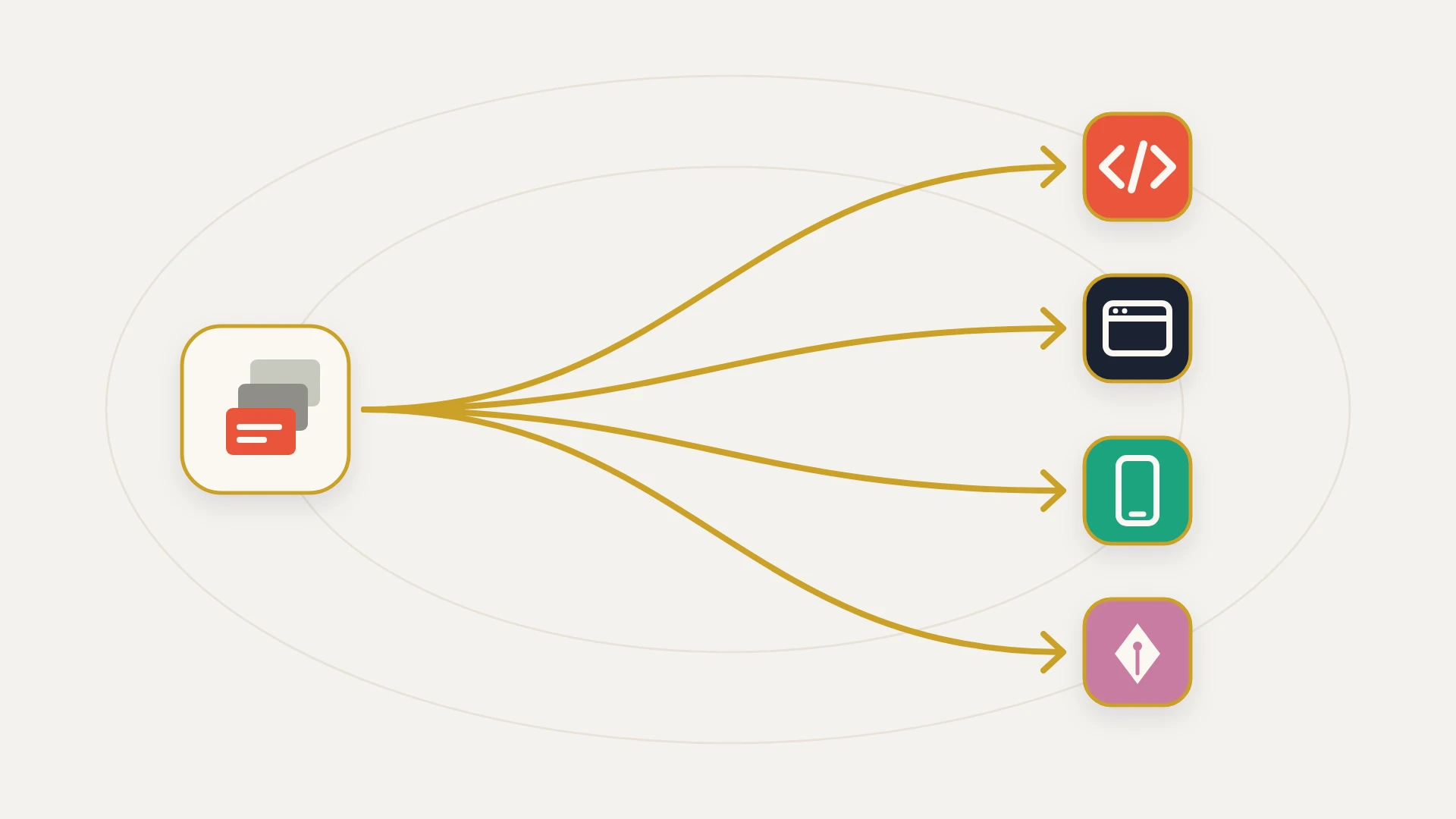
These do not overlap, and the reason is that one of them stops where code starts. Onboarding will get every native app switched on and configured properly, which for a large number of companies is the entire integration requirement and means you never need to call us. If what you need is not in the App Marketplace, or is in the App Marketplace and does not carry the object, field or direction your business depends on, nothing in the onboarding scope produces it, at any tier, at any price HubSpot publishes.
These Are Not Competing Purchases
Start with the thing that makes this page unusual, because it changes how you should read everything under it.
HubSpot's Marketing Hub pricing page states that the cost shown does not include the required, one-time Professional Onboarding for a fee of $3,000, and the Enterprise line reads the same way at $7,000. Sales Hub uses the identical construction: $1,500 for Professional and $3,500 for Enterprise, both described as required and one-time. Starter is the exception, where onboarding is not mandatory, although HubSpot notes that Inbound Consulting is available for an additional fee.
Do the addition before going further. A company buying Marketing and Sales together at Professional owes $4,500 in onboarding fees before anyone logs in, and the same pair at Enterprise owes $10,500. That second number is worth sitting with, because it lands in the same range as a full custom integration build, and it contains no code at all. That is not a criticism of the pricing. It is a statement about what the two things are.
So the question is never whether to buy onboarding instead of a build. It is what onboarding leaves on your desk when the 120 days are up.
What HubSpot Onboarding Actually Includes
HubSpot publishes the scope per hub, and the useful way to read it is to ignore the nouns and look at the verbs.
Here is the Sales Hub list, which the page frames as guidance you will receive:
The published Sales Hub onboarding scope
Overview of your custom sales process in HubSpot, and customization of the CRM for your processes. Genuinely the highest-value part of the whole engagement, and the part most teams underuse because they arrive wanting a feature tour instead.
Baseline reporting setup and review, plus custom report setup and review. Note that review appears in both. The specialist is checking your work, which is the correct and efficient use of a product expert.
Onboarding your team, covering invites, permissions and resources. Unglamorous, frequently botched when done alone, and worth the fee on its own in a large organisation.
Standard sales automation setup. Workflows and sequences inside HubSpot, configured in HubSpot's own tooling. Nothing here crosses a system boundary.
Turning on standard integrations (App Marketplace/native). This is the line the whole page turns on, and the next section is about nothing else.
Consulting to migrate or import data from your CRM. Read consulting literally. They will advise on the migration. Our HubSpot data migration guide covers what that job actually contains once the advice runs out.
Every item on that list is real value, and none of it is padding. But the framing verb is guidance, and the page ends by pointing customers to HubSpot Solutions Partners for hands-on support to execute a highly customized setup. That is HubSpot drawing the boundary itself, on its own page, more clearly than we could.
The One Line in the Scope That Decides Everything
Turning on standard integrations (App Marketplace/native).
This is a clean, honest, defensible boundary and we would draw it in exactly the same place. Installing a native app is a configuration task. Writing a connector is an engineering project with a maintenance obligation attached, and it would be strange for a software company to include an open-ended engineering commitment inside a fixed onboarding fee.
The problem is not the boundary. The problem is that "we have an integration" and "there is an app in the marketplace" sound like the same sentence in a planning meeting, and they are separated by most of the budget.
Every one of the app guides on this site exists because of that gap. The Mailchimp connectors are three separate apps and none of them reconciles consent. The PandaDoc connector is certified and syncs back exactly five field types. The Slack integration connects exactly one workspace. In each case, onboarding will turn the app on correctly and the app will still not do the thing. That is not onboarding failing at its job. It is onboarding succeeding at its job and the job being smaller than you thought.
What Premier Adds, and What It Still Does Not
If you are on Enterprise you have access to Advanced and Premier onboarding, and it would be unfair to describe the entry-level scope and stop there, because Premier is meaningfully more technical.
Both tiers run across your first 120 days with the specialist leading setup. Advanced runs one to two meetings a week and supports consolidation of up to two portals and up to two business units. Premier runs two to three meetings a week, lifts both caps above two, and adds advanced tactics including lead scoring, smart content, calculated fields, programmable email, HubDB, HubL and custom modules.
On integrations specifically, Premier adds this: custom integration support, template configuration, API review and troubleshooting, technical design review, and native and third-party integration implementation guidance.
That is a genuinely useful list, and if you are on Enterprise you should take it. Now read the four words attached to the integration items. Support. Review. Troubleshooting. Guidance.
Every integration verb in the Premier scope presupposes that somebody else has already written the code. Review, support and troubleshooting are all things you do to a thing that exists.
This is the most important paragraph on the page, so it is worth being precise rather than clever about it. HubSpot is not being evasive with that language. It is describing accurately what a product expert on a fixed-length plan across a portfolio of accounts can do for you, which is a lot, and which is categorically different from being the engineer who owns a running system. A design review from someone who knows the API surface better than your vendor does is worth having. It is just not a builder, and reading it as one is the expensive mistake.
HubSpot says the same thing on its main services page, where multi-hub integration, complex migrations and custom development are routed to the Solutions Partner network rather than to the onboarding team. Our guide to HubSpot partners covers how to read that directory, and StackTie vs a HubSpot agency compares the two service shapes you will find in it.
The Hub That Carries Your Integration Has No Onboarding Attached
One detail worth flagging because almost nobody notices it while budgeting.
Data Hub, formerly Operations Hub, is the product that carries HubSpot's data sync engine, custom field mappings and programmable automation. It is, in other words, the hub most directly relevant to connecting anything. Its pricing page lists Professional starting at $720 a month and Enterprise starting at $2,000 a month, and no required onboarding fee appears on it at all.
So the hub whose entire purpose is moving data between systems is the one HubSpot does not sell you a required onboarding plan for. That is a reasonable product decision, since Data Hub is usually bought alongside a hub that does carry onboarding. It does mean that the tooling most likely to determine whether you need a custom build is the tooling least likely to be walked through with a specialist. Our Operations Hub guide covers what data sync genuinely does and where it stops, and it is worth reading before you scope anything, because the cheapest integration remains the one you never build.
Where HubSpot Onboarding Is Better Value Than Us
This section is not a formality and it is not false modesty. On several axes HubSpot onboarding is the best purchase in this entire market and we are not close.
Inside the onboarding fee you are already paying
- Product knowledge from the vendor itself, which no partner can match
- 120 days of a specialist at Premier, for a fee in the low thousands
- Portal architecture, lifecycle stages, permissions, reporting and enablement
- Every native app turned on and configured correctly, at no additional cost
- Answers about product behaviour that come from inside the company
- A design review of an integration somebody else has already built
Not in any onboarding tier, at any published price
- Code written against two published APIs, owned by you from day one
- A connector for a system with no adequate app in the marketplace
- A field map decided and written down before any money moves
- A delivery date with money attached to missing it
- An owner in year three, after every onboarding plan has long since completed
- A maintenance obligation with hours attached rather than a plan with an end
Read the left column first and take it seriously, because it is a lot of value for $1,500. Then look at the last row on each side, because that is where the two purchases genuinely diverge, and it is not about capability at all.
Onboarding is priced as an event. It has a start, a plan, a set of meetings and a completion, and completing it is the point. An integration is not an event. It is a thing that has to be true continuously for years, through API version changes, a field somebody renames, an OAuth token that expires, and the departure of everyone who was in the original meetings. Those two shapes cannot be bought from the same fee no matter how good the fee is.
The Arithmetic, With Both Halves In It
The budgeting mistake we see most often is not underestimating either number. It is treating them as one number.
The onboarding half is published and fixed. Between $1,500 and $7,000 per hub and tier, required, one-time, and knowable before you sign anything.
The build half is not on a pricing page anywhere, because it is not a product. Published partner numbers give it some shape. Hypha, a HubSpot development shop, lists a 40 hour Custom Integration package at $4,750 while pricing web design, CMS development, content, Marketing Hub, Sales Hub, Service Hub and data architecture at 20 hours each, which is a firm that does all of this work for a living saying integration costs double everything else on its own menu. RevPartners, an Elite partner, starts at $9,850 a month for 10 hours a week on a six month initial term.
Ours is $12,000 for the build as standard, currently $7,500 for the first three clients in exchange for a named case study, then $2,000 a month covering 8 hours of integration engineering plus monitoring and API updates, with no minimum term. Nothing is due up front, and the build is live in 14 days or there is no invoice.
StackTie vs HubSpot Onboarding, Line by Line
Onboarding sells a plan and a specialist's attention across a fixed window, and your team performs the work. We sell one written integration scope for a fixed fee with a date attached, then a flat monthly to keep it alive. The first is expertise you apply. The second is an artefact you receive.
Onboarding covers turning on standard native integrations, which is the install-with-a-button category, and covers it well. Past the button there is nothing in the scope at any tier. We start exactly where that line ends, which is why we are not an alternative to it.
Premier adds custom integration support, API review and troubleshooting, and technical design review. Those are the right services for a product expert to offer and they are all performed on code that already exists. The question this page asks is who writes that code, and the published answer is not HubSpot.
The onboarding plan completes, correctly and by design, at the end of 120 days. The integration is expected to keep running for years afterwards through API changes and staff turnover. A retainer with hours attached exists to cover the second shape, and no onboarding fee is priced to.
Where HubSpot Onboarding Is All You Need
If any of these describes you, do not hire us, and do not hire an agency either.
Onboarding alone is sufficient when
Every system you need connected has a native app that does the job. Check this properly before assuming otherwise. The marketplace is large and the native data sync covers a great deal, and the guide to HubSpot integrations maps what is genuinely covered. If the apps cover you, your integration budget is zero and you should spend it elsewhere.
The work is configuration rather than connection. Pipelines, properties, lifecycle stages, permissions, reporting, sequences and workflows are all onboarding's home ground, and a specialist will do it better and faster than a partner will.
You have a capable ops person and need direction rather than delivery. This is the ideal onboarding customer. Somebody internal who can execute, paired with an expert who knows what should be executed, is the cheapest good outcome available in this ecosystem.
Nothing you are connecting carries a number the business acts on. If a broken sync means a stale contact list, the stakes do not justify a build. Run the native app, accept its limits, and revisit if the stakes change.
Where We Are the Right Call
Add a build when
The system has no app, or the app drops what you need. A missing object, an unmapped field, a sync that only runs one direction, a custom object the connector does not carry. Onboarding will confirm the gap accurately and then the gap is still there.
A wrong write costs more than the build. Once a connection feeds invoicing, commission or revenue reporting, a half-finished run stops being an inconvenience and becomes a wrong number in a system people trust. That threshold, rather than complexity, is the one that should trigger a build. StackTie vs Zapier works through the same line from the automation side.
It has to keep working long after everyone forgets it exists. This is what the retainer is for and it is the shape no onboarding plan has, because plans are supposed to end.
You want the number before you start. The build fee is fixed against a written scope, the monthly is flat, and the date is a deliverable rather than an aspiration.
Not sure whether your integration is inside the onboarding scope?
A senior developer on subscription: $2,995 a month, as many requests as you like, each shipped within 2 business days, and your money back if the first 14 days don’t prove it.
What Neither of Us Solves
Neither of us can decide which system owns a disputed field. When a price lives on a deal, an agreement and an invoice, three systems hold a number and nothing arbitrates between them. That is a business decision wearing a technical costume, and our data mapping guide covers why it surfaces in week two of every project.
Neither of us improves the data underneath. An onboarding specialist advising on an import and an engineer writing a connector will both move what is there faithfully, duplicates included. The customer 360 guide covers why that identity layer is the part nobody scopes and everybody pays for.
And neither of us can make a native connector do something it does not do. That is the whole reason this boundary exists, and it is why the first move on any integration project is to find out precisely where the free option stops. A HubSpot audit is one way to find out. Asking your onboarding specialist in week one is a cheaper one.
The Bottom Line
HubSpot onboarding is a required, published, fairly priced service that does exactly what it says, and the tables that pit it against implementation partners are comparing an event with a duration.
Buy it, because on Professional and Enterprise you have no choice, and then use it properly. Spend it on portal architecture, lifecycle stages, permissions, reporting, enablement and every native app that covers a system you need. That is a category of expertise the vendor has and nobody else does, at a price no partner can match, and a team that uses its 120 days well gets more out of that fee than out of anything else it will buy that year.
Then price the build separately, because it is a separate thing. The scope line is published and unambiguous: onboarding covers turning on standard integrations from the App Marketplace, and stops there. Everything past that button is engineering with a maintenance obligation attached, and it belongs on its own line in the budget with its own owner, its own date and its own answer to the question of who is responsible in year three.
The single most useful thing you can do with this page costs nothing. In your first onboarding call, ask which systems will still need custom work after the plan completes. You will get an accurate list from someone with no reason to shade it. Everything on that list is a build, and knowing that in week one instead of month three is worth more than any comparison we could write, including this one.