There is a version of this page you have already read. Two columns, six rows, ticks down our side, and a competitor described by somebody who has never had to keep one running.
Here is what makes this one worth your time instead. We sell a productized HubSpot integration service, so we have an obvious interest in your conclusion, and the honest position is much less flattering than the format usually allows: for most of what you are doing in Zapier today, Zapier is the correct tool, we would not quote for it, and moving it to us would be a waste of your money. There is a specific line where that stops being true. This page is about finding it.
The short version is that the two price tags are not measuring the same thing. A subscription is priced with the operator left out. We are priced as the operator.
In this article
1.
2.
3.
4.
5.
6.
7.
8.
9.
10.
11.
12.
13.
14.
15.
16.
The Short Answer
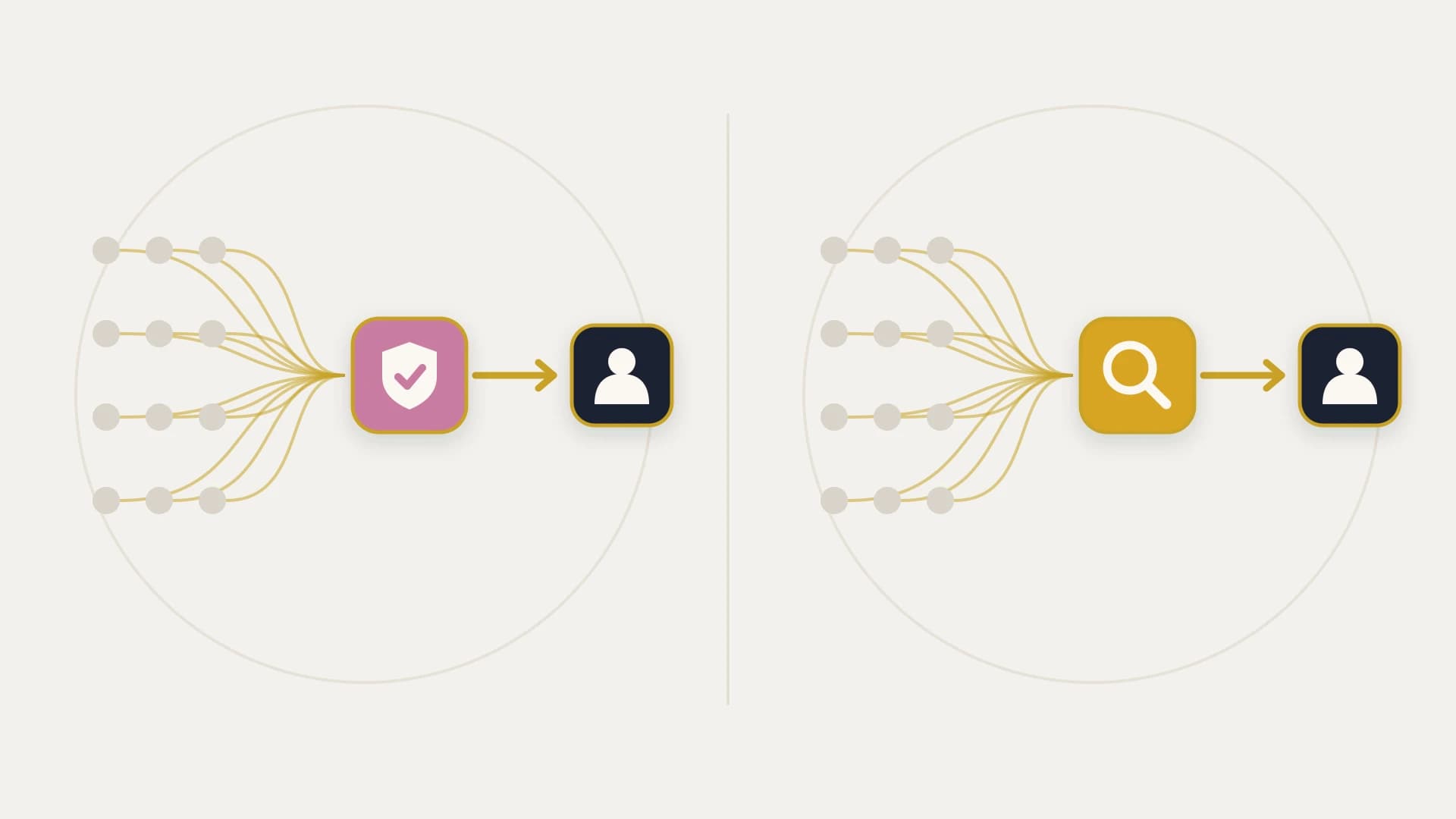
Zapier sells you a runtime. It gives you connectors to 9,000 or so apps, a scheduler, a retry loop, an editor and a log, and then you supply everything else: the decision about which system owns which field, the attention to notice when something is quietly wrong, the diagnosis, the repair, and the person who is awake when it happens.
We sell one integration, written down before anyone is paid, live on a date, and kept running afterwards for a flat monthly fee that has a person attached to it.
If the work is small, reversible and visible when it fails, the first shape is correct and paying us for it would be absurd. If the work is a connection that writes to numbers your business acts on, and a bad run costs more than the entire subscription, the second shape is correct and no plan upgrade gets you there.
These Are Not Two Prices for the Same Thing
The comparison everyone runs is $69 a month against $12,000, and it is not a close call, which is exactly why it is worth slowing down on.
Zapier Professional starts at $19.99 a month billed annually for 750 tasks, or $29.99 billed monthly. Two thousand tasks a month is $49 on Professional or $69 on Team, so a year on Team is $828. Our build is $12,000 as standard, currently $7,500 for the first three clients in exchange for a named case study, then $2,000 a month. Year one at the founding rate is $29,500. That is roughly thirty five times the subscription for what looks, on a diagram, like the same arrow between the same two boxes.
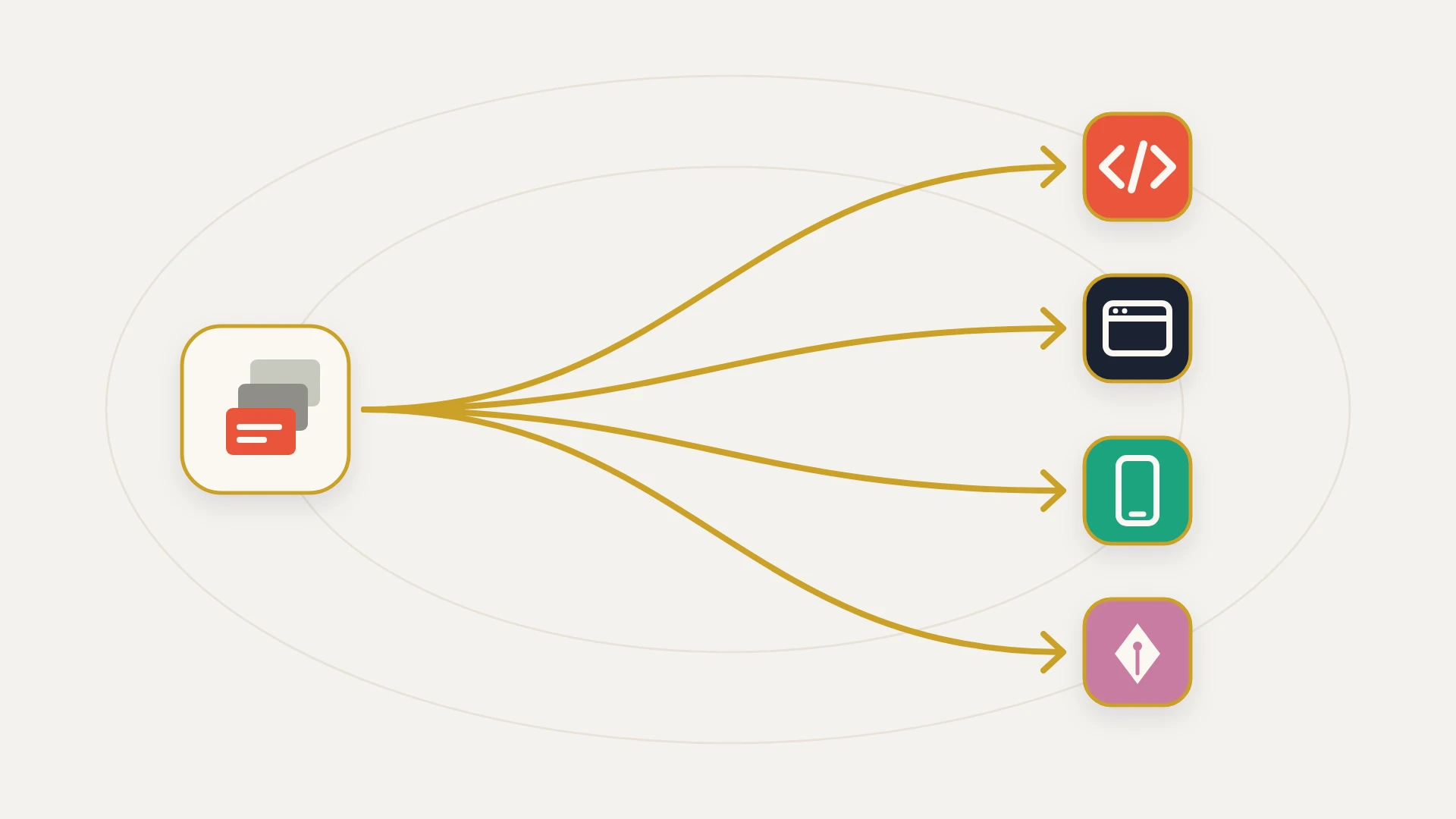
The arrow is the same. What is different is who is standing next to it.
A software subscription is a labour price with the labour removed. That is not a criticism of software. It is the entire reason software is cheap.
Zapier can charge $69 because you are doing the integration work. You decide what triggers what, you decide what happens when two systems disagree, you check the run history, you notice the disconnected account, you rebuild the Zap when a field changes. None of that is billed because none of it is theirs. It is real work all the same, and it does not disappear when the invoice does.
Our $2,000 a month buys 8 hours of integration engineering plus monitoring and API updates. Divide it and that is $250 an hour, which is more per hour than your own ops person costs you. Run that number honestly before going any further: take their fully loaded annual cost, divide by about 2,000 hours, and you will get something well under ours. On rate, in-house time wins. On rate, the subscription wins by much more than that.
So cost is not the argument, and any comparison page that leads with cost is selling you something. The argument is about what happens on the day the arrow moves the wrong data, and whether anyone is looking.
What Zapier Is Better At, Stated Plainly
This section is not throat clearing. If any of it describes your situation, close the tab and go back to work.
Zapier is the right tool when
The catalogue is the requirement. Zapier's pricing page advertises more than 9,000 apps, and its listing on the HubSpot App Marketplace describes connecting HubSpot to over 8,000 of them. We build one connection at a time against two APIs. If your actual need is "HubSpot to seven different things, occasionally," that breadth is worth more than anything on our side of the page and no custom build competes with it.
Speed matters more than durability. A working Zap takes an afternoon and needs nobody's approval. Our shortest path is a scope, a signature and 14 days. For a workflow you might delete in a month, that ratio is indefensible and we would tell you so on the call.
The work is genuinely reversible. Posting to a Slack channel, adding a row, creating a task, sending a templated email. When the worst case of a failed run is that somebody does not get a notification, the correct amount of engineering rigour is none.
You are still finding out whether the workflow is useful at all. Prototyping in Zapier before building anything is not a compromise, it is the sensible order of operations, and we have told prospects to go and do exactly that.
Nobody wants to own code. A custom integration is an asset with an owner, a repository and a maintenance obligation. Some teams genuinely do not want one, and buying a subscription instead of a system is a legitimate answer rather than a failure of ambition.
The design of Zapier's own meter tells you what it was built for, and it is a smart design. A task is one successful action step, triggers are free, filters and paths are free, and the utility steps are free, so logic costs nothing and writing costs money. Our post on Zapier alternatives works through what that does to your bill, and how Make, n8n and Power Automate each answer the same question differently.
The Line Where It Stops Being a Tool Question
Somewhere in most stacks, one automation stops being convenience and starts being infrastructure. It usually happens without an announcement.
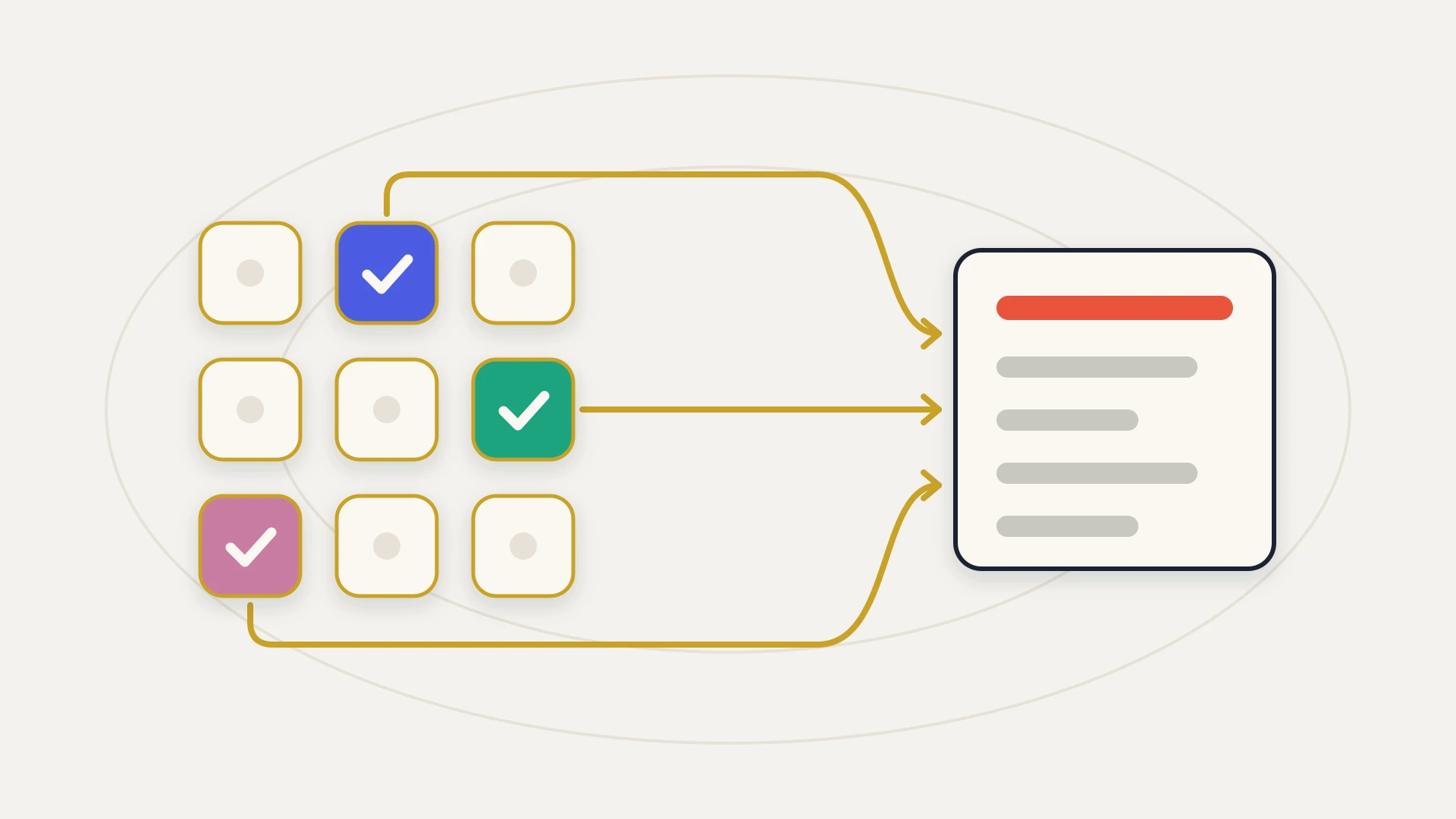
The test is not volume and it is not complexity. It is this: if a run of this workflow completed halfway, would anybody find out, and what would it have cost by the time they did?
An automation that pushes a deal stage into a billing system fails that test badly. An automation that copies a form fill into a spreadsheet passes it easily. The two might sit next to each other in the same Zapier account, built by the same person in the same afternoon, and the platform treats them identically because it has no way not to.
Every tool in this category is a retry loop underneath the editor. Retry is the right answer to a timeout and the wrong answer to a run that wrote a deal stage and then failed before writing the amount.
That is the boundary, and it is architectural rather than commercial. You cannot upgrade past it, because the higher plans on every platform in the category sell you more of the same runtime rather than a different one. What sits on the other side of it is not a better tool. It is reconciliation, meaning something that checks both systems against each other on a schedule and tells a human when they disagree, and that is a thing somebody builds and then watches.
What the Platform Considers Healthy
Here is the part almost nobody reads before committing revenue data to a Zap, and it is documented plainly by Zapier itself.
Zapier will automatically turn off a Zap if it errors 95% of the time it runs and has run more than 20 times in the past 7 days. On Team and Enterprise plans the account owner is emailed before that deactivation, with 24 hours to fix it on Team and a 72 hour grace period on Enterprise.
That is a well designed circuit breaker and it is doing its job. But read the threshold from the buyer's side. A Zap that errors on four runs in every ten does not trip it, does not get turned off, and does not generate the notice. By the platform's own definition it is a working Zap. It is also, if the thing it writes is load bearing, a machine producing wrong records at a steady rate with the status light green.
The status vocabulary makes the same point from another direction. Zapier documents a run as Successful only when it completed without issues, and there is no status meaning "half of this happened." A run that errors on step four leaves the writes from steps one to three in place, and the record of that is an errored run rather than a flagged inconsistency. Safely halted and handled error runs, sensibly, do not count toward the auto-disable threshold at all.
Autoreplay is the built-in remedy and it is genuinely useful: an account-wide setting on Professional plans and higher, it retries a failed step up to five times and finishes about ten and a half hours after the first error. It is designed for a brief API outage or a server timeout, which is exactly the failure it fixes well. It will not replay a run with an on hold status, and it cannot reverse a partial write, because nothing in the product knows which half of the run should be undone.
The Log Runs Out Before the Discovery Does
Zapier can only guarantee a maximum of 60 days of Zap run data in your Zap history, and will display up to 10,000 runs. Default retention sits somewhere between 29 and 69 days depending on where you are in the deletion cycle, and Enterprise admins can customise it, but only downward, to between 7 and 30 days. Zapier's own guidance is to export your history regularly if you need longer-term records, which is good advice that almost nobody follows.
Sixty days is a perfectly reasonable operational window. The problem is what it is being measured against.
Silent data problems are not found by the person who built the automation. They are found by finance during a quarter close, by a rep who cannot understand why a renewal date is wrong, or by a board deck where two numbers that should match do not. That discovery lands months after the run that caused it, and when somebody finally goes looking for the evidence, the window has closed, the 10,000 run ceiling has long since scrolled past, and the answer to "what did this actually write on March 14th" is that nobody can say.
This is the least dramatic difference on this page and it is the one that costs the most, because it converts a fixable bug into an argument about whether the numbers were ever right.
The Meter Is Account Wide
If anything in your Zapier account is load bearing, this is the paragraph to take to your team.
When you exceed your task limit for a billing cycle, Zapier holds actions across all Zaps in that account until the cycle resets or the plan is upgraded. On hold is a documented run status, and its causes are a disconnected app account, hitting your task limit, or actions using premium features your plan does not include. Autoreplay will not replay runs that are on hold.
Read that as an architecture rather than a billing policy. Every automation in the account shares one allowance, so the noisy ones and the important ones are on the same fuse. A marketing automation looping on a bad trigger over a weekend can exhaust the allowance a quote to invoice handoff was depending on, and the second one stops without ever having failed, without erroring, and without tripping any threshold, because from the platform's point of view nothing went wrong.
The Ceiling You Cannot Buy Your Way Out Of
There is one limit here that is genuinely structural rather than a matter of plan choice, and it belongs to HubSpot rather than to Zapier.
HubSpot caps a publicly distributed app installed from its App Marketplace at 110 requests every 10 seconds for each account that installs it. A private app, meaning one registered in your own portal against your own credentials, gets 100 requests per 10 seconds on Free and Starter and 190 on both Professional and Enterprise, with daily ceilings of 250,000, 625,000 and 1,000,000 respectively, resetting at midnight in your account's own time zone.
Zapier reaches HubSpot as an app installed from that marketplace, which puts it on the public app number, and so does every other listed connector. Then the detail that makes this more than trivia: HubSpot states that the API Limit Increase add-on, which raises a private app to 250 requests per 10 seconds, does not increase the limits for publicly distributed apps. You can pay HubSpot for more throughput for code you own. You cannot pay for more throughput through a connector you rent.
For most teams this never bites, and saying otherwise would be scaremongering. It bites during backfills, during migrations, and on the day a batch job in another system decides to update forty thousand records at once, which is precisely when you least want the integration to be the slow part. Our guide to how API integration works and where it breaks covers what that looks like in practice.
Where an iPaaS Changes the Answer, and Where It Does Not
Workato, Celigo, Boomi and Tray sit above Zapier in the same category, and it is worth being precise about what moving up actually buys.
It buys real things: environments, governance, versioning, audit trails, error queues, connection management, and the ability to run a portfolio of integrations under one operational roof. If you are running dozens of connections across a large organisation, that platform is good value and this page is not an argument against it. Our explainer on what iPaaS is covers the category properly.
What it does not buy is the operator. Workato describes its own model as a platform edition fee that determines access to capabilities plus a usage fee that scales with volume, and publishes no dollar figure. Celigo publishes three edition names and the useful line that you pay for endpoints and flows rather than per task or transaction, and also publishes no dollar figure. In both cases you cannot check the meter until you are inside a sales process, which is a real difference from Zapier, whose rate card sits on a public page.
Make deserves a specific mention, because it has the best answer in the category to the partial failure problem and it is switched off unless you go and find it. Make calls the feature incomplete executions and describes it as a safety feature that protects you from stopping due to errors and from data loss, storing the unfinished run so you can resolve it manually or let it retry automatically for rate limiter, connection and module timeout errors. Make's own documentation says incomplete executions are disabled by default. That is a genuinely good mechanism, and the fact that a team has to know it exists to benefit from it is the theme of this whole page in one setting.
The Arithmetic, With the Operator In It
The honest version of the cost comparison is not subscription against fee. It is subscription plus your hours against fee.
Year one with us at the founding rate is $29,500, made of a $7,500 build and eleven months of retainer, and $34,000 at the standard $12,000 build fee. Year two is $24,000 flat. Against that, Zapier Team at 2,000 tasks a month is $828 a year, plus whatever it costs you to keep it healthy.
So put a number on the second half. If keeping your integrations working takes somebody four hours a month, at an internal fully loaded rate of, say, $60 an hour, that is $240 a month or $2,880 a year, which brings the true Zapier cost to roughly $3,700 and still leaves it cheaper than us by a factor of eight. Push it to sixteen hours a month, a bad quarter with a migration in it, and you land near $12,300, still under half our year one and still under our year two.
That is the conclusion, and we would rather write it down than dress it up. If your comparison is total spend, buy the subscription. What the arithmetic above cannot contain is the failure term, because it depends entirely on what your integration writes to. Work it out for your own case: take one field the automation touches, and ask what a month of wrong values in that field costs in invoices reissued, commission recalculated, renewals missed or forecasts rebuilt. If that number is small, the arithmetic above is the whole story and it points at Zapier. If it is larger than the gap between the two columns, the arithmetic above is irrelevant.
StackTie vs Zapier, Line by Line
Every claim in our column is checkable against our pricing section. Every claim in the other column comes from Zapier's own documentation, linked at the bottom of this page.
Zapier's price is the runtime: connectors, scheduling, retries, editor, log. Design, monitoring, diagnosis and repair are yours. Ours is 8 hours of integration engineering a month plus monitoring and API updates, on top of a build. One number excludes the operator and the other one mostly is the operator.
Zapier documents automatic shutoff at a 95% error rate over more than 20 runs in 7 days, with an emailed warning on Team and Enterprise. A build's threshold is whatever you set, and the useful one is not an error rate at all: it is a reconciliation pass that compares both systems and reports a disagreement even when every individual run succeeded.
Zapier guarantees a maximum of 60 days of run history and displays up to 10,000 runs, with export available if you want more. A build writes its own logs to your own infrastructure, so retention is a decision you make rather than a plan attribute.
Zapier's task allowance is account wide, and exceeding it holds actions across all Zaps until the cycle resets or you upgrade. A dedicated integration has its own credentials, its own schedule and its own failure domain, so the noisy thing and the important thing are not on the same fuse.
A marketplace connector runs at HubSpot's public app limit of 110 requests per 10 seconds, and HubSpot's API Limit Increase add-on explicitly does not raise it. A private app you own runs at 190 on Professional and Enterprise and can go to 250 with that add-on.
A Zap is logic in a proprietary editor and an iPaaS recipe is logic in a proprietary format, so neither leaves with you. A build is code in your repository, running on your infrastructure, under your credentials, readable by any engineer you hire next.
Where Zapier Is the Right Call
Repeating this deliberately, because the checklist further up was about capability and this one is about your situation.
Stay on Zapier when
Nothing you automate writes to a number somebody acts on. Notifications, task creation, internal glue, reporting side effects. If a wrong run means an annoyance rather than an invoice, the subscription is the correct amount to spend.
You have more connections than volume. Twenty light integrations across twenty apps is the exact shape Zapier is best at and the exact shape a custom build handles worst, because we would be quoting twenty times.
Somebody internal genuinely enjoys owning it. A capable ops person with time is the cheapest operator you will ever have, and they cost less per hour than us. If that person exists and has capacity, keep the tool and keep them.
The requirement is still moving. A fixed scope is the wrong instrument while nobody can yet say what the thing is. Prototype in Zapier until it settles, then decide.
Where We Are the Right Call
Consider us when
A half completed run would cost real money. Anything writing to billing, invoicing, commission, entitlement or revenue reporting. This is the whole case, and if it does not apply, none of the rest matters.
Nobody is watching, and nobody is going to be. Monitoring is not a feature you buy on a plan tier, it is a person with an obligation. If your honest answer to "who notices first" is a customer, that is the gap the retainer exists to close.
The connection has to outlive the person who set it up. Zaps accumulate, undocumented, until the builder leaves and nobody will touch them. A written scope, a field map and a repository are what make year three somebody's job rather than an archaeology project.
You have already hit a wall the plan cannot move. Loop prevention on a genuine two way sync, ordering guarantees, throughput during a backfill, or reconciliation. These are design problems, and every alternative in the category shares the design.
Not sure which of your Zaps is load bearing?
A senior developer on subscription: $2,995 a month, as many requests as you like, each shipped within 2 to 3 business days, and your money back if the first 14 days don’t prove it.
What Neither of Us Solves
Three things stay true whichever way you go, and they decide more outcomes than the choice between us does.
Neither of us can decide which system owns a field. When a close date lives on a deal and also in a project tool, two systems hold an answer and nothing arbitrates between them. That is a business decision, and a supplier who makes it for you is guessing on your behalf. Our data mapping guide works through how to make it properly.
Neither of us fixes the data underneath. An integration moves what is there faithfully, including the duplicates and the four date formats, and a company record that exists three times will be synced three times. The customer 360 guide covers why that identity layer is the part nobody scopes.
And neither of us should be the first thing you try. HubSpot's own workflows carry no per task meter, and a surprising amount of what teams route through a third party tool is in-portal logic that never needed to leave the building. Operations Hub extends that to two way sync with a fixed list of apps, and it is worth exhausting before paying anybody per task or per build. The cheapest integration is still the one you never commission.
The Bottom Line
Zapier and a built integration are not competing for the same purchase, and the comparison tables that pretend otherwise are why these pages are usually useless.
Zapier is excellent at what it is for. It connects more apps than anything else in the category, it ships an automation in an afternoon, its meter is published and legible, and for the overwhelming majority of what a revenue team automates it is both the cheapest and the correct answer. Nothing we build competes with 9,000 connectors, and we would not try.
What it does not sell you, because no subscription can, is somebody whose job is to notice. Its automatic safety net is calibrated for a Zap that is down rather than one that is wrong, its run history is guaranteed for 60 days against discoveries that routinely take longer, its task allowance is shared across everything in the account, and a rented connector runs at a HubSpot ceiling you are not allowed to raise. None of those are flaws. They are the shape of a product priced for you to operate it.
So the question that sorts this is not what your automation costs. It is what a quiet half completed run would cost, and how long it would sit there. If the honest answer is "not much, and we would spot it," stay where you are and spend the difference on something else. If the honest answer is that finance would find it in a quarter close, from a log that no longer exists, then what you need is not a better rate card. It is an owner.
And whichever way that lands, run one exercise this week: list every automation touching HubSpot, mark the ones writing to a field somebody acts on, and put a name next to each of those. The blank rows are the whole problem, and finding them costs nothing.