Search for Zapier alternatives and you will get the same list in a different order. Make, n8n, Workato, Pipedream, Power Automate, Activepieces, Tray. Each entry gets a paragraph about its interface, a note on how many apps it connects, a price, and a verdict that amounts to "great for teams who want flexibility."
Almost none of them tell you the thing that decides whether switching helps: these tools are the same machine. They poll or they listen, they run steps in order, they retry on failure, and they charge you by a unit each vendor picked for itself. Moving between them changes your bill and your editor. It very rarely changes what you are able to do.
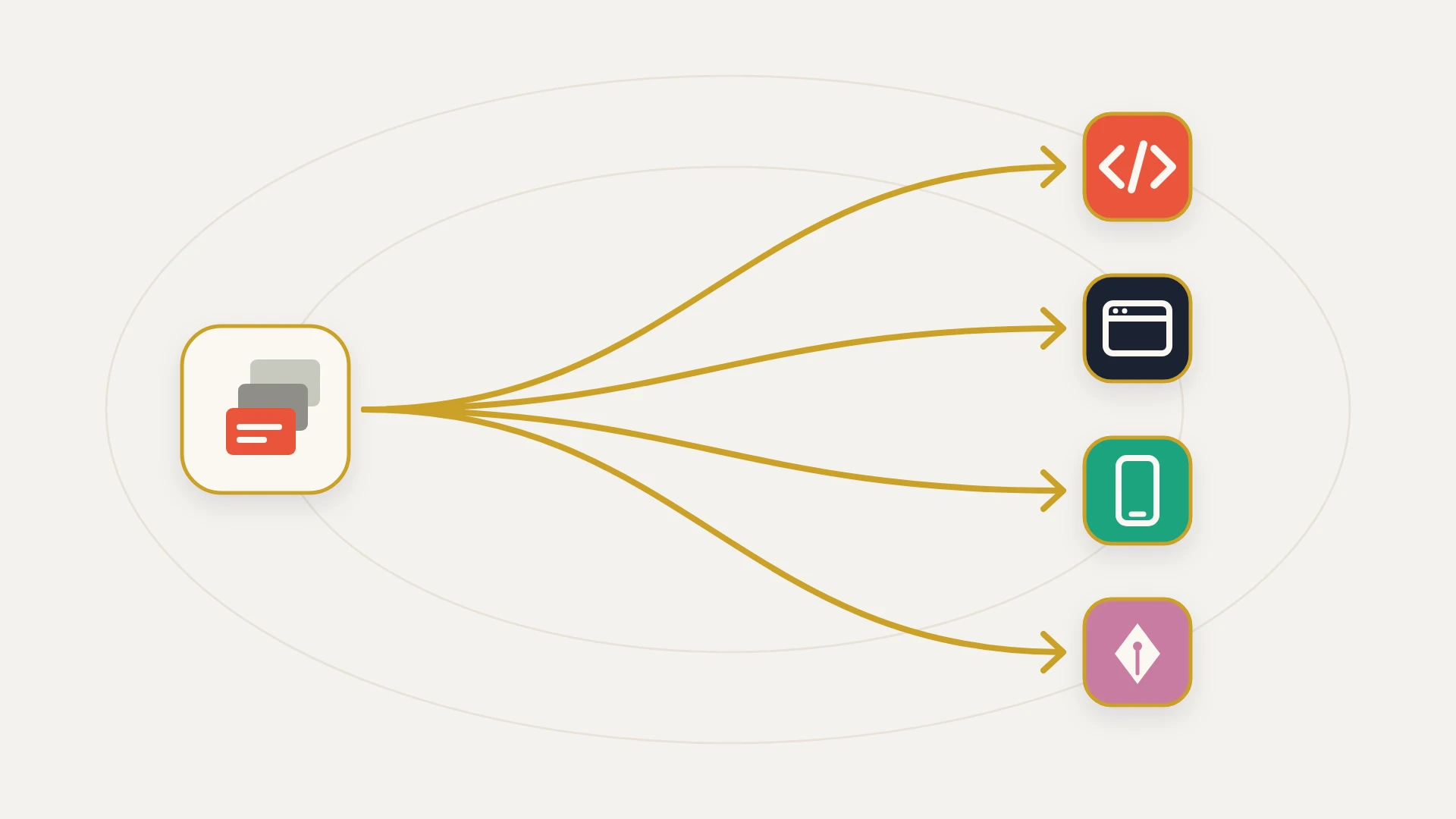
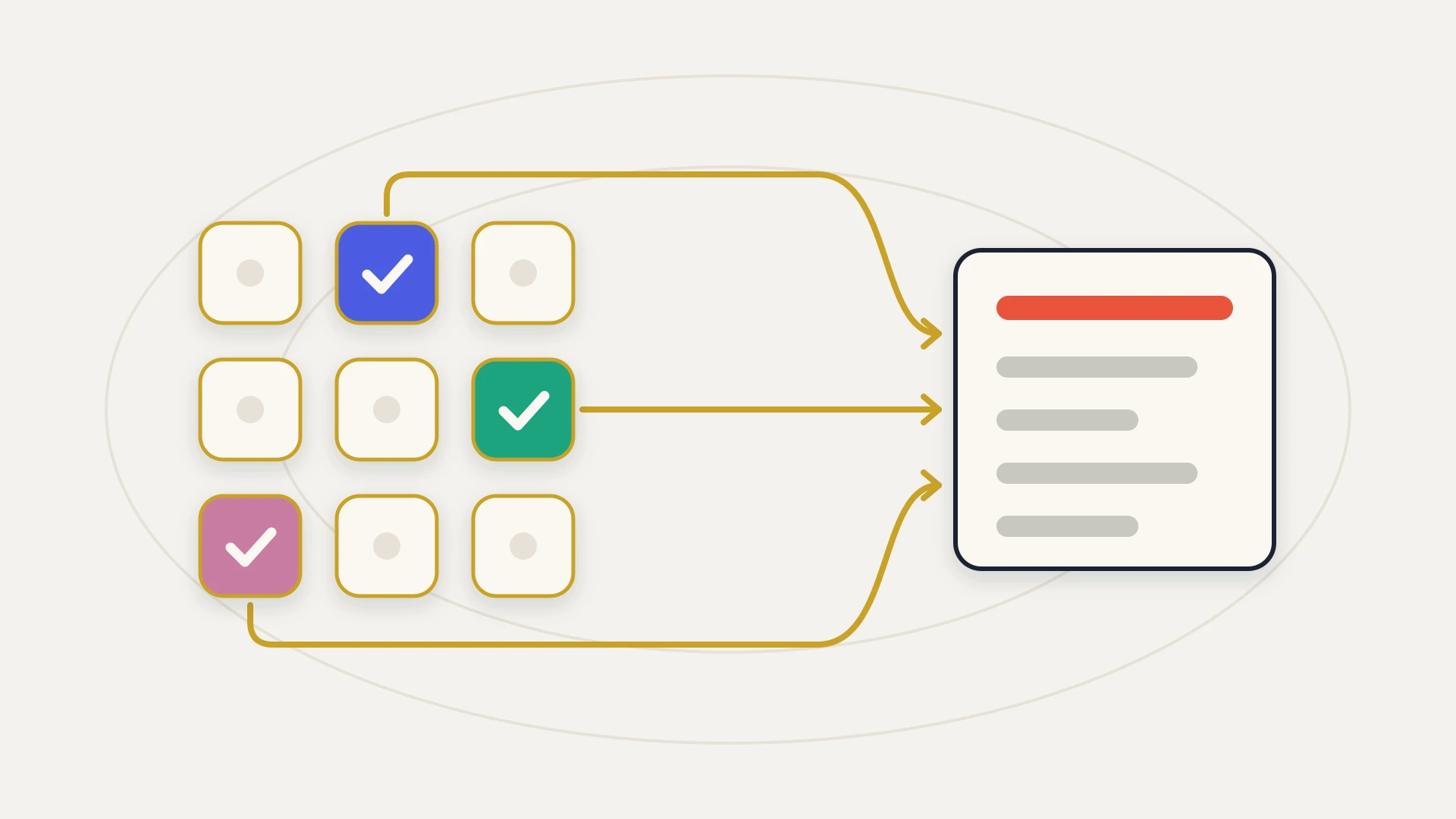
So this guide is organised by what actually changes. There are only three things an alternative can change: the meter you are billed on, the ceiling you keep hitting, or who owns the thing when it breaks. Work out which of the three is your problem and the shortlist writes itself.
In this article
1.
2.
3.
4.
5.
6.
7.
8.
9.
10.
11.
Zapier Alternatives: The Short Answer
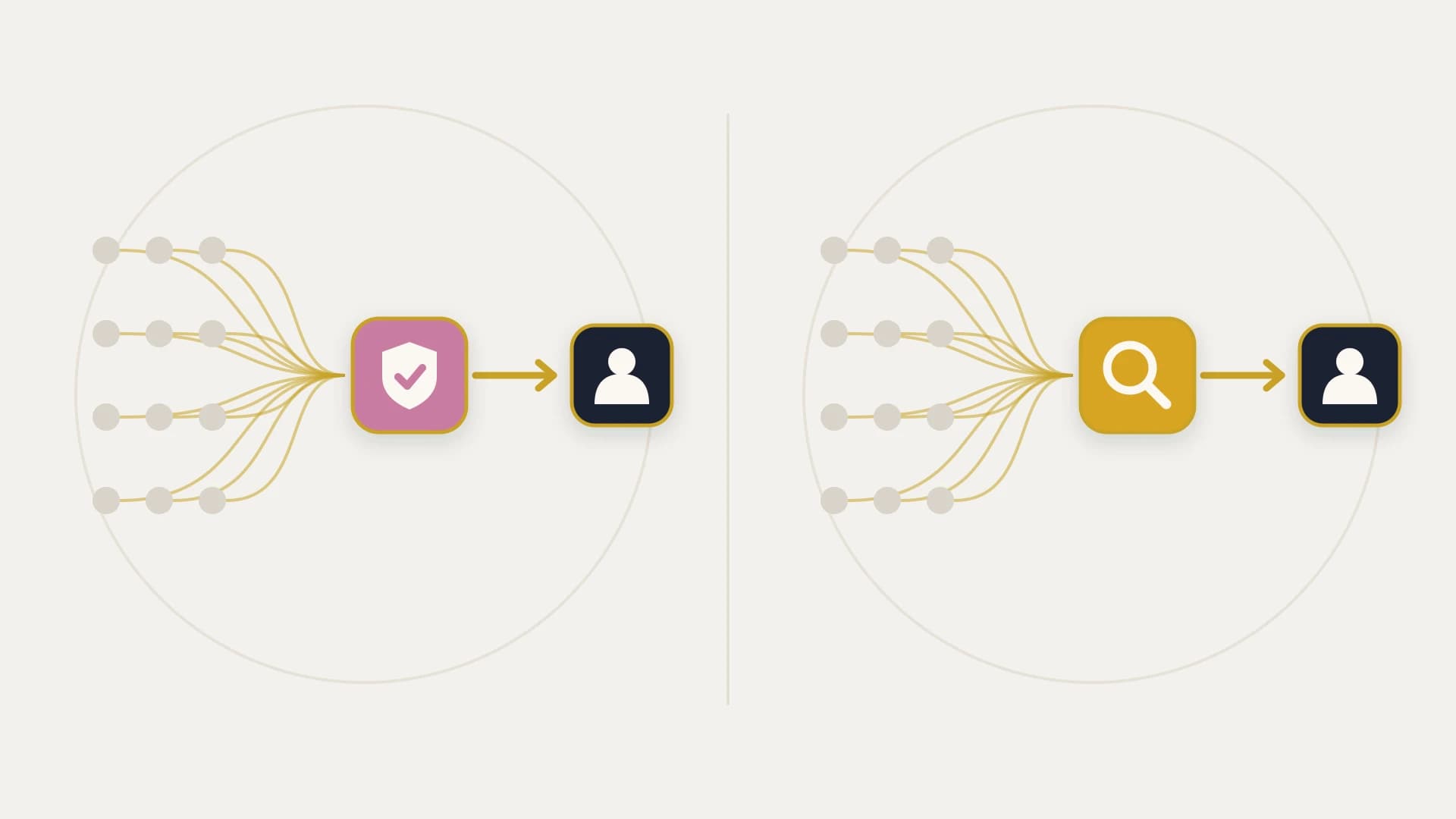
If your complaint is the invoice, compare the metering unit rather than the price. If your complaint is that Zapier cannot do the thing, no comparable tool will fix it, because they share an architecture. If your complaint is that a broken automation quietly wrote bad data into your CRM and nobody noticed for a week, you do not have a tooling problem at all.
The reason the standard listicle fails is that it treats all three complaints as one. A team paying $80 a month and a team whose quote-to-invoice handoff silently dropped nine records last quarter get sent to the same page, and only one of them is helped by it.
First, What Zapier Actually Charges You For
You cannot evaluate somebody else's meter without knowing your own, and this is the part most teams have never read.
A task is one successful action step. Zapier's documentation is unusually precise about the boundary. All successful action steps count, including successful steps inside an error handler path and steps that run during a full replay. Triggers never count. Filter and Paths steps never count. Action steps that error or halt never count, and neither do steps skipped because a filter stopped them. Utility apps including Formatter, Delay, Looping, Digest, Zapier Manager and Storage are free, as are Zapier Tables and Forms steps.
Read that as a design instruction and it says something uncomfortable. Logic is free and writing is expensive. A workflow that branches ten ways and formats a dozen fields costs no more than one that does neither, and the moment you add a lookup to stop a duplicate being created, that safety check becomes a billable task on every single run.
The published prices follow from that. Zapier Free carries 100 tasks a month, two-step workflows and a 15 minute polling interval. Professional runs from $19.99 a month billed annually for 750 tasks up to $3,389 for 2,000,000, with a 2 minute polling interval and unlimited premium apps. Team starts at $69 a month annually for 2,000 tasks and tops out at $3,999, buying a 1 minute interval and shared access. Enterprise is quoted, and moves you to annual rather than monthly task limits.
Tier One: Alternatives That Change the Meter
These are the same product with different arithmetic. Nothing you could not do in Zapier becomes possible, and the bill can genuinely halve.
Make
Make's rate card is the friendliest headline in the category. Free carries up to 1,000 credits a month with a 15 minute minimum scheduling interval. Core is $12 a month, or about $10.20 billed annually, for 10,000 credits and a 1 minute interval. Pro is $21 and Teams is $38 at the same 10,000 credit baseline, with a slider that runs from 10,000 up past 8 million.
Set that against Zapier Professional at $19.99 for 750 tasks and it looks like a rout. Then read how Make counts. An operation is a single module run to process data or check for new data, and modules process bundles individually, so a module handling five records generates five operations. Trigger modules are the exception and count as one per check regardless of how many bundles they retrieve.
That distinction decides which tool is cheaper for you, and it is the opposite of intuitive. For workflows that fire once per record, Make is meaningfully cheaper. For workflows that pull a batch and process it, Make bills per record per step where Zapier bills per step, and the advantage can invert.
Make is the right swap when
- Your workflows are numerous and simple, so the low rate card wins outright
- You want a visual builder that shows data moving between modules rather than a vertical list
- The Zapier bill is genuinely the problem and you are nowhere near a capability ceiling
- You need a 1 minute interval at $12 a month rather than at Zapier's Team price
Make changes nothing when
- Your workflows process batches, where per-bundle counting can cost more than per-step
- The thing you cannot do in Zapier is architectural, because Make shares the architecture
- Your failures are partial writes rather than timeouts, since Make retries the same way
- You are paying for the tool in engineering hours rather than in subscription
n8n
n8n is the one alternative here whose meter is structurally different rather than merely cheaper, and it deserves more attention than the average listicle gives it.
n8n's documentation defines an execution as a single run of your entire workflow, and states plainly that it does not matter how many steps are in the workflow or how much data it processes, it is still a single execution. Cloud Starter is 20 euros a month billed annually for 2,500 executions with 5 concurrent runs. Pro is 50 euros for 10,000 executions and 20 concurrent. Business is 667 euros for 40,000, adding SSO, Git version control and a self-hosted option.
Work through what that unit does to the comparison. A three step workflow costs one execution on n8n and three tasks on Zapier. A fifteen step workflow costs one execution and fifteen tasks. The gap is not a discount, it is a different growth curve, and it means the more carefully engineered your automation is, the more n8n's model favours you. Every duplicate check, every enrichment lookup, every conditional write that Zapier bills for individually is free once the run has started.
The catch is worth stating honestly. Execution counts are lower than task counts by design, so 2,500 executions is not obviously more generous than 750 tasks until you know your average step depth. Do that arithmetic against your actual Zap history before switching, not after.
Power Automate
Power Automate is the outlier because it does not meter runs at all. Premium is $15 per user per month paid yearly. Process is $150 per bot per month and Hosted Process is $215.
Per user pricing is a genuinely different proposition. Volume stops mattering and headcount starts mattering, which is exactly right for a team automating individual work across Microsoft 365 and exactly wrong for a service account running a high volume sync between two systems, where one licence carries unlimited work and the cost is a rounding error. It is the strongest option on this page for a Microsoft-centric organisation and a poor fit for a HubSpot team whose integration runs headlessly.
Tier Two: Alternatives That Change the Ceiling
If you have hit an actual wall, more no-code will not help. The category above it is enterprise iPaaS: Workato, Tray, Celigo and their peers.
What you buy there is real, and it is not features. It is environments, governance, versioning, audit trails, error queues, connection management and the ability to run hundreds of integrations under one operational roof watched by people who are not you. Our explainer on what iPaaS is covers the category properly, including where its economics stop making sense.
Two things to know before you price one. First, you still build the integration. The platform is a substrate rather than a solution, and the work of deciding which system owns which field does not disappear because the tool got more expensive. Second, what you build is written in the vendor's proprietary recipe format, so the asset does not leave when you do. You are renting the runtime and the logic.
Tier Three: Alternatives That Change the Ownership
Exactly two options on this page remove the meter rather than resetting it.
Self-hosted n8n
n8n's Community Edition is free, self-hosted, and carries no execution costs. That is not a trick or a stripped demo. It is the standard version of the product running on your own infrastructure.
What it costs instead is operations. Somebody runs the container, patches it, monitors it, backs up the database, handles the upgrade that changes a node's behaviour, and is awake when it stops at 2am. For a team with an engineer who already does that for other services, this is comfortably the best value in the category and it belongs on more shortlists than it reaches. For a revenue team without one, the licence fee was never the expensive part.
A custom integration
The last option is to stop renting the automation and own it. Code written against the APIs directly, running on your own infrastructure, with no per-task meter, no polling interval attached to a plan, and no ceiling other than what the platforms themselves expose.
The reason to consider it is not usually cost, and any comparison that leads with cost is selling you something. It is that the failure mode is different in kind. Every tool above this line is, underneath the editor, a retry loop. Zapier replays a failed step up to five times and then stops. That is the correct response to a network timeout and the wrong response to a run that wrote a deal stage and then failed before writing the amount, because retrying does not undo the half that succeeded.
A build can do what a retry loop cannot: check whether the work already happened, reconcile the two systems on a schedule, and tell you it is broken before your finance team does. Our guide to how API integration works and where it breaks covers those failure modes in detail, and when to build a custom HubSpot integration covers the decision itself.
The HubSpot Version of This Question
If HubSpot is the centre of the stack, two options sit outside the usual list and both get missed.
HubSpot's own workflows have no per-task meter. For anything that begins and ends inside HubSpot, that is not a cheaper alternative, it is a free one, and a surprising amount of what teams route through Zapier is in-portal logic that never needed to leave the building. Operations Hub extends that to two-way sync with a fixed list of apps, and it is worth exhausting before paying anybody per task. That post also covers where it stops, which is the part that decides whether you need anything else at all.
The other is that Zapier's HubSpot support is better than its reputation. The integration includes New Custom Object and Create Custom Object triggers and actions, search and find-or-create, and dedicated actions for creating and removing associations between objects. The old advice about driving custom objects through raw Webhooks is out of date.
What has not changed is the arithmetic. Each of those is a metered action, so a run that reads a custom object, checks for a duplicate, writes a record and creates an association costs three or four tasks, not one.
Where the Money Actually Crosses Over
Worth doing this honestly, because the answer is less flattering to building than most agency posts pretend.
At the bottom of Zapier's Professional range, 750 tasks for $19.99 a month billed annually, you are paying roughly $0.027 per task. At the top, 2,000,000 tasks for $3,389, you are paying roughly $0.0017. The unit price falls about sixteenfold across that range while the total bill rises about a hundred and seventyfold.
So there is a real crossover and it sits far up the curve. Most teams reading this are nowhere near it, and for them the subscription is the cheapest engineering they will ever buy. If you are near it, the comparison stops being close, because at that volume you are also the team whose failures cost the most.
The useful conclusion is the one nobody selling either option wants to say plainly. Cost is almost never the reason to leave a no-code tool. The reason is that the work became load bearing, and load bearing work needs a different kind of failure handling rather than a different rate card. Deciding which system owns which field, which our post on data mapping works through, matters more to the outcome than the tool you pick to move it.
Which One Fits: An Honest Split
This is most teams and there is no shame in it. Zapier has the largest app catalogue in the category, and the time you would spend migrating to save $30 a month is worth more than $30 a month. Before you shop, run the free optimisation pass: move logic into Filters and Formatter, which cost nothing, and cut the metered write steps. Teams routinely find a third of their task usage was avoidable.
Pick on your own shape. If your workflows are deep, n8n's per execution meter is structurally cheaper and the gap grows with every step. If they are wide and simple, Make's rate card starting at $12 for 10,000 credits wins, as long as you are not processing batches where per bundle counting bites. Self-host n8n's free Community Edition only if somebody already runs infrastructure, because the licence fee was never the expensive part.
This is where the category runs out, because every tool above is a retry loop and retry cannot fix a partial write. If a failed run leaves a deal in a stage the invoice contradicts, or revenue reporting nobody trusts, what you need is reconciliation and monitoring rather than a cheaper meter. It is also the case where switching tools costs you the migration and delivers you to the same wall.
What No Alternative Solves
Three things stay the same whichever row of the table you pick, and they sink more integrations than the choice between vendors does.
None of them knows which system is right. If a contact's owner is set in HubSpot and also in your billing system, two systems hold an answer and no tool arbitrates between them. That decision is yours to make before anything is built, and it is the cheapest hour on the project.
None of them fixes ordering. Webhooks arrive out of order, and a tool that faithfully processes an update before the create it depends on will faithfully produce the wrong result. Handling that takes deliberate design regardless of what you are designing in.
And none of them tells you it is quietly wrong. Every one of these products will tell you a run failed. Not one will tell you a run succeeded and produced a record nobody should trust. That gap is where integration projects actually go bad, and closing it is a build decision rather than a purchase decision. The broader guide to HubSpot integrations maps how the pieces fit, and who should build your integration covers the supplier question once you have decided to build.
Outgrown the meter rather than the tool?
A senior developer on subscription: $2,995 a month, as many requests as you like, each shipped within 2 to 3 business days, and your money back if the first 14 days don’t prove it.
The Bottom Line
The list of Zapier alternatives is long and mostly interchangeable, because the products are variations on one design with four different opinions about what to charge for. Zapier charges per successful action step. Make charges per module run and counts each bundle separately. n8n charges once for an entire workflow run no matter how deep it is. Power Automate charges per user and ignores volume altogether.
Pick from that list if your problem is arithmetic. It often is, and when it is, n8n's per execution meter is the most structurally favourable model in the category and Make's rate card is the lowest at the entry point. Both are real savings, and neither asks you to believe anything about your architecture.
But check the diagnosis first, because the expensive mistake here is not overpaying. It is migrating. If what is actually wrong is that an automation you cannot see quietly wrote something false into the system your revenue reporting runs on, you will pay the switching cost, learn the new editor, and arrive at exactly the same wall, having spent a quarter changing the currency on the invoice.
The question that sorts it is short. When this breaks at 2am, what does it cost you, and who finds out first? If the answer is a stalled Slack notification and you hear about it on Monday, keep the subscription and optimise it. If the answer is a customer, build the thing and own it.