Search for Docusign alternatives and you get the same twelve logos in a different order, each with a paragraph about its interface, a starting price, and a verdict that amounts to "great for small teams."
None of that explains why anybody actually leaves. In our work connecting e-signature tools to HubSpot, the trigger is almost never the interface and it is usually not the seat price either. It is the discovery that the plan is generous right up until the moment a machine starts sending, at which point a different and much smaller number applies.
That number has a name on every rate card in this category, and it is never the headline. So this guide sorts the alternatives by which gate you are escaping rather than by which one has the nicest editor. There are only three gates worth switching over: the automation meter, the plan that unlocks the API at all, and the existence of a separate tool in the first place.
We build and maintain HubSpot integrations, including to several of the tools below, so we have an obvious stake in this. We are not a reseller or affiliate of any e-signature vendor and we earn nothing from which one you pick. Every figure here comes from the vendors' own pricing pages, help centres and developer documentation as of September 2026.
In this article
1.
2.
3.
4.
5.
6.
7.
8.
9.
10.
11.
Docusign Alternatives: The Short Answer
If you are leaving because a rep-driven signing process got expensive, this is a straightforward seat-price exercise and most of the market undercuts Docusign. Pick on usability and stop reading.
If you are leaving because your integration ran out of sends, read the automation terms of every candidate before you move, because at least two of the popular alternatives gate machine sending harder than Docusign does. Switching into a tighter gate is a real and common outcome.
And if your agreements are quotes, check what your CRM already does before you price a vendor at all. That is the option nobody on a comparison page has an incentive to mention.
First, Work Out Which Gate You Are Hitting
The three gates fail differently and only one of them is fixed by switching vendors.
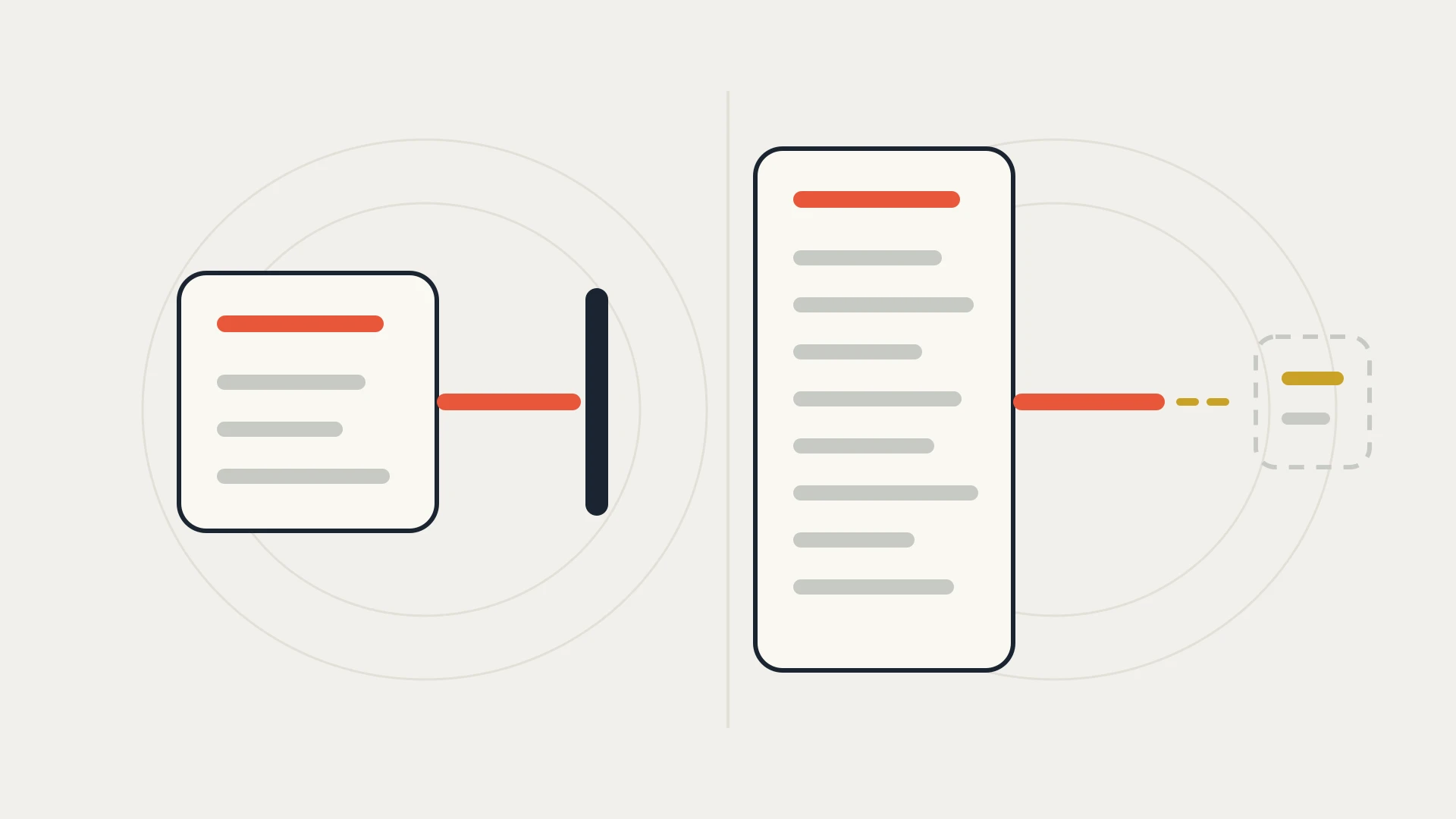
Gate one: the automation meter
Your plan allows plenty of sends, but the sends your integration makes are counted separately and the allowance is small. This is Docusign's shape. It is also the gate people misdiagnose most often as a price problem, because the invoice is what they see.
Gate two: the API tier
The API exists, is well documented, and is not available on the plan you are on. Nothing is metered because nothing is permitted. This is Zoho Sign's shape and, in a different form, Dropbox Sign's. It is the gate that turns a two week integration into a procurement cycle.
Gate three: the separate tool
Neither the meter nor the API is the problem. The problem is that a document leaves your CRM, gets signed somewhere else, and something has to carry the result back. Every vendor on this page has this gate, because it is the reason the integration exists.
Only gate one is reliably improved by moving. Gate two can get worse. Gate three follows you, and it is the one that costs the most over three years.
The Pattern Nobody Puts in the Comparison Table
Here is what the same question looks like at four vendors, in their own published terms.
Three vendors, three completely different answers to one question, and none of the three differences appear in a feature grid because none of them are features. They are commercial decisions about who is allowed to send.
Every tool in this category is generous to a person clicking a button and careful with a machine calling an endpoint. The gap between those two prices is the real product difference, and it is the only one an integration ever feels.
Tier One: Alternatives That Change the Meter
These are the straight swaps. Same job, different arithmetic, and for a rep-driven process they genuinely cost less.
Zoho Sign
The clearest published envelope ladder in the category, and the clearest warning attached to it.
Zoho Sign's own pricing page carries a free plan at 5 envelopes per month for a single user, Standard at 25 envelopes per user per month, and Professional and Enterprise both at unlimited envelopes. For a team sending by hand, Professional's unlimited envelopes at a mid-market seat price is among the best value on this page and it is not close.
Then the line that decides whether it is an alternative for you at all: APIs and webhooks are listed as an Enterprise feature. Zoho also offers a separate envelope-priced API plan with no monthly or annual commitment, which is a genuinely useful shape for low steady integration volume and an unusual one in this market.
Zoho Sign is the right swap when
- Sending is rep-driven and you want unlimited envelopes without an automation allowance hanging over it
- You are already in the Zoho ecosystem and the admin overhead is close to zero
- Your integration volume is low and steady, where the pay-per-envelope API plan avoids buying a tier
- You want published envelope numbers rather than a quote
Zoho Sign changes nothing when
- Your integration is the point, since APIs and webhooks sit on Enterprise
- You need the cheap tier and the API at the same time, which is the one combination the ladder does not sell
- Your problem is what comes back to the CRM rather than what goes out
- You are comparing on envelopes when your actual constraint is automated sends
PandaDoc
Worth naming here because it answers a different question from the rest: it is a document generation tool that signs, rather than a signing tool that accepts documents. If your agreements are assembled from CRM data rather than uploaded as finished PDFs, that difference matters more than any price on this page.
We have already put it head to head with Docusign on pricing, send allowances, API limits and exactly what each one returns to a CRM, so rather than restate it, see PandaDoc vs Docusign.
Tier Two: Alternatives Where the API Moves Behind a Different Door
These do not meter your integration in the way Docusign does. They decide earlier whether you have an integration at all.
Dropbox Sign
Dropbox Sign is the cleanest product in the category for ordinary human signing, and its paid plans carry unlimited signature requests, which reads like the end of the conversation.
It is not, because the API is a separate purchase. Dropbox sells API access as its own product line with its own Essentials, Standard and Premium ladder, and Dropbox's own help documentation is specific about what each unlocks: Essentials API covers non-embedded signing and non-embedded requesting, Standard API is the minimum for embedded signing and embedded requesting, and embedded templates require Premium API.
Read that as an architecture decision rather than a price. If you want the signing experience to happen inside your own product or portal, which is what embedded means, the entry API plan cannot do it and no amount of volume changes that. If you are content to send from your systems and let signers complete in Dropbox Sign's own interface, the entry plan is fine.
One genuinely good thing worth stating plainly: Dropbox documents that you can fully test every endpoint and most features, even from a free account, by setting test_mode to true on your API requests. That means the integration can be built and demonstrated before anybody signs a contract, which is rare in this category and worth a lot during evaluation.
Dropbox Sign is the right swap when
- Human sending is the bulk of the volume and you want it uncapped
- You want to build and test the integration before committing budget, using free test mode
- The signing experience can live in Dropbox Sign's interface rather than inside your own
- You are escaping an automation allowance rather than an API gate
Dropbox Sign changes nothing when
- You need embedded signing, which starts at Standard API rather than the entry plan
- You expected API access to come with the seats you already bought
- Your volume is low but your embedding requirement is high, the worst corner of this ladder
- The thing you actually need is the signed result back in HubSpot
Adobe Acrobat Sign
Adobe's integration surface sits behind its upper plans, which makes it the same shape as Zoho Sign at a different scale and with a different buyer. We covered where it draws that line, what it meters and what reaches a CRM in Adobe Sign vs Docusign.
Tier Three: The Alternative That Removes the Tool
This is the option that belongs at the top of most evaluations and appears on almost none of them.
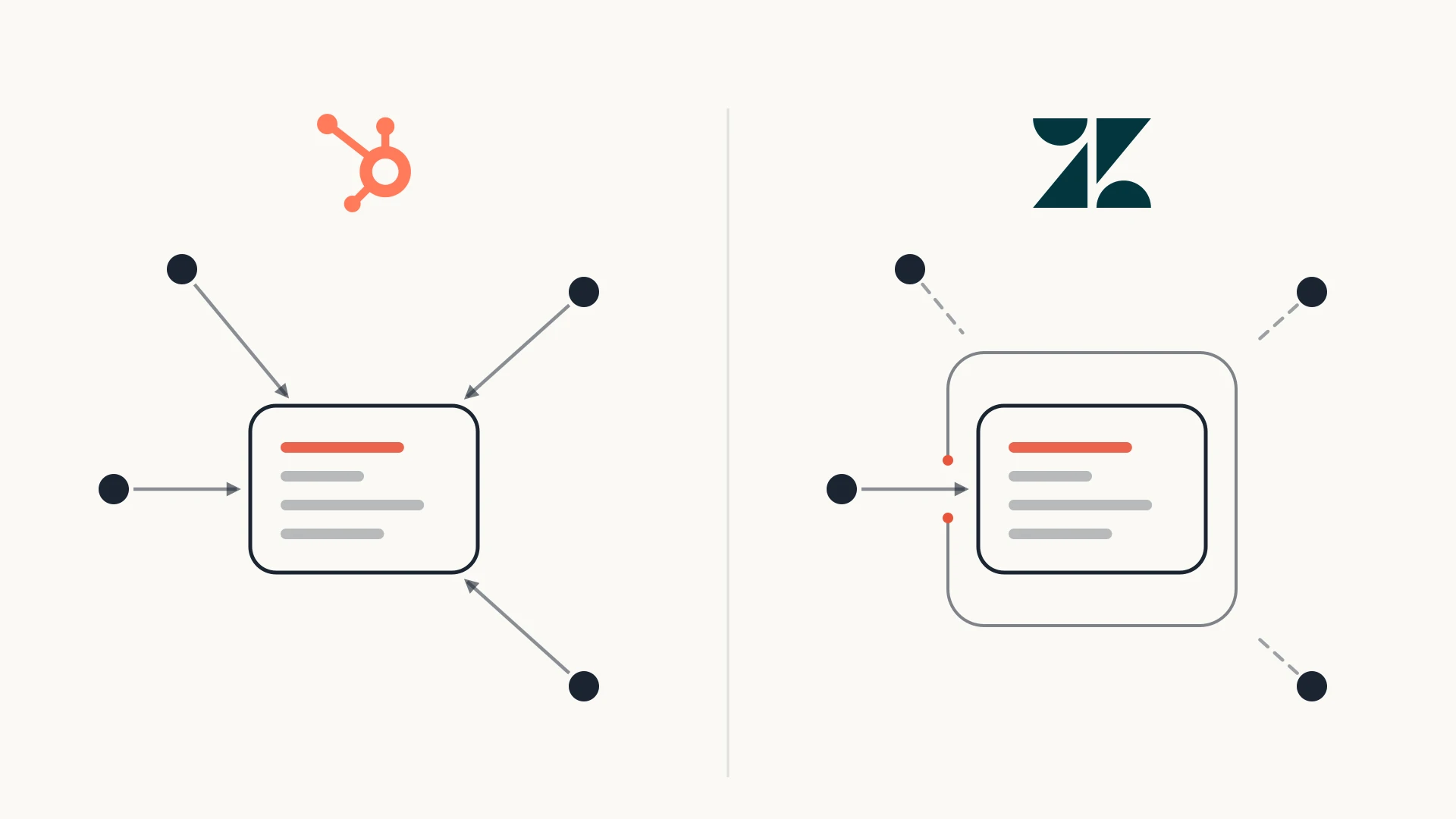
If the thing you are sending is a quote, HubSpot signs it. E-signatures on quotes are included with Revenue Hub Professional and Enterprise, and the allowance is pooled across the account based on seats: 25 signatures per user per month on Professional, 50 on Enterprise, resetting on the first of each month.
For a sales team whose agreements are quotes, that removes a vendor, a contract, a login and the integration that would have connected it. There is no send to meter and no API gate to clear, because nothing leaves the CRM.
Be equally clear about where this stops. It signs quotes. It does not sign an MSA, an NDA, an order form built outside the CRM or anything needing complex signer routing, and it is not a document archive. Our contract lifecycle management guide covers the half of the process that begins after the signature, which is the half that usually justifies a dedicated vendor.
Tier Four: The Only Option That Removes the Meter
Everything above resets the meter. One category removes it.
Open-source, self-hosted signing, of which Documenso is the most developed example, gives you a REST API for creating and managing documents, recipients, fields and templates, authenticated with an API key. There is no automation allowance, because there is no vendor to define one, and no API tier, because you are running the thing.
What replaces the licence fee is an operations burden that is easy to underestimate: hosting, upgrades, certificate and key management, availability when a customer is trying to sign at 11pm, and the evidentiary question of whether your own audit trail satisfies whoever might later challenge a signature. That last one is not a technical problem and it is the reason most regulated businesses stop here.
It is the right answer for a company that already runs infrastructure, has a real volume of straightforward internal or low-risk agreements, and wants the asset rather than the subscription. For everybody else it trades a predictable bill for an unpredictable Tuesday.
Not sure whether you need a new vendor or a better connection?
That is what the free audit answers. We look at what is actually sending your agreements today, which of those sends are being metered as automation, whether the plan you are on even includes the API, and what comes back to HubSpot when a document is signed. If the answer is that you should stay where you are and change one setting, we will tell you so and you will have lost half an hour.
Docusign Alternatives, Line by Line
| What it meters | Where the API sits | Best escape from | |
|---|---|---|---|
| Docusign | Unlimited web sends, 100 automation sends per user/year on annual IAM Standard and Professional | Available, but integration sends count against the automation allowance | Nothing. This is the baseline |
| Zoho Sign | Envelopes: 5/mo free, 25 per user/mo Standard, unlimited on Professional and Enterprise | APIs and webhooks listed as Enterprise, plus a separate per-envelope API plan | A rep-driven envelope bill |
| Dropbox Sign | Unlimited signature requests on paid plans | A separate product ladder. Embedded signing needs Standard API or higher | An automation allowance, if you do not need embedding |
| PandaDoc | See the head-to-head comparison | Documented per plan, covered in that post | Documents assembled from CRM data |
| Adobe Acrobat Sign | See the head-to-head comparison | Upper plans only | Enterprise procurement already favouring Adobe |
| HubSpot quotes | 25 signatures per user/mo pooled on Revenue Hub Professional, 50 on Enterprise | Not applicable. Nothing leaves the CRM | The vendor and the integration together |
| Self-hosted open source | Nothing | Yours | The meter itself, at the cost of running it |
What Switching Does Not Fix
Three things survive every migration on this page, and they decide more than the vendor choice does.
The signed document still has to come back. Whichever tool you pick, something has to carry the executed PDF, the field values, the timestamps and the audit trail onto the deal record, and no rate card mentions it. This is the actual work in every e-signature integration we have built, and it is identical across vendors.
Somebody still owns the template drift. Agreements change, fields get renamed, a new clause needs a new merge field, and the mapping between your CRM and the document breaks quietly rather than loudly. Our data mapping guide covers how to decide and record that mapping so it survives the person who set it up.
The allowance still needs a monitor. Every model here has a ceiling somewhere, and in all of them the failure is the same: sends stop, nobody is told in a way that reaches the person who can act, and a customer is left waiting for a document. Whatever you choose, the alarm belongs at a percentage of the allowance rather than at the wall.
The Bottom Line
The standard Docusign alternatives list ranks these tools as if they were competing on the signing experience. They are not, or at least that is not where they differ once an integration is involved. They differ on a single commercial question: what happens when the sender is a machine.
Docusign answers it with a meter, and publishes the number clearly enough that you can plan around it. Zoho Sign answers it by putting the API on the top plan. Dropbox Sign answers it by selling the API as a different product with its own ladder. HubSpot answers it by not letting the document leave. Self-hosting answers it by making you the vendor.
None of those is wrong and all of them are knowable before you buy, which is more than the category is usually given credit for. What is genuinely hard is admitting which gate you are hitting, because the invoice makes all three look like a price problem.
So before you shortlist anything, do one count this week. Take last quarter's sends and split them into the ones a person triggered and the ones a system did. If the second number is small, you are shopping for a cheaper seat and almost anything here will do. If the second number is most of your volume, you are not shopping for an e-signature tool at all. You are shopping for the right to automate, and that is a different line on every one of these contracts.