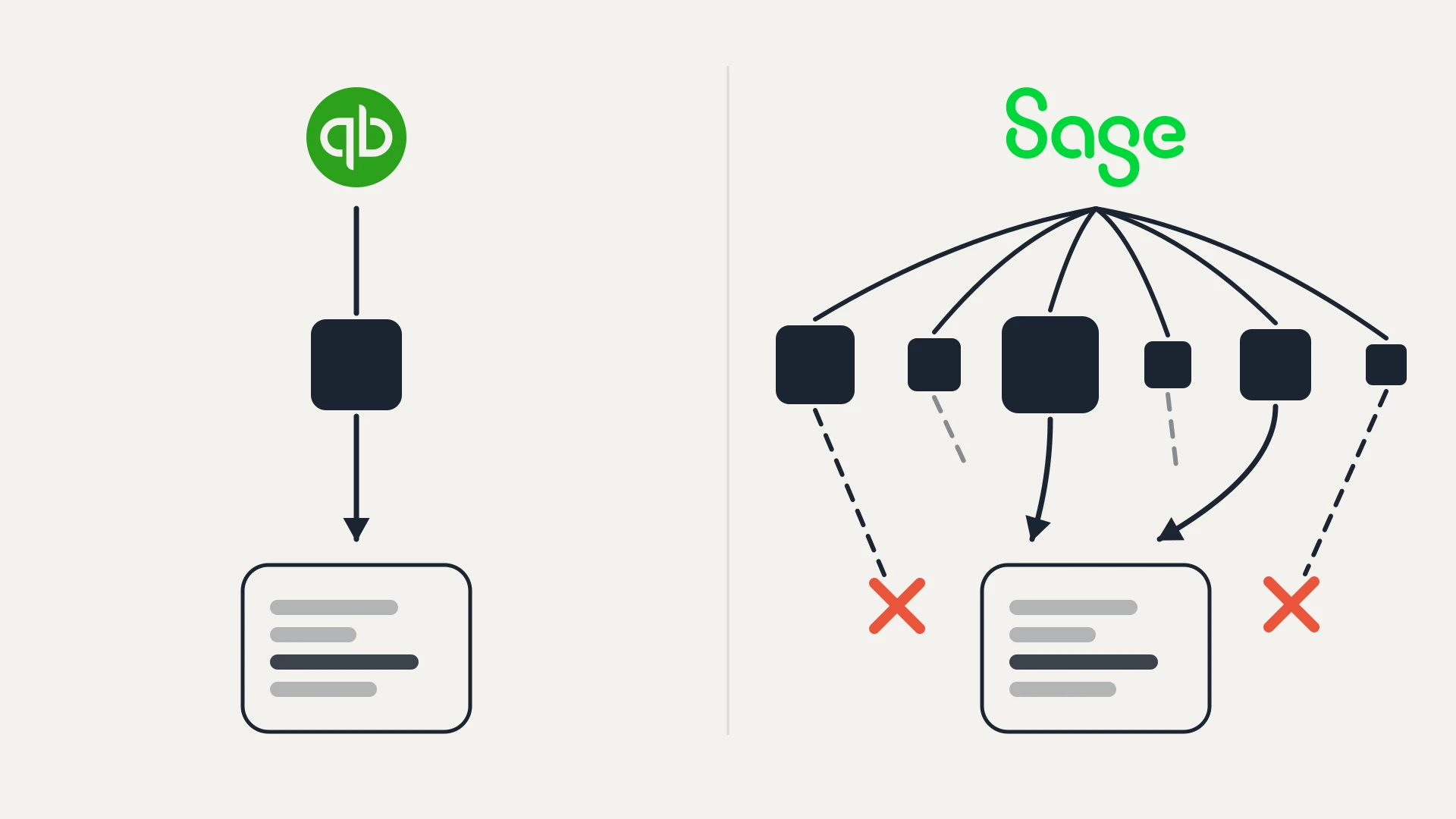
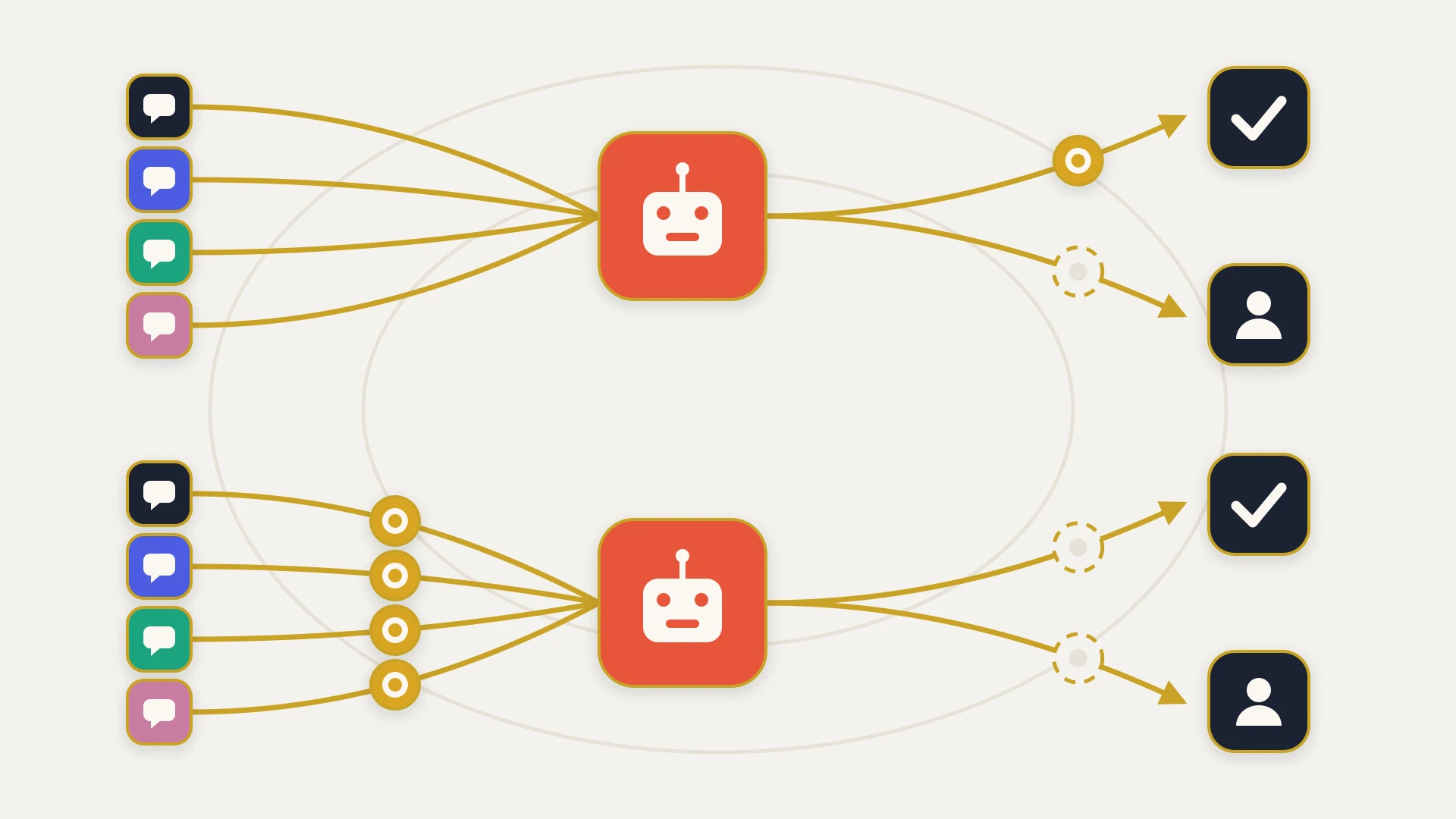
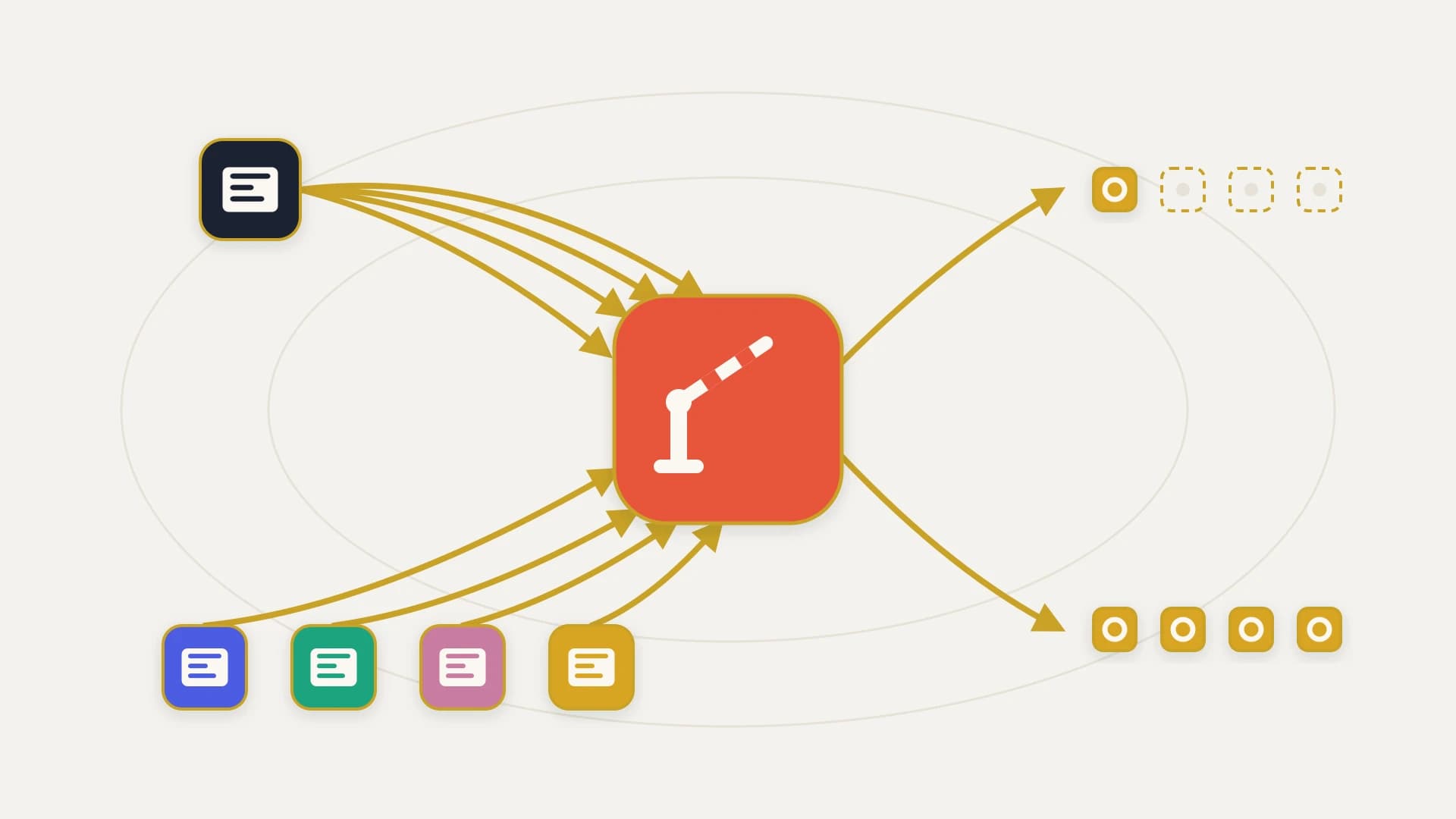
Every comparison of these two products argues the same three things: which one is easier to use, which one is more customisable, and which one costs more per seat. Those are real questions and they have been answered thoroughly by people who sell neither product.
This page is about a fourth thing, which is what each platform does to the systems you connect to it. We build and maintain custom HubSpot integrations for a living, so the disclosure goes at the top: we are not neutral, we do not resell either platform, we are not a Salesforce partner, and for a large number of teams either CRM is a perfectly sound choice. The narrow thing we can add is that we have spent a lot of time on the side of the boundary where the API allowance is either enough or it is not, and that number is almost never in the evaluation.
In this article
1.
2.
3.
4.
5.
6.
7.
8.
9.
10.
11.
12.
13.
14.
15.
The Short Answer
Salesforce gives you a daily budget and almost no speed limit. HubSpot gives you a speed limit and a much larger daily budget.
That sounds like a wash, and at large headcounts it very nearly is. At small and mid headcounts it is not close, because of a detail in how Salesforce calculates the budget: the allowance is a base number plus an amount for every license you have bought. Your integration's capacity is therefore tied to the size of your team, and integration load has almost nothing to do with the size of your team.
Read on if any of three things are true: you have a nightly sync or a migration backfill in scope, you are pricing a CRM where something other than humans will be writing into it, or somebody has told you the two platforms are equivalent once you get past the seat price. All three run directly into the allowance, and none of them appear on a feature grid.
The Limits Are Not the Same Shape
Before any arithmetic, the two limits have to be described accurately, because they are not the same kind of object and comparing the headline numbers directly produces nonsense.
Salesforce publishes a total allocation per 24 hours, and separately limits concurrency rather than rate. Its concurrency rule applies only to slow calls: the limit is 25 concurrent inbound requests "with a duration of 20 seconds or longer" in a production org or sandbox, and 5 in Developer Edition and trial orgs. Salesforce is explicit that "There isn't a limit on the number of concurrent requests shorter than 20 seconds." Exceed the concurrency ceiling and you get a REQUEST_LIMIT_EXCEEDED exception.
HubSpot publishes a rate and a daily ceiling together. A privately distributed app gets 190 requests every 10 seconds and 625,000 per day on Professional, or 190 and 1,000,000 on Enterprise. On Free and Starter it is 100 requests every 10 seconds and 250,000 per day.
So the shapes are genuinely opposite. Salesforce will let a well-written integration run as fast as it can until the day's budget is gone, at which point it stops. HubSpot will never let it run fast, and will also almost never run out.
Salesforce rations the day. HubSpot rations the second.
Which of those hurts you is not a matter of taste. It depends on whether your traffic is spiky or steady, and most teams know which they have as soon as the question is put to them.
Salesforce Ties Your Integration Budget to Your Headcount
Here is the formula, in Salesforce's own table. For Enterprise Edition, and for "Professional Edition with API access enabled," the total calls per 24-hour period is:
Read that formula twice, because the consequence is not obvious on first pass and it is the single most useful thing on this page.
The variable in it is licenses. Not records, not objects, not integrations, not sync frequency, not data volume. The one thing that moves your integration's daily capacity is how many people you have bought seats for.
Now think about what actually drives integration traffic. A nightly sync of 200,000 contacts costs the same number of calls whether four people or four hundred people log in the next morning. An ERP writing order lines into the CRM is indifferent to your headcount. A migration backfill is a fixed volume determined by your history. In every one of those cases the load is set by your data and your processes, and the budget is set by your org chart.
What That Looks Like at Ten Seats
Numbers make this concrete. Take a ten-person revenue team, which is a completely ordinary size for the mid-market buyer both vendors compete hardest for.
On Salesforce Enterprise Edition, ten Salesforce licenses at 1,000 calls each gives you 100,000 + 10,000, so 110,000 calls per 24 hours.
On HubSpot Sales Hub Professional, you get 625,000 calls per day regardless of whether that team is ten people or two.
That third number is the one worth sitting with. It is not an argument that Salesforce is overpriced, because nobody buys 525 licenses to raise an API ceiling. It is an illustration that the two allowances are not on the same scale at the headcounts most buyers have, and that closing the gap on Salesforce is a purchasing decision rather than a configuration one.
The seat prices run the other way from what that might lead you to expect. At ten seats billed annually, HubSpot Sales Hub Professional is $90 per seat, so $900 a month. Salesforce Core is $195 per user, so $1,950 a month.
At ten seats, the cheaper platform is also the one with roughly 5.7 times the daily API allowance, for about 46 percent of the seat cost.
Both halves of that sentence are published figures, and we have never seen them put next to each other in a comparison of these two products.
The Add-On Is the Answer, and Its Price Is Not on the Page
The obvious objection is that none of this matters, because Salesforce sells API Call Add-Ons and the formula says so explicitly: the total is the base, plus the per-license allowance, plus "purchased API Call Add-Ons."
That is a fair objection, and it is the right answer to the problem. It just moves the question rather than settling it, because to evaluate it you need the price of an add-on, and that is where the comparison runs into an asymmetry worth naming.
HubSpot publishes its API Limit Increase in the same public documentation as the base limits: it takes a private app to 250 requests per 10 seconds and adds 1,000,000 calls a day on top of your base subscription, and you can buy it a maximum of two times per account. You can work out your ceiling and your options from a docs page, in public, before you talk to anyone.
Salesforce's add-on pricing lives in a separate document that we could not retrieve in readable form at the time of writing, and no per-call figure appears on the Sales Cloud pricing page or in the developer limits reference. We are not going to quote a number we could not verify at source.
What you can do without the price is work out what you need, and then ask exactly one question instead of a vague one. The shortfall is arithmetic:
HubSpot Rations the Second Instead
It would be a poor comparison that stopped there, because HubSpot's limit is genuinely the more annoying one day to day, and anyone who has built against it knows it.
190 requests every 10 seconds is about 1,140 a minute. That is a hard wall and you meet it immediately on any bulk operation. A one-million-record backfill at that rate takes roughly 15 hours of continuous running even though the daily allowance would technically permit the volume, because the rate limit, not the ceiling, is what binds. Every integration we build against HubSpot has queueing and backoff in it for exactly this reason, and an integration that does not is one that has never been run at volume.
Salesforce, by contrast, will let you push as hard as your own infrastructure allows, because fast calls have no concurrency cap at all. The constraint arrives all at once when the daily budget is exhausted, and then nothing works until the window rolls.
Those are different failure modes, and they fail at different people.
HubSpot's model is kinder to
- High steady volume, because the daily ceiling is large and flat
- Teams with few seats and heavy data, since nothing is tied to headcount
- Anyone who needs to size the integration from public docs before buying
- Long-running backfills, which are slow but do finish
Salesforce's model is kinder to
- Spiky, bursty traffic that needs to move fast in short windows
- Large orgs, where the per-license allowance accumulates into a big number
- Integrations that must complete inside a narrow nightly window
- Anyone already paying for enough licenses that the formula is generous
The pattern worth extracting: HubSpot's limit slows you down and Salesforce's limit stops you. A slow integration is an engineering problem with known solutions. An integration that stops at 4pm every day and cannot be restarted until midnight is a business problem, and it tends to be discovered in production.
The Seat Prices Are Not Comparable Either
The headline seat comparison people make is HubSpot Professional at $90 against Salesforce Core at $195. That is a real comparison of real published numbers, and it is still not like for like, for two reasons.
The first is that HubSpot publishes a mandatory one-time onboarding fee and Salesforce does not put an equivalent line on its pricing page. HubSpot Sales Hub Professional carries a $1,500 one-time onboarding fee and Enterprise carries $3,500. Whatever you think of that as a commercial practice, it has the effect of making HubSpot's first-year number look worse and its pricing page more honest, because implementation cost does not become zero by going unmentioned.
The second is that the editions have been renamed, and the new names do not line up with the old ones in the places that matter.
| Salesforce Sales Cloud, as sold | Price per user per month | HubSpot Sales Hub | Price per seat per month |
|---|---|---|---|
| Starter Suite | $25 | Starter | $7 (annual) |
| Pro Suite | $100 | Professional | $90 (annual) |
| Core | $195 | Enterprise | $150 (annual) |
| Advanced | $395 | no equivalent tier | n/a |
| Max | $550 | no equivalent tier | n/a |
Salesforce's Starter Suite is billed monthly or annually; the tiers above it are billed annually. HubSpot's Starter is $7 per seat annually or $20 monthly, and Professional is $90 annually or $100 monthly.
The Edition on Your Contract Is Not the Edition in the Limits Table
This is a small finding with a large practical consequence, and it appeared only because we read the pricing page and the limits reference on the same afternoon.
The Sales Cloud pricing page sells Starter Suite, Pro Suite, Core, Advanced and Max. The developer limits reference, updated September 11, 2026, allocates API calls by Developer Edition, Professional Edition, Enterprise Edition, Unlimited Edition and Performance Edition. Those are two different vocabularies for the same product line, and the document that tells you your API budget uses the one that no longer appears on the page you buy from.
HubSpot's Other Meter, and the Integration Sets It
HubSpot's API allowance being generous does not mean HubSpot has no meter. It has one, it is called marketing contacts, and it is the line most teams get wrong, because the defaults are asymmetric in the direction almost nobody predicts.
Here is what HubSpot's documentation actually says, verbatim:
- "Any integration or API sets contacts as non-marketing by default."
- "The import tool sets contacts as non-marketing by default."
- "The HubSpot forms tool sets contacts as marketing by default."
- "Non-HubSpot forms set contacts as marketing by default."
Read those four lines together and the conventional wisdom inverts. The custom integration that finance worries about is the conservative path: it creates non-billable contacts unless you deliberately say otherwise. The third-party form tool that nobody thinks of as a data source creates billable marketing contacts every time it fires, and it does so by default, without anyone choosing it.
On HubSpot, the integration is the safe path and the form is the expensive one. That is the opposite of what almost every buyer assumes.
We wrote up the full mechanics of how this lands on a bill, including why a correction takes effect later than the mistake does, in HubSpot Audit, so this page will not restate them. The relevant point for a CRM comparison is structural: Salesforce meters the traffic your integration generates, and HubSpot meters the contacts your stack creates. Both are a cost of the integration boundary. They are just billed against different nouns, and you can only plan for the one you know about.
Where You Find Out You Were Wrong
Somewhere between deciding and going live, you need a place to be wrong safely. The two platforms answer that question differently, and it is worth knowing before rather than after.
Salesforce allocates a full sandbox its own enormous budget: 5,000,000 API calls per 24 hours, which the reference notes "applies only to Full Sandboxes that aren't created from a template." You can load-test an integration properly, against a real copy, without touching your production allowance.
HubSpot's standard sandbox is an Enterprise-tier feature. On Professional, the tier where most of this comparison's buyers land, there is no standard sandbox to test the integration in, which means your options are a developer test account with none of your data or a carefully fenced corner of production.
What Each One Publishes to Whoever Builds the Integration
If somebody is going to build against these platforms, the documentation is part of the product. Both are good, and they are good at different things.
Salesforce's limits reference is precise, dated, and states its formulas explicitly rather than in prose. It tells you exactly which APIs count toward the allocation: "the Lightning Platform REST API, the Lightning Platform SOAP API, Bulk API, Bulk API 2.0, and most Connect REST APIs," and it tells you which do not, noting that "API calls issued by certain Salesforce connected apps (for example, the Salesforce mobile app) don't count." It even carves out a separate 1,000-call-per-day allocation for calls that include DebuggingHeader. That is the work of people who expect to be read by engineers.
HubSpot's advantage is observability at runtime rather than precision on the page. It returns your position against the limit in headers on every response: X-HubSpot-RateLimit-Max, X-HubSpot-RateLimit-Remaining, X-HubSpot-RateLimit-Daily and X-HubSpot-RateLimit-Daily-Remaining. An integration can therefore throttle itself against the truth rather than against an assumption, which is the single most useful thing an API can give a sync engine.
One asymmetry to plan around: HubSpot's daily limit "resets at midnight based on your time zone setting," which is an account setting rather than UTC. If an afternoon backfill exhausts the day, every other integration in the portal is degraded until that specific midnight, and more than one team has been confused about when relief was coming because they assumed UTC.
HubSpot vs Salesforce, Line by Line
| HubSpot | Salesforce | |
|---|---|---|
| Daily API allowance | 625,000 Professional, 1,000,000 Enterprise, flat | 100,000 + (licenses × 1,000) on Enterprise Edition; × 5,000 on Unlimited |
| Does the allowance scale with seats | No | Yes, that is the only thing it scales with |
| Rate limit | 190 requests per 10 seconds | None under 20 seconds; 25 concurrent long-running requests |
| Failure mode | Throttled continuously, finishes slowly | Runs at full speed, then stops for the rest of the day |
| Limit visibility at runtime | Four response headers, including daily remaining | Allocation visible in org limits, not per response |
| Daily reset | Midnight in the account's time zone setting | Rolling 24-hour period |
| Raising the ceiling | Published add-on, 250 per 10s and +1,000,000/day, max two | API Call Add-Ons, price not published on the pricing page |
| API access on mid tiers | Included | Enterprise Edition includes it; Professional Edition needs it "enabled" |
| Sandbox | Enterprise tier only | Full Sandbox with a 5,000,000 call/day allocation |
| Seat price, mid tier | $90/seat/mo annual | $195/user/mo (Core) |
| Published onboarding fee | $1,500 Professional, $3,500 Enterprise | Not listed on the pricing page |
| The other meter | Marketing contacts, set at the point of creation | None equivalent on the CRM itself |
What Neither Price Covers
Whichever way this decision goes, three costs sit outside both pricing pages, and they are usually larger than the difference between the two.
The field map. Neither platform tells you which system owns which field, what happens when both change, or what a conflict should resolve to. That decision is yours, it is the hardest part of any integration, and getting it wrong produces data that looks fine and is quietly untrustworthy.
The identity question. Both platforms will happily hold three records for the same human being. On Salesforce that costs you accuracy and reporting. On HubSpot it can also cost you money, because a marketing contact is counted per record rather than per person.
The long tail. An integration is not delivered, it is maintained. APIs version, fields get added, someone renames a pipeline stage, and a sync that ran perfectly for eight months starts silently excluding records. The budget line that matters is not the build, it is who is watching in month nine.
Which One to Pick
If your headcount is modest and your integration volume is not, the allowance formula is decisive rather than marginal. A ten-seat team gets roughly 5.7 times the daily budget on HubSpot Professional at about 46 percent of the Salesforce Core seat price, and nothing about that ratio depends on negotiating well.
At a few hundred licenses the per-license allowance accumulates into a genuinely large number, and the absence of a rate limit on fast calls is a real advantage for anything that has to move a lot inside a narrow window. If you already have the seats, you already have the budget.
If nobody can estimate calls per day, the comparison cannot be run and picking on seat price is a guess. Count the records, the objects and the sync frequency first. It is an afternoon's work and it changes the answer often enough to be worth doing.
The Bottom Line
The feature comparison between these two products has been done to death and it mostly comes out a draw at the tier real buyers shop. The comparison that has not been done is the one that decides what the platform costs you in month nine, and it turns on a formula in a developer reference rather than anything on a pricing page.
Salesforce's daily API allowance is 100,000 plus an amount for every license you bought. That ties the capacity available to your integrations to the size of your team, which is the one variable integration load does not care about. HubSpot's ceiling ignores headcount entirely and is several times larger at ordinary team sizes, and it pays for that by throttling you hard in every individual moment and by metering a different noun, marketing contacts, that your forms set without asking.
Neither of those is a scandal. Both are knowable in advance, and almost nobody knows them in advance, which is the actual finding.
If you are choosing between these platforms and something other than a human is going to be writing into the CRM, do the volume arithmetic before the demo rather than after the contract. It takes an afternoon, it costs nothing, and it is the only part of this comparison that will still matter a year from now.
Not sure what your integration will actually cost you per day?
Counting the calls is the part of a CRM decision nobody does, and it is the part that decides whether the platform holds up in month nine. StackTie builds and maintains the integration layer between HubSpot and the rest of your stack for a fixed fee and a flat monthly retainer. Live in 14 days or you don't pay. The scoping call is free and ends in a written field map plus an honest read on the volume your integration will actually generate, whichever CRM you end up on.