Quick summary
The short answer: most Workato alternatives change the vendor, not the arrangement. Same-tier options include Boomi, MuleSoft, Celigo, Tray.ai, Jitterbit, SnapLogic and Informatica.
Down a tier: Zapier, Make and n8n change the price and the ceiling, in both directions. A custom build changes whether there is a recurring contract at all.
Before the renewal call: divide the annual contract by the integrations genuinely in production. The cost problem is usually the platform fee, not the usage.
Nobody searches for Workato alternatives because they dislike Workato. The product is good, which is why it costs what it costs. They search because a renewal quote landed, somebody divided it by the number of integrations actually running, and the per-integration number was difficult to say out loud in a meeting.
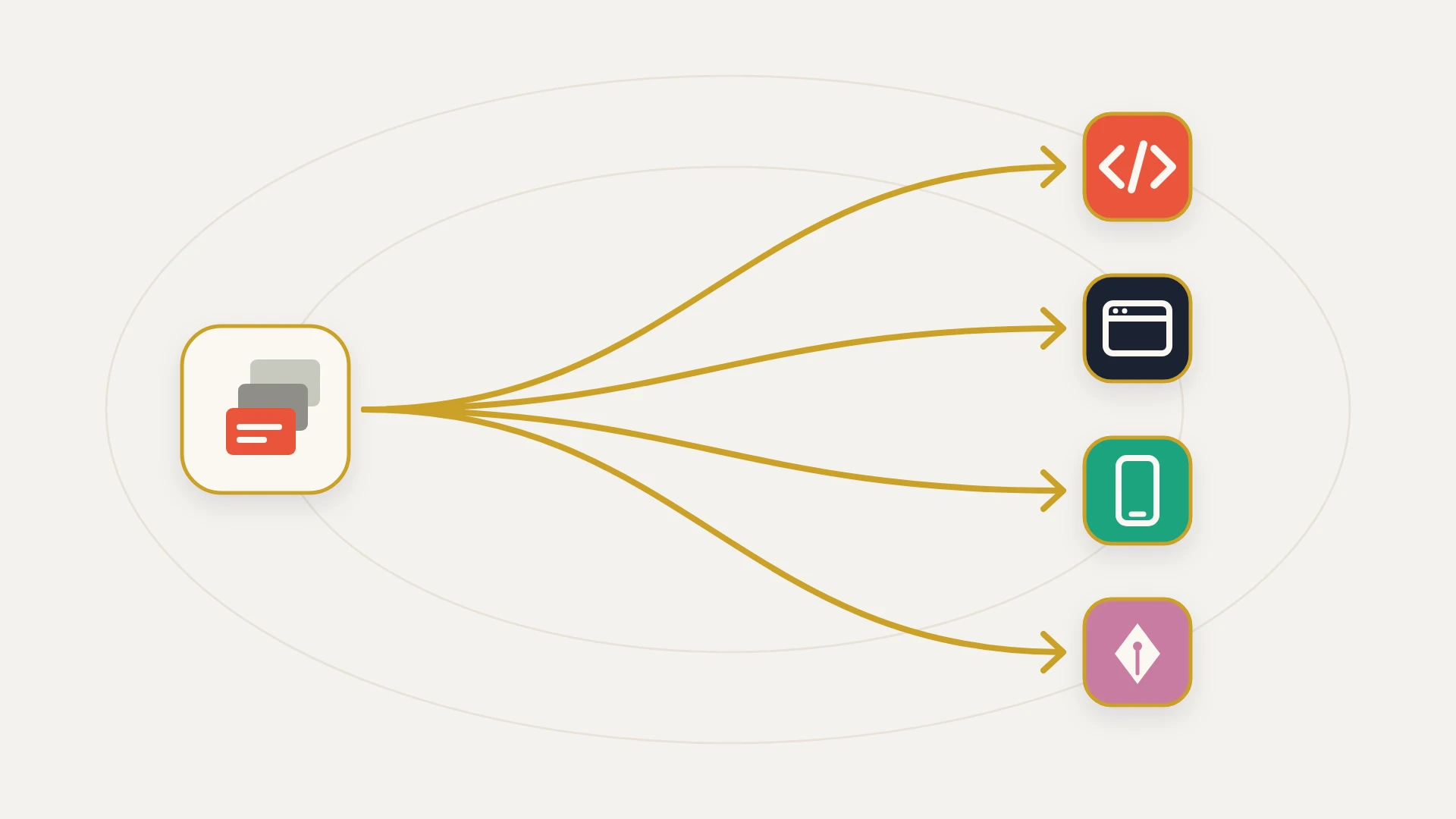
That origin matters, because it determines which alternatives are real. If the problem is the invoice, then swapping to another enterprise iPaaS is motion rather than progress: same arrangement, different logo, a quote that is lower this year and converges over three. The alternatives that genuinely change something change one of three things, and it is worth being explicit about which one you are shopping for before looking at a single vendor page.
This is the enterprise-tier version of a question we have covered one weight class down. If you are actually shopping below this tier, Zapier alternatives covers the per-task platforms in detail and this post will send you there rather than repeat it.
In this article
1.
2.
3.
4.
5.
6.
7.
8.
9.
10.
11.
Workato Alternatives: The Short Answer
Almost every list of Workato alternatives you will find is entirely tier one, usually because it was published by a tier one vendor. That is not dishonest, it is just a narrow frame, and it quietly assumes the arrangement is fixed and only the supplier is in question.
What You Are Actually Buying From Workato
Workato does not publish pricing. Nothing on the site gives a number and every plan requires a sales conversation, so every figure in circulation comes from contract benchmarking rather than a price list. Be suspicious of any article that states Workato's price with confidence, including the ranges further down this one.
The structure, though, is public and it is the part that matters. You pay two things: a platform edition fee, which determines which capabilities you can access, and a usage fee, which scales with volume.
There are four editions, each containing the one below it: Standard, Business, Enterprise, and Workato One, which adds agentic capabilities on top of Enterprise. Additional on-premise agents and concurrency are purchasable separately depending on contract terms. Workato's documentation also notes that its current pricing model applies to direct customers who joined after February 2024, so older contracts may be structured differently, which is worth checking before you benchmark yourself against anyone else's numbers.
The meter is better than most people leaving it realise
This is the part worth reading carefully, because it is the single most common misunderstanding in a switching decision.
A task is counted every time a recipe invokes an action provided by a connector. What is excluded is unusually generous:
Failed actions do not count
In general all successfully run actions in a job are counted and failed actions are not. A job that errors does not bill you for the privilege. Several platforms do not work this way.
Control flow is free
Conditional actions with else, actions with an error monitor, call recipe, stop and repeat actions are not counted as tasks. Conditionals and loops themselves are not billable. Only the app interactions inside them meter when they execute.
Internal utilities are excluded
The API platform, callable recipes, logger, scheduler and variables are ineligible for billing. So the scaffolding you build to keep recipes readable and debuggable does not cost you anything to run.
So if your Workato bill is dominated by usage, you have a genuine optimisation problem and shopping meters is rational. If it is dominated by the platform edition fee, which is far more common at mid-market integration counts, then no meter comparison anywhere will help you, because you are not being charged for volume. You are being charged for access.
The Arithmetic Nobody Runs Before the Renewal Call
One calculation decides this question and it takes about ten minutes.
Integration estates skew hard. A small number of recipes carry the business and a long tail runs monthly, duplicates something else, or was built for a process that ended. Nobody deletes them because nobody is certain what depends on them, so the tail persists and quietly inflates the sense that the platform is doing a great deal of work.
When teams actually run the inventory, a mid-market contract in the tens of thousands frequently resolves to a handful of load-bearing integrations. At that point the per-integration monthly cost is four figures for connections that have not been edited in a year, and the question stops being which vendor is cheaper and starts being whether renting a platform is the right shape at all.
Platform pricing assumes breadth. If you have depth instead, a small number of integrations that matter enormously and rarely change, you are paying a breadth premium for something you do not use.
Tier One: The Same Purchase, A Different Vendor
These are the alternatives every list leads with. They are real products and some are meaningfully cheaper for specific shapes of estate, but be clear that the arrangement does not change: you rent a platform, you build the integrations, you operate them, and the fee recurs.
Boomi
The most interesting 2026 development in this tier is that Boomi now publishes a Pay-As-You-Go plan at $99 a month plus $0.05 per message with no contract. For a small, low-volume footprint that is a genuinely transparent entry point and the only published price in the whole category. Its committed subscription editions remain quote-based, and enterprise pricing has historically been shaped by connection count, with reported per-connection costs running into the thousands annually. So Boomi is potentially dramatically cheaper at the bottom and broadly comparable at the top.
MuleSoft
Salesforce-owned, engineering-led, and the heaviest option here. MuleSoft repackaged in 2026: new customers buy Anypoint Integration Starter or Advanced, metered on Mule Flows and Mule Messages, while the legacy vCore editions remain for existing customers. Reported median contracts sit in the mid five figures annually and first-year cost is commonly a multiple of the subscription once implementation is counted. Moving here from Workato is not a cost reduction, it is a move toward API-led engineering control.
Celigo
Strongest where the estate is NetSuite-centric or ecommerce-shaped, with a flow-based model that tends to be more predictable than task metering. No published list pricing, with third-party benchmarks putting smaller deployments in the high hundreds to low thousands per month and larger multi-flow deployments past $5,000 a month. Less comfortable with heavy database work. If your world revolves around NetSuite, this is the tier-one option to price first.
Tray.ai, Jitterbit, SnapLogic and Informatica
Tray.ai suits teams who want building flexibility over speed. Jitterbit tends to score well on usability and compliance, which matters in regulated industries. SnapLogic and Informatica carry enterprise data-integration heritage and are generally a different conversation from workflow automation. All are quote-based. All keep the arrangement identical.
A note on sources for this whole tier. Many of the comparison articles ranking for these terms are published by the competitors themselves, which is why the framing is always "switch to us" and never "you may not need any of us". Read them for feature detail and discount the conclusions.
Tier Two: Down a Weight Class
Zapier, Make and n8n are frequently listed as Workato alternatives and the honest framing is that they are a different weight class rather than a like-for-like swap. For some teams that is exactly right, because they were sold an enterprise platform for a mid-market problem.
The economics are genuinely dramatic at the bottom. n8n's self-hosted Community edition is free with unlimited executions, so your cost is the server, commonly single digit dollars a month. Its cloud plans start around €20 a month for 2,500 executions and €50 for 10,000, and as of April 2026 active workflow limits were removed across every plan, so you pay purely on executions. Because it meters a whole workflow run rather than each node, complex logic is cheap to run.
What you give up is most of what the platform fee buys: governance, audit, support commitments, enterprise connector depth, and, if you self-host, someone else being responsible when it stops at 2am. That last item is not a footnote. It is usually the reason the enterprise contract existed.
Rather than repeating that comparison here, Zapier alternatives covers this tier properly, including where each meter actually bites, and what iPaaS means covers the category boundaries if the tiers themselves are the confusing part.
Tier Three: No Platform Contract At All
The option missing from every vendor-published list is not using an integration platform.
For a stable estate of a few integrations, the work a Workato recipe does is not exotic. It reads from one system, applies rules your business decided, and writes to another on a schedule or a trigger. That is ordinary software. The platform's value is that it makes this accessible to non-engineers across dozens of connectors, which is genuinely valuable when you need breadth and irrelevant when you need six things to work forever.
What you gain by owning it
- No platform fee, so cost does not recur or rise at renewal
- Logic written for your business rather than assembled from generic connector steps
- No per-task or per-message meter shaping how you design
- No vendor roadmap or repackaging risk
- The integration keeps running if a contract lapses
- Source control, real testing and a deployment process
What you give up
- No drag-and-drop surface for non-engineers to build on
- No library of prebuilt connectors for systems you have not integrated yet
- Somebody has to maintain it, which is a real cost and not zero
- Slower to add the tenth and eleventh integration
- No vendor support line to escalate to
- Poor fit if requirements change constantly
The crossover is easier to model than people assume, because you are comparing a one-time fee plus maintenance against a platform fee that recurs indefinitely and typically rises at renewal. Over three years the comparison is usually not close in either direction, which is the useful part: the answer is normally obvious once the arithmetic is on paper, and it goes both ways depending on integration count.
The HubSpot Version of This Question
Most teams reaching this question from a HubSpot-centred stack are not running forty systems. They are running HubSpot plus an ERP or accounting system, a billing system, a support tool, a data warehouse, and two or three others.
That shape is the exact middle of the market where the arithmetic turns. It is too much for HubSpot's native sync and workflow tooling, and Operations Hub covers precisely where that stops. It is too little for an enterprise iPaaS platform fee to make sense per integration.
So the practical sequence for a HubSpot stack is worth stating plainly:
- 1
Exhaust the native layer first
HubSpot's own data sync and workflows handle more than people expect, and they are included in what you already pay. Every integration you do not need to build anywhere is the cheapest possible outcome. The HubSpot integrations guide covers what connects natively.
- 2
Inventory what is genuinely left
Count integrations a business process depends on today, not recipes that exist. This is the number that decides everything downstream, and it is almost always smaller than the estate suggests.
- 3
Price both shapes against that number
A platform fee spread across the real count, versus a one-time build plus maintenance. If the count is large and growing, the platform wins. If it is small and stable, it does not.
- 4
Move the critical few, retire the tail
Whatever you choose, do not migrate the long tail. Retire it. Running a new destination alongside Workato for one renewal cycle costs less than an emergency migration and produces a real comparison instead of a projected one.
Which One Fits: An Honest Split
If several teams build their own automations, your connector needs are broad and unpredictable, and governance or audit requirements are real, Workato is doing a job the alternatives do worse. Negotiate the renewal, right-size the edition, and delete the tail to reduce usage. Leaving would be a downgrade dressed as a saving.
A NetSuite-heavy or ecommerce estate genuinely fits Celigo's model better. A low-volume footprint may fit Boomi's published Pay-As-You-Go plan. An engineering-led org standardising on API-led design may want MuleSoft despite the cost. These are real reasons. "The quote was lower" on its own is not, because it converges.
If the estate is modest, the builders are technical, and the governance requirements were aspirational rather than contractual, n8n or Make will do the work for a fraction of the cost. Be honest about self-hosting: free software plus your own on-call is not free.
A handful of connections carrying real business process, logic particular to how you operate, requirements that have not moved much in two years. This is the shape platform pricing serves worst and the shape a build serves best, and it describes a large share of the teams who go looking for Workato alternatives in the first place.
What No Alternative Solves
Here is the part that determines whether a switch goes well, and it is not on any comparison page.
The recipes were never the expensive part. The expensive part is the accumulated set of decisions behind them: which system wins when two disagree about the same field, which records are deliberately excluded and why, which step exists because of a one-off incident in 2023, and what the sync is supposed to do when a record is deleted on one side.
None of that is in the recipe. It is in the heads of people who configured it, some of whom have left, and it does not come out in an export. Every platform migration is therefore a rediscovery project wearing a migration costume. Teams who budget for rediscovery land roughly on schedule. Teams who budget for an export do not, and they usually conclude the new platform is worse, when what actually happened is that the old one was carrying undocumented decisions nobody had to think about until they moved.
Write these down before you move anything
Field-level ownership. For every field two systems both write, which one wins and under what condition. Per field, not per system. The data mapping guide covers how this gets recorded in practice.
Deliberate exclusions. Every filter that keeps records out of a sync, and the reason. These look like bugs to whoever rebuilds them and get removed.
Delete and merge behaviour. What happens downstream when a record is deleted or merged upstream. Almost nobody documents this and it is the most common source of post-migration data loss.
Real trigger conditions. Not "when a deal changes" but the actual property, the actual stage, and the actual exclusions. The gap between the described trigger and the configured one is where rebuilt integrations quietly diverge.
What each integration is for. One sentence naming the business outcome. Anything without an answer is a candidate for the retire pile, and the retire pile is how this project gets small enough to finish.
Quote came in and the per-integration number was hard to say out loud?
A senior developer on subscription: $2,995 a month, as many requests as you like, each shipped within 2 business days, and your money back if the first 14 days don’t prove it.
The Bottom Line
Sort the options by what changes, not by who ranks for the term.
Tier one changes the vendor. Boomi, MuleSoft, Celigo, Tray.ai, Jitterbit and the rest are capable platforms, and switching between them is worth doing when the estate shape genuinely fits another vendor's model better. It is not worth doing because one quote came in lower, because quotes converge and migrations do not get refunded.
Tier two changes the weight class. n8n and Make will run a modest estate for a fraction of the cost, with a meter that is often gentler than people expect. What disappears is the governance, the support and the person who is responsible at 2am, and those were usually the reason the enterprise contract existed.
Tier three changes whether there is a contract at all. For a small number of integrations carrying real business process with logic specific to how you operate, owning the code removes a recurring fee that would otherwise rise every renewal for as long as the integration exists.
And before any of that, run the one calculation: annual contract divided by integrations genuinely in production. Not recipes built. Not recipes enabled. Integrations a business process depends on today. That single number answers this question more reliably than any feature comparison, and the reason so few teams have it is that producing it means admitting how much of the estate is tail.