Search for HubSpot vs Marketo and you get feature grids: email builder against email builder, scoring against scoring, attribution against attribution. They are mostly accurate and mostly beside the point, because the two products are not built the same way underneath.
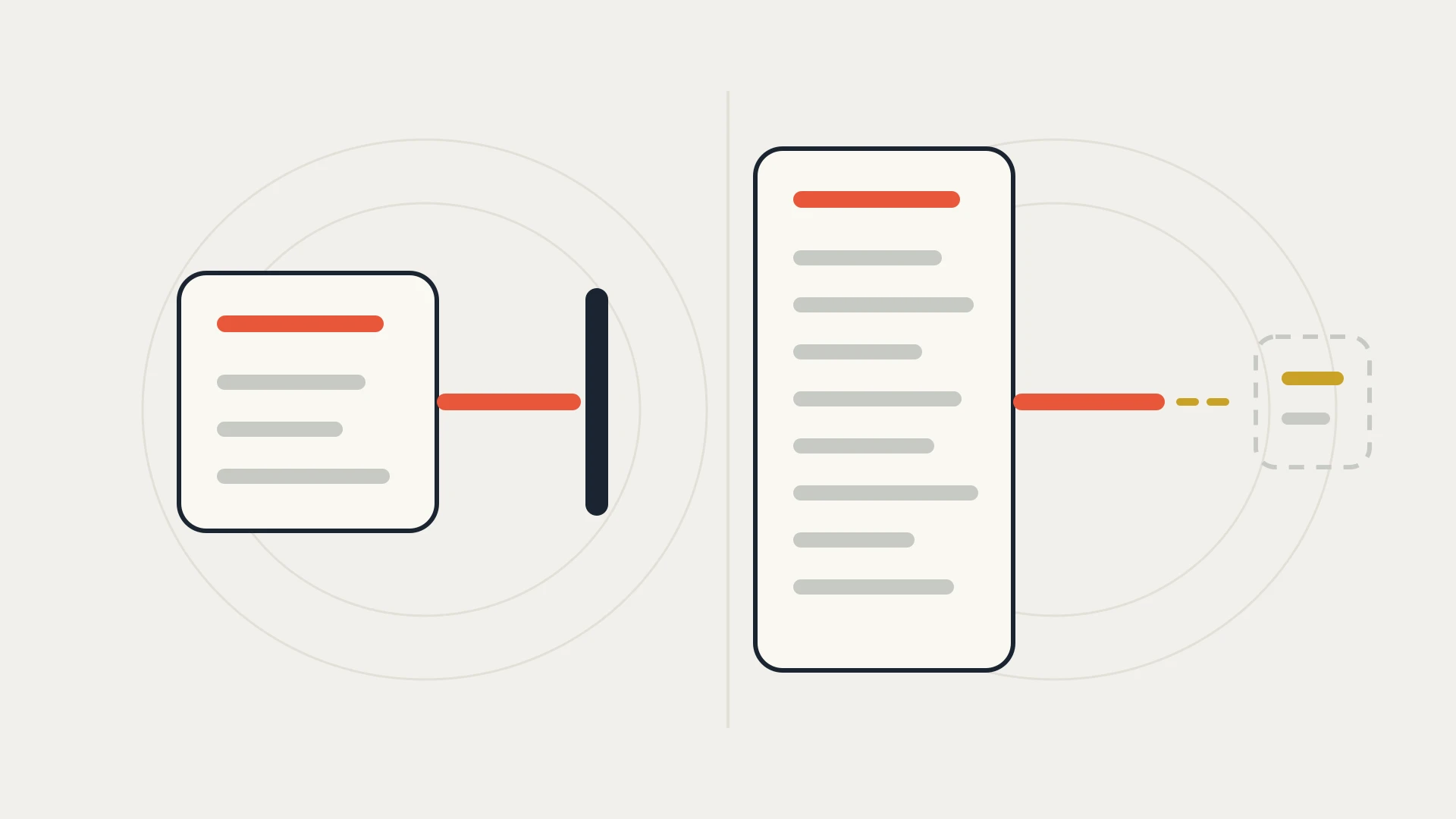
Marketo Engage is marketing automation built to sit on top of a CRM that lives somewhere else. Adobe's own packaging page lists native CRM integration with Salesforce, Microsoft Dynamics and Veeva on every package, and a large share of Adobe's documentation is about keeping Marketo and that CRM in step. HubSpot's Marketing Hub is the marketing half of a platform whose CRM is built in.
That one difference decides more than any row in a feature grid. It decides where a record lives, how quickly a change reaches sales, which fields can travel in which direction, and whose API allowance pays for the traffic between them. So this comparison starts there, and it uses only what Adobe and HubSpot publish themselves.
We build and maintain custom HubSpot integrations, so read this knowing where we sit. We are not an Adobe partner or a HubSpot reseller, we make nothing from either licence, and there are companies for which Marketo is the right answer. Every figure below comes from Adobe's and HubSpot's own pricing pages, product catalogs, knowledge bases and developer documentation as of September 2026.
In this article
1.
2.
3.
4.
5.
6.
7.
8.
9.
10.
11.
The Short Answer
If your company already runs Salesforce or Microsoft Dynamics as the system of record, the sales team is not moving, and marketing needs deep lead management and account-based programs on top of it, Marketo was built for exactly that, and its sync is a mature, well-documented piece of software.
If you do not have a CRM you are committed to, or the CRM you have is the thing you would like to be rid of, HubSpot removes the sync entirely, because marketing and sales use the same database. It also publishes its prices, which Adobe does not.
The expensive mistake is comparing the two as if they were the same kind of product. A Marketo quote without the CRM next to it is half a price. A HubSpot quote for a company that is keeping Salesforce needs a sync as well, and at that point the architecture looks a lot like Marketo's.
Two Systems and a Sync, or One Database
Start with what the Marketo Salesforce sync actually does, because Adobe documents it clearly.
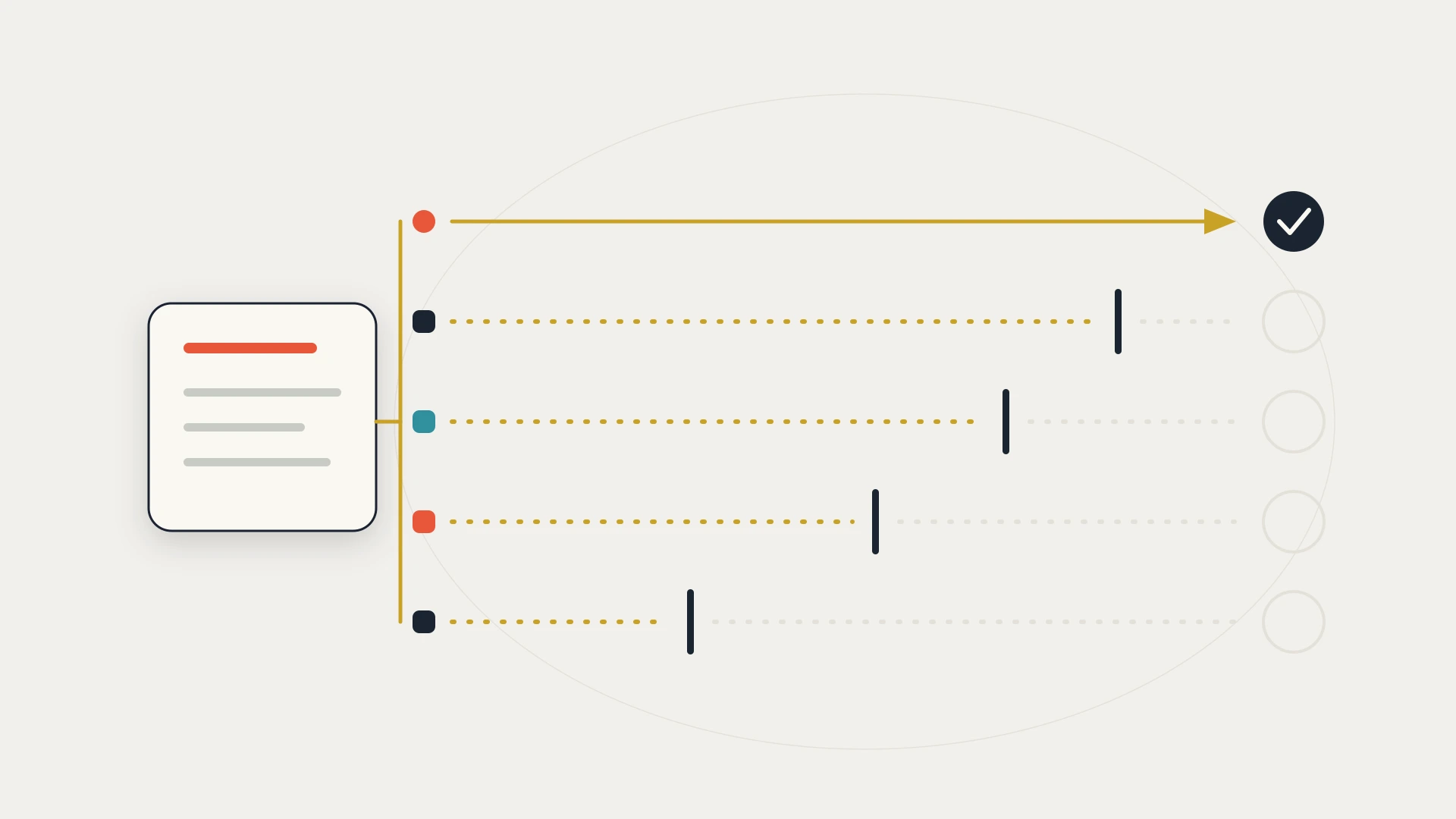
Adobe says Marketo syncs with Salesforce all day, every day. Each sync takes some time, pauses for 5 minutes, then starts again. The first sync can take hours or even days, because Marketo copies the entire database from Salesforce. After that, each cycle typically takes seconds or minutes and moves only what changed.
Then the line that matters most. The sync is bidirectional only for leads, contacts and Salesforce campaigns. Everything else, which Adobe lists as including accounts, users, opportunities, custom objects and activity data, syncs from Salesforce to Marketo only. And the sync sees only what the Salesforce credentials you gave it can see.
That one-way list is the part to plan around. If a marketing program changes something about an account or an opportunity, the change does not flow back to Salesforce through the sync, because those objects only travel the other way. That is a reasonable design. Salesforce owns the pipeline and Marketo reads it. But it means some things marketing would like to write need another route, and every route is something to build and maintain.
With Marketo, the question is always which system owns the field. With HubSpot on its own CRM, there is only one system, so the question never comes up.
The same question comes back the moment a HubSpot customer keeps Salesforce. More on that below, because it is the case where the two products look most alike.
The API Budget Both Syncs Share
This is where the architecture turns into money. A sync is API traffic, and a CRM rations API traffic.
Adobe's knowledge base says it plainly: the API limit for Salesforce is determined by your Salesforce agreement. Marketo bundles updates to use fewer calls, but depending on how much data you sync and your Salesforce limit, you can hit the daily ceiling. Its first recommendation is to avoid Sync to SFDC flow steps, because each one costs one Salesforce API call per lead.
HubSpot's side of the same situation is documented just as plainly. Its knowledge base says one contact sync can take up to four API calls per record, that the integration checks for changes about every 15 minutes, and that a manual segment sync needs at least three Salesforce API calls per record available before you start. HubSpot shows how many calls it used in the last 24 hours, and lets you cap how many Salesforce calls it may use.
Then there is each product's own API, which is what your other integrations use to read and write marketing data.
Adobe's REST API documentation says each Marketo subscription is allocated 50,000 API calls per day, resetting at 12:00 AM CST. Each instance is limited to 100 calls per 20 seconds and a maximum of ten concurrent calls. Adobe's pricing page lists 20,000 calls a day on Growth and 50,000 on Select, Prime and Ultimate. To raise the daily quota, Adobe says to contact your account manager.
HubSpot's developer documentation gives private apps on Professional 190 requests every 10 seconds and 625,000 a day, and on Enterprise 190 every 10 seconds and 1,000,000 a day. Starter gets 100 every 10 seconds and 250,000 a day. Marketplace apps get 110 requests every 10 seconds per installing account.
Those numbers are not a verdict on their own. A well-designed Marketo integration uses bulk endpoints and lives comfortably inside 50,000 calls. But the budget is shared by everything connected to the instance, and ten concurrent calls is a real constraint when three vendors' connectors all run their jobs at the top of the hour. Our guide to how API integration works and where it breaks covers how to design around limits like these.
What Each One Costs
Here the two vendors behave completely differently, and that difference is information in itself.
Adobe does not publish Marketo Engage prices. Its pricing page lists four packages, Growth, Select, Prime and Ultimate, each with a Get pricing button rather than a figure, and a form to get customized pricing. What it does publish is what each package includes.
HubSpot publishes Marketing Hub prices. Starter is $7 per seat per month billed annually, or $20 monthly, with 1,000 marketing contacts. Professional starts at $800 a month billed annually, or $890 monthly, with 3 Core Seats, 2,000 marketing contacts and a required one-time $3,000 onboarding fee. Additional Core Seats start at $45 a month. Enterprise starts at $3,600 a month, with 5 Core Seats, 10,000 marketing contacts and a required $7,000 onboarding fee.
HubSpot's contact model has one detail worth knowing before you compare quotes. Only contacts you mark as marketing contacts count toward the Marketing Hub bill. Non-marketing contacts are free up to a limit of 15 million contacts in total. HubSpot bills immediately when you go over your marketing contact tier, and does not lower the tier until your contract renews.
Packages and Tiers, Side by Side
Adobe's packaging page shows what moves between Marketo packages. Growth includes 10 users and 20,000 daily API calls. Select, Prime and Ultimate include 25 users and 50,000. The lead and account database, native CRM integration, email, landing pages, scoring and routing, and campaign reporting are included on all four.
The differences come higher up. Custom data objects and fields are included at 10 objects and 2 million records on Select, Prime and Ultimate, and are a paid add-on on Growth. Event and webinar marketing, attribution and ROI dashboards, and dynamic chat are included from Select. Target account management, predictive audiences, advanced journey analytics, a sandbox, and workspaces and partitions are included from Prime. Marketo Measure, Adobe's attribution product, is included only on Ultimate.
HubSpot's catalog does the same for Marketing Hub. Professional adds omni-channel marketing automation with up to 300 workflows, custom reporting with up to 100 reports, up to 10 teams, 40 calculated properties, lead scoring (up to 5 scores), ABM tools and the Salesforce integration. Enterprise raises workflows to 1,000 and adds custom objects (10 definitions and 1,000,000 records), multi-touch revenue attribution, and a standard sandbox.
Both vendors hold back the same three things for their upper tiers: custom data, a safe place to test, and serious attribution. What differs is how many tiers down each one draws that line.
If You Are Keeping Salesforce
This is the most common real-world version of the question, and it is where the two products are most alike.
HubSpot's native Salesforce integration needs a Professional or Enterprise subscription. HubSpot's catalog allows up to 500 field mappings per object and one Salesforce account connected at a time. Its knowledge base says Salesforce needs to be an edition with API access or Salesforce Professional, and that Group Edition is not supported. Once connected, it is two systems and a sync, the same shape as Marketo.
So if Salesforce stays, choose on the marketing work, not on the connector. Both vendors document their sync in detail, both spend Salesforce API calls to run it, and both leave you to decide which system owns each field. Our HubSpot Salesforce integration guide covers how HubSpot's connector behaves and where teams build around it.
The option that actually changes the architecture is the one where Salesforce does not stay. If sales would move into HubSpot, the sync disappears, and so does the question of who owns each field. That is a bigger project than swapping marketing tools, and it is the only version of this decision that removes a moving part instead of replacing one.
Choosing a marketing platform around a CRM you already run?
That is what the free audit is for. We look at what your CRM already syncs, how much of its API budget is already spent, which fields marketing needs to write back, and whether a native connector covers it or something custom is needed. If the honest answer is that the native sync handles it, we will tell you so and you will have lost half an hour. Book a free audit before you sign either contract.
If You Are Moving From Marketo to HubSpot
The migration risk here is less about the tool and more about everything the old sync was quietly doing.
A Marketo instance that has been running against Salesforce for years has habits built in. Programs write to fields that Salesforce reports depend on. Scoring lives in a field that routing rules read. Sync to SFDC steps sit in flows that nobody remembers adding. None of that is visible in an export of leads and programs, and all of it keeps something downstream working.
So before anything moves, make a list of every field Marketo writes that some other system reads, and decide who writes it after the switch. Our HubSpot data migration guide covers what moves, what breaks and what it costs, and the data mapping guide covers how to decide which system owns each field before anyone writes code.
HubSpot vs Marketo, Line by Line
| HubSpot Marketing Hub | Adobe Marketo Engage | |
|---|---|---|
| Where the CRM lives | Built in, the same database | Separate. Native sync with Salesforce, Microsoft Dynamics and Veeva |
| Published pricing | Yes. Professional from $800/mo annually, Enterprise from $3,600/mo | No. Four packages, each with a Get pricing button |
| Required onboarding | $3,000 on Professional, $7,000 on Enterprise | Not published |
| Users included | 3 Core Seats on Professional, 5 on Enterprise | 10 on Growth, 25 on Select, Prime and Ultimate |
| Daily API allowance | 625,000 on Professional, 1,000,000 on Enterprise | 50,000 per subscription, listed as 20,000 on Growth |
| Burst and concurrency | 190 requests per 10 seconds per private app | 100 calls per 20 seconds, ten concurrent, per instance |
| Custom objects | Enterprise, 10 definitions and 1,000,000 records | Select and up, 10 objects and 2 million records. Paid add-on on Growth |
| Sandbox | Enterprise | Prime and Ultimate. Paid add-on below |
| Salesforce sync | Professional and up, up to 500 field mappings per object, one Salesforce account at a time | Two-way for leads, contacts and campaigns. Salesforce to Marketo for everything else |
| Sync timing | Checks about every 15 minutes | Continuous cycles with a 5 minute pause between them |
Which One to Pick
The company is committed to its CRM, sales will not move, and the marketing team runs lead management and account-based programs at a scale where Marketo's depth pays off. Budget for the CRM licence alongside it, check how much of the CRM's API allowance is already used before the sync starts, and plan for the objects that only flow from Salesforce into Marketo.
Either you have no CRM you are attached to, or the one you have is the part you would like to replace. You drop the sync entirely, and with it the question of who owns each field. The prices are published, so you can budget before talking to anyone. Plan for Enterprise only if you need custom objects, a sandbox or multi-touch attribution.
This works and is common, but it has the same shape as Marketo: two systems and a sync. Choose it for the marketing tools, not to simplify things, and give the Salesforce integration its own API budget and a written field-ownership map from day one.
Three questions settle this faster than a feature grid.
Is the CRM staying? If it is, you are choosing a marketing tool to sit beside it, and both products sync. If it is not, only HubSpot removes the sync.
What does marketing need to write back? Make a list. If it includes anything about accounts or opportunities, note that the Marketo Salesforce sync only carries those one way, and plan the route for them before you sign.
How much API budget is left? Look at what your CRM's integrations use on their busiest day. A marketing sync will add to it, whichever product runs it.
The Bottom Line
The usual verdict, that Marketo is for enterprises and HubSpot is for mid-market, is not wrong so much as incomplete. It describes who tends to buy each product, not what either one does to your architecture.
What holds up once you look at the documentation is this. Marketo is marketing automation built to work beside a CRM, with a sync Adobe documents carefully and limits it publishes honestly. HubSpot is a CRM with marketing built in, so on its own it has no sync at all, and beside Salesforce it has one just like Marketo's.
Neither is a trap. But only one of them lets you get rid of a moving part, and only one publishes a price.
So before either demo, do one thing. Draw your current stack on a single page, with an arrow for every sync and every system that writes into the CRM. Then draw it again with each option in place. Count the arrows. If one version has fewer, that tells you more about the next three years than any feature grid will.